



MrAstralWeeks
Members
-
Joined
-
Last visited
Everything posted by MrAstralWeeks
-
-
-
 I only play lore-friendly, but I might get around to it one day. I want to but can't find the female's file... I'm sure I'm just being an idiot as it must be there somewhere. When I find it I will update the female as well.
- 9 comments
- 1 review
-
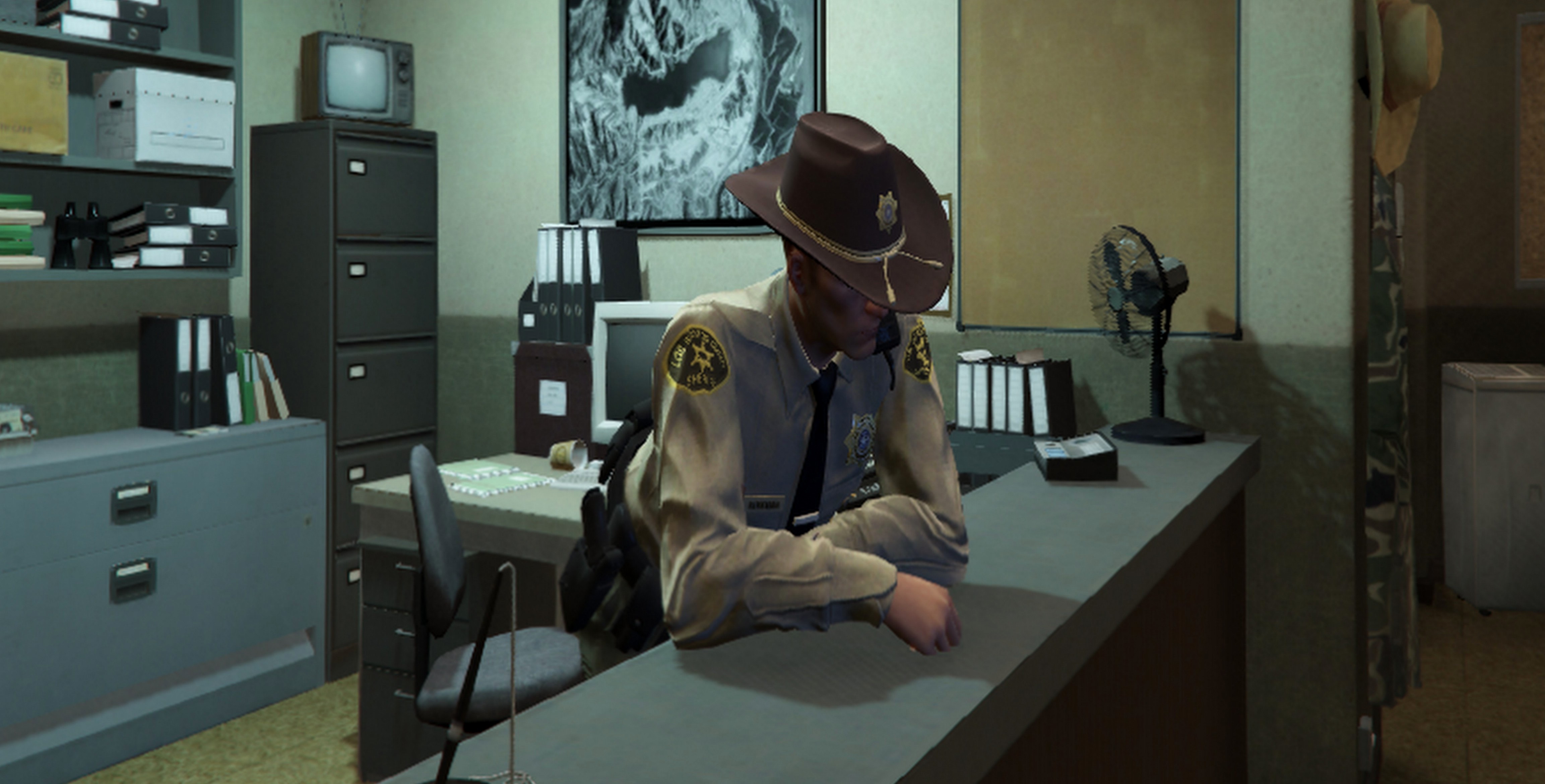
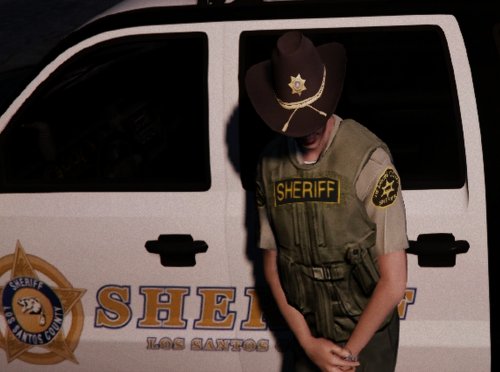
This replaces the awful, unreadable Sheriff patches with better quality ones and changes the 'police' on the ballistic vest to 'sheriff'. Also included is a black ballistic vest and an optional sheriff badge. For installation instructions see the 'Readme'.
- 9 comments
- 1 review
