
Crowley
Members
-
Joined
-
Last visited
Everything posted by Crowley
-
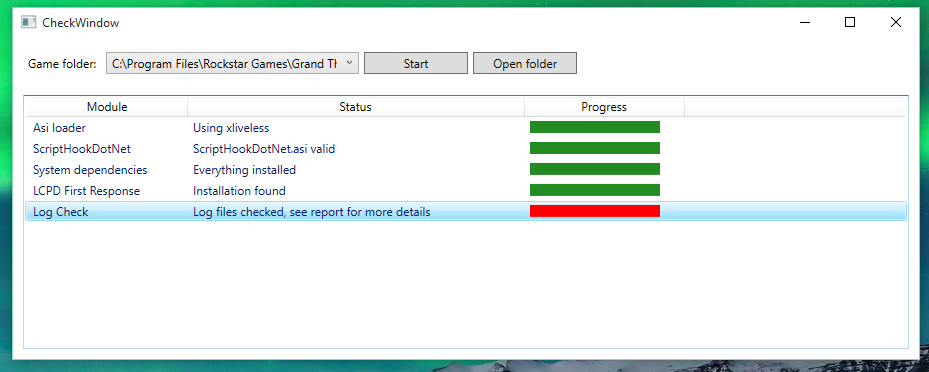
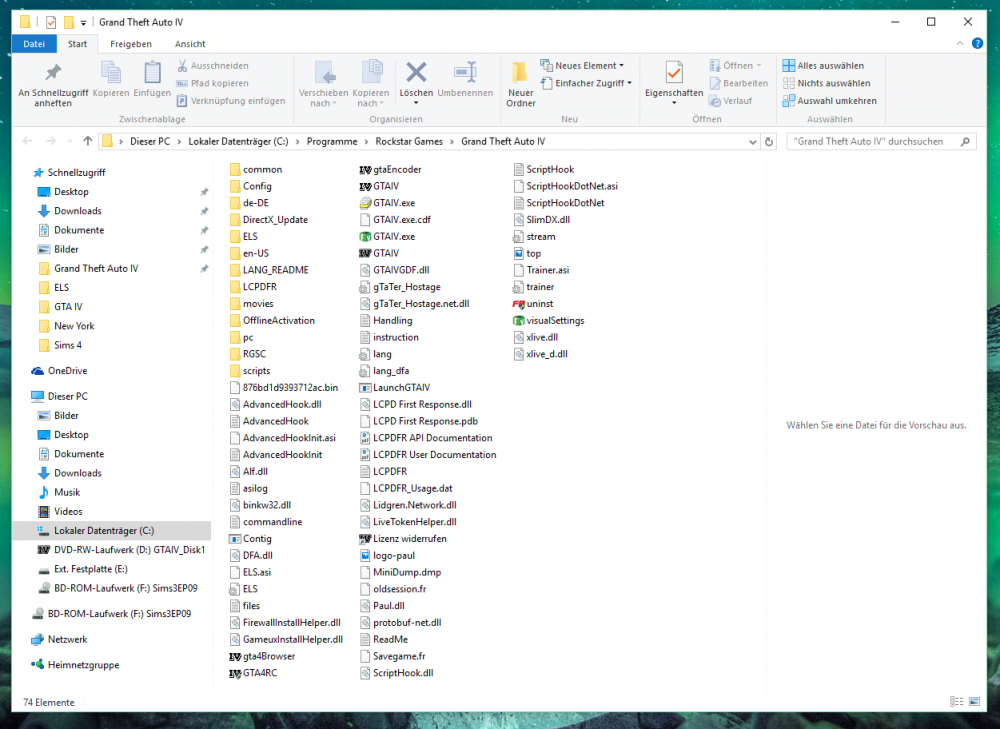
Hey folks! I'm using the LCPDFR mod (on Win 10) with the simple native trainer (which is turned off), ELS and some police car mods. Unfortunately I can't enjoy the game and the wonderful LCPDFR mod 'cause my game crashes after 10 - 20 minutes. All the time! It's everytime the same error message: "GTA doesn't work anymore.". LCPDFR recognises the crahs and offers to me start a new session. Sometimes the game even crashes during the loading screen... This is the log of the diagnostics tool: The pictures show how my GTA folder looks like and what the error tool gives me as r esult. Maybe you guys have a possible solution for me - it would be very nice to hear your thooughts!! Thank you =)
-
Thank you guys - I use xliveless and downloaded the software. Everything works fine now!! :) Topic can be closed.
-
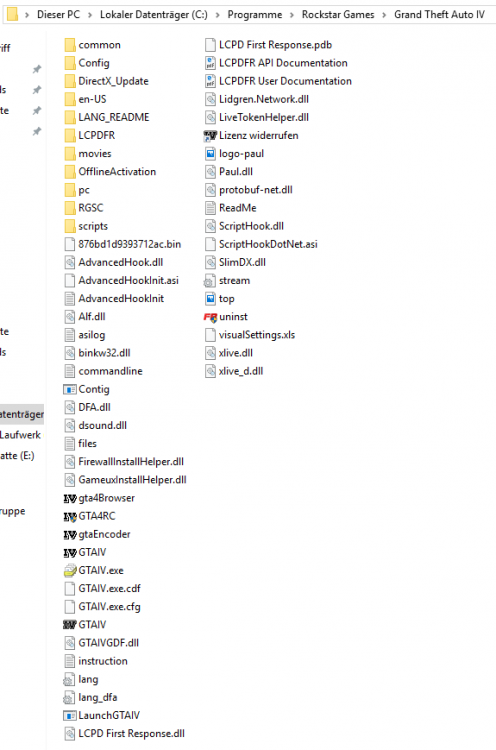
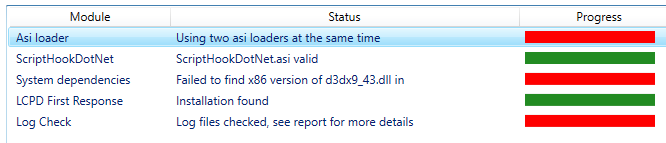
Hi, folks! I finally updated my PC to Windows 10 and installed GTA4 and LCPDFR again. After installing GTA4, I ran a few bug fixes and installed the latest Patch 1.0.7.0. Everything works fine now and I can start and play the game. Then I installed the latest version of the LCPDFR mod (automatic installer) and when I want to start it, nothing happens. I guess it's because of two ASI-Loaders which are both in the GTA4 directory but I really don't know which one to delete. More over the Diagnostic tool gives me some other error info, for which I have no use for... This is the diagnostics: You can find my GTA4 folder and the result of the diagnostic tool in the enclosure. Thank you very much in advance for your help!