AussieChaos
Members
-
Joined
-
Last visited
Everything posted by AussieChaos
-
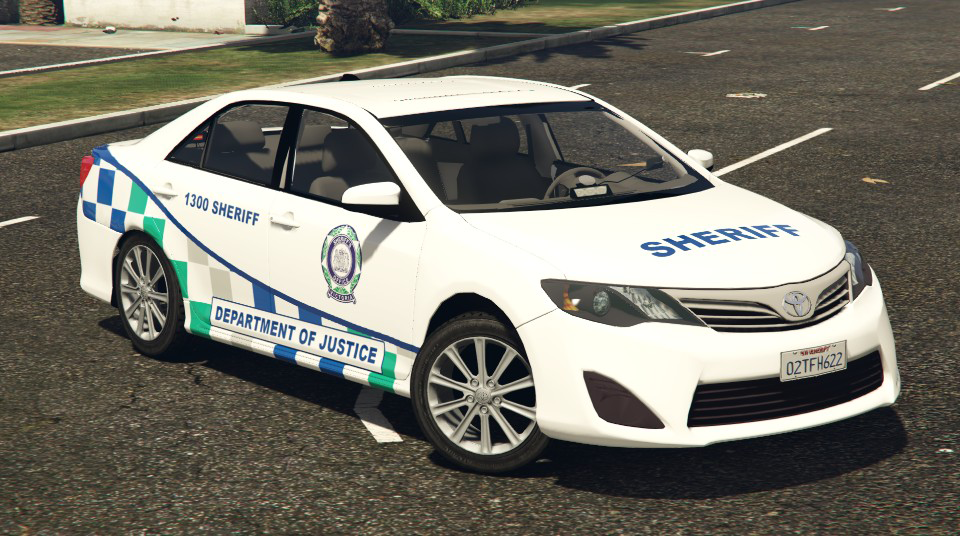
I done a DOJ skin also, but I'm going to wait for the un-marked evoke and divvy van and do DOJ skins for those and upload in a pack. I know we might be waiting awhile on the divvy van but I can wait
-
You can generally find that stuff on google. but you might have to custom make one if you can't find any decent ones. what one is it?
-
We have a unmarked silver terry here in shepparton (yes, I live in shepparton. sorry.) and the setup is exactly like that pic skilful posted. You gotta get right up to the rear window to see them due to the tint. Next time I see it I'll take some pics (If they are still needed that is)
-
Was going to attempt a AFP Terry earlier but those damn wavy decals are a pain in the ass. Not at that level yet lol
-
Thinking of having a crack at a AV skin also... I'm addicted to this territory lol But in saying that, I might wait for Mac's one to be released. Camry template would be good also.
-
awww no tease? lol
-
Can't fkn wait! The hype is real.
-
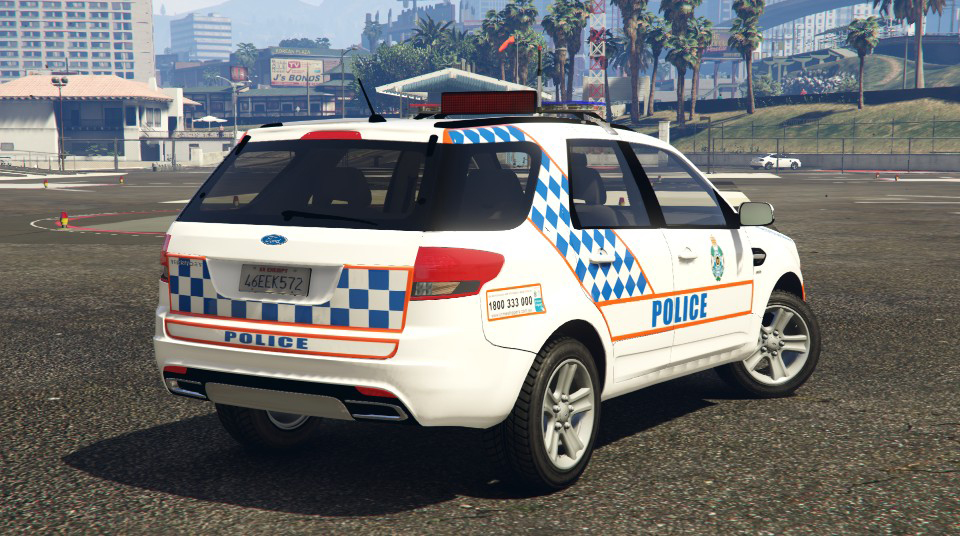
Queensland Police Ford Territory Livery

-
 Ford Territory Queensland Police Livery for MooseYTY's Model. Link to Model: Credits:Livery by - Aussie ChaosModel by - MooseYTYTemplate by - MooseYTY
- 2 comments
- 1 review
-
-

- 2
-
-
Finished the livery.
-
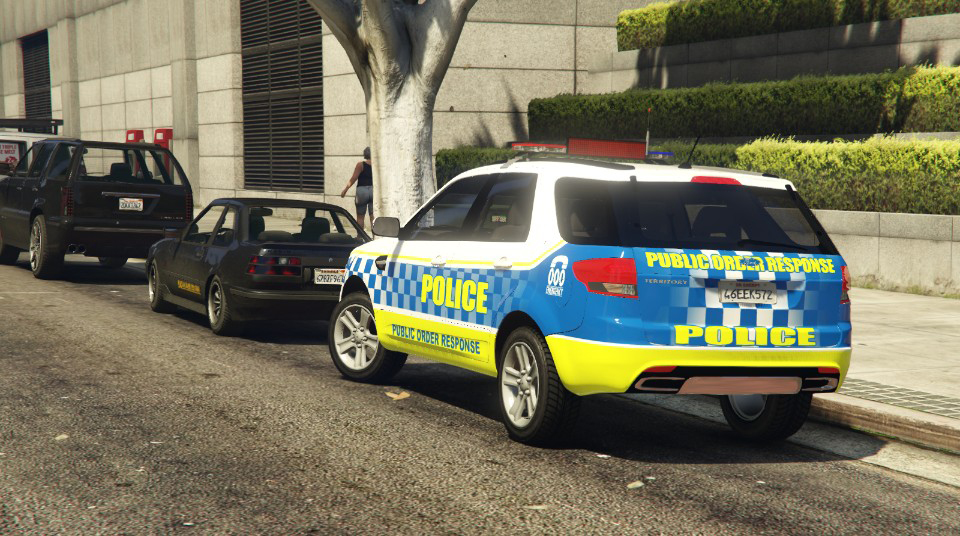
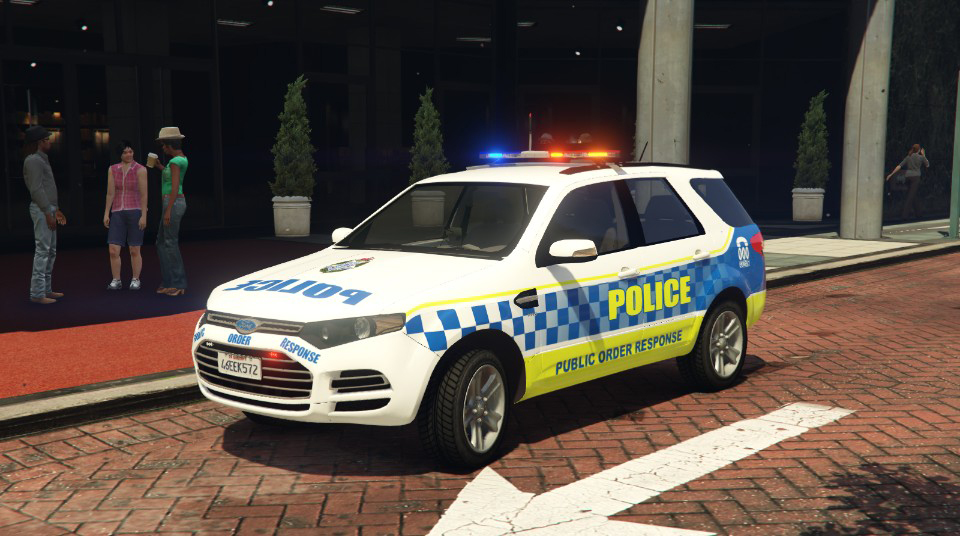
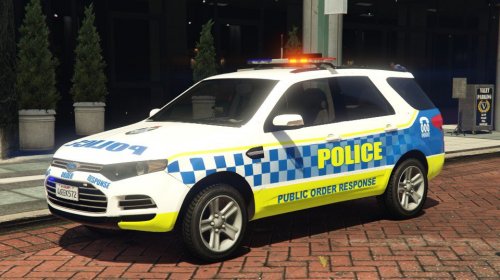 Ford Territory Public Command Livery for MooseYTY's Model. Link to Model Credits: Livery by - Aussie Chaos Model by - MooseYTY Template by - MooseYTY
 -
Yeah I noticed that last night.. you thinking DOJ livery? haha
-
Yeah GD was my next skin but go right ahead I'll let you have that one since I rudely done the PRU when you shotty'd it lol Ah bugger. All good I'll just wait for him to release his one and just copy what I can over to that.
-
Beat ya to it
-
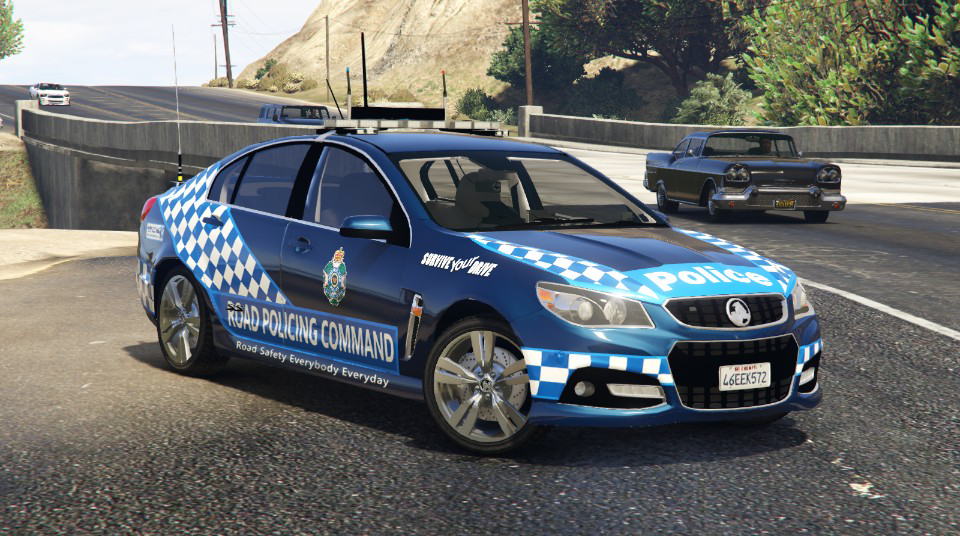
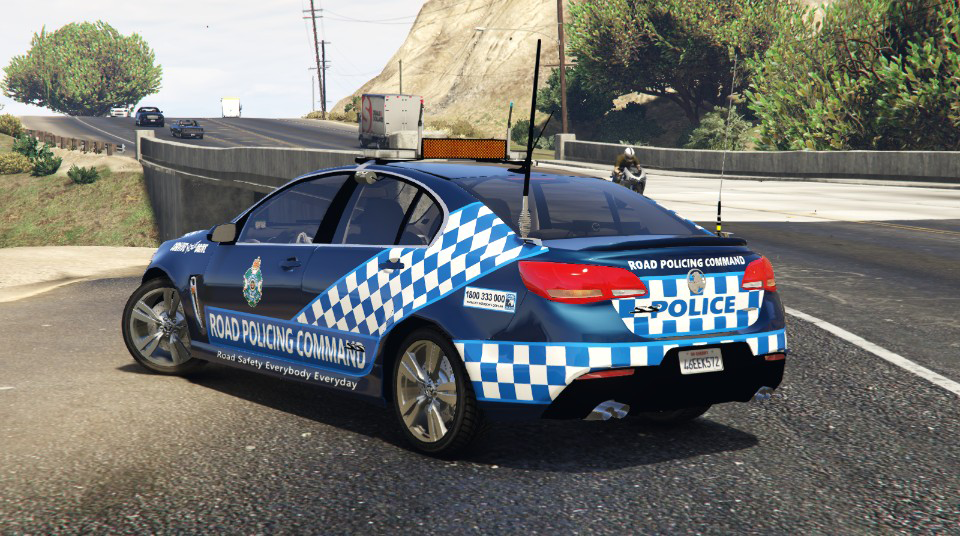
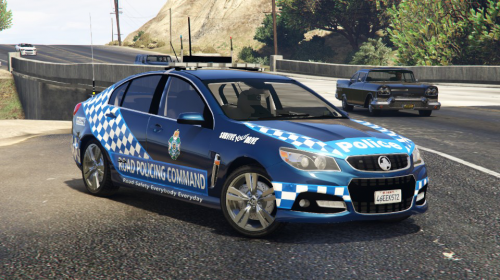 Queensland Road Policing Command Livery created by AussieChaos Hey guys, thought I'd do a skin for the Queenslanders.. it's the Road Policing Command Livery. Hope you guys like it! Includes: Queensland Road Policing Command LiveryLinks to Models used: Credits!Livery created by Aussie ChaosTemplate created by MacgregorModel created by Moose and Macgregor
 -
EDIT: Finished! Hope you guys like it..
-
That would be AMAZING. Haha!
-
If it makes you feel better I'm actually a ford guy so my argument is invalid haha. But I really do like the VF's
-
Haha just personal preference mate.. I prefer using the newer stuff. I think the VF looks a million times better than the VE's.
-
VF evokes for sure! VE's are poo :P
-
RBT Skin released New South Wales RBT Emergency Brickade (still dunno how to attach the mod link lol)
-
 New South Wales RBT Skin for Emergency Brickade created by AussieChaos Hey guys, still new at doing liveries for GTA 5. Here is a NSW RBT skin for the Brickade Includes: NSW RBT Skin for Emergency Brickade by Ali Mc and Thero REQUIRES Emergency Brickade by Ali Mc and Thero Link to Model used https://www.gta5-mods.com/vehicles/s-w-a-t-brickade-v1-0b NOTE: I highly recommend replacing the police riot instead of as an add on. Follow the instructions provided with the Emergency Brickade Model above. Credits!Livery created by Aussie ChaosTemplate created by TheroModel created by Ali Mc
 -
Yeah lol.. To be honest I just spawned in the 2 cars quickly for the photo. So I just went with whatever spawned.
-
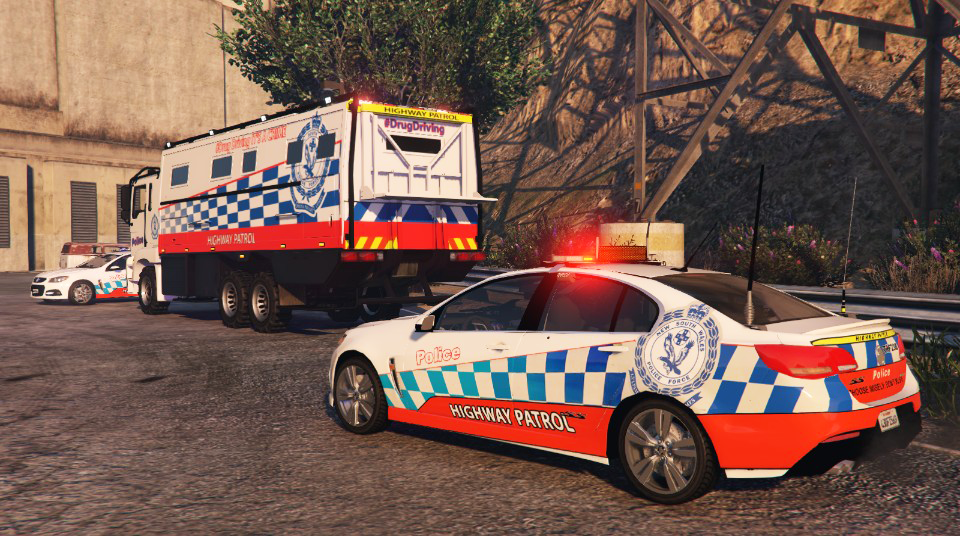
Thought this was a great idea and worked on it over the weekend. Still W.I.P at the moment. Had to alter to livery alot to fit with the Brickade


-
Random shot from this evenings patrol.