
Limpy
Members
-
Joined
-
Last visited
Everything posted by Limpy
-
-
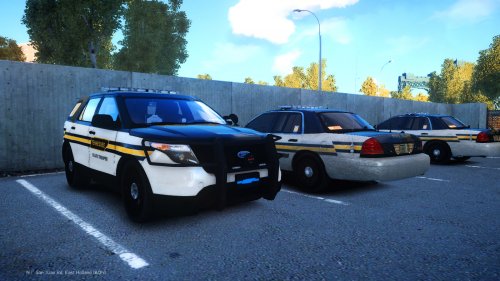
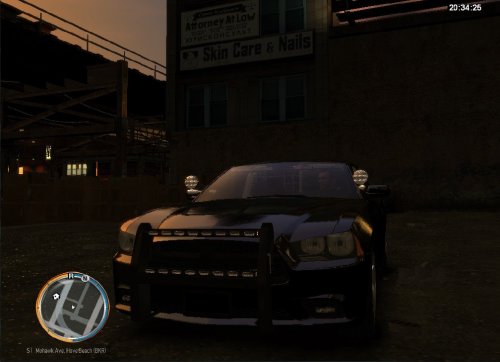
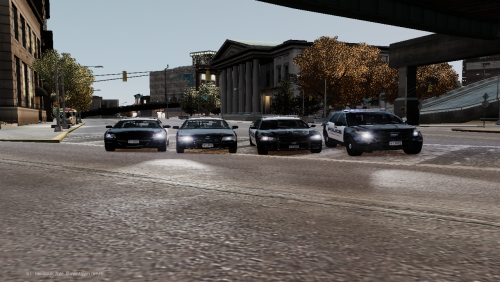 Very nice simple cars. Love the ALPR's. Would love to see an updated version with a few more lights at different levels on the car! Handling for the cars really needs to be worked on though... Its bad
 -
-
-
-
-
When I launch Sparkiv and try to open GTAIV I get this error http://gyazo.com/a0bee1dcdcc7cfa1525bed620dc24c0f. The details of the error are, See the end of this message for details on invoking just-in-time (JIT) debugging instead of this dialog box. ************** Exception Text ************** System.NullReferenceException: Object reference not set to an instance of an object. at RageLib.Common.KeyUtilGTAIV.FindGTADirectory() at SparkIV.MainForm.toolStripGTAIV_Click(Object sender, EventArgs e) at System.Windows.Forms.ToolStripItem.RaiseEvent(Object key, EventArgs e) at System.Windows.Forms.ToolStripButton.OnClick(EventArgs e) at System.Windows.Forms.ToolStripItem.HandleClick(EventArgs e) at System.Windows.Forms.ToolStripItem.HandleMouseUp(MouseEventArgs e) at System.Windows.Forms.ToolStripItem.FireEventInteractive(EventArgs e, ToolStripItemEventType met) at System.Windows.Forms.ToolStripItem.FireEvent(EventArgs e, ToolStripItemEventType met) at System.Windows.Forms.ToolStrip.OnMouseUp(MouseEventArgs mea) at System.Windows.Forms.Control.WmMouseUp(Message& m, MouseButtons button, Int32 clicks) at System.Windows.Forms.Control.WndProc(Message& m) at System.Windows.Forms.ScrollableControl.WndProc(Message& m) at System.Windows.Forms.ToolStrip.WndProc(Message& m) at System.Windows.Forms.Control.ControlNativeWindow.OnMessage(Message& m) at System.Windows.Forms.Control.ControlNativeWindow.WndProc(Message& m) at System.Windows.Forms.NativeWindow.Callback(IntPtr hWnd, Int32 msg, IntPtr wparam, IntPtr lparam) ************** Loaded Assemblies ************** mscorlib Assembly Version: 2.0.0.0 Win32 Version: 2.0.50727.5485 (Win7SP1GDR.050727-5400) CodeBase: file:///C:/Windows/Microsoft.NET/Framework/v2.0.50727/mscorlib.dll ---------------------------------------- SparkIV Assembly Version: 0.6.9.0 Win32 Version: 0.6.9.0 CodeBase: file:///C:/Users/Gage/Desktop/SparkIV%200.7.0%20Beta%201/SparkIV.exe ---------------------------------------- System.Windows.Forms Assembly Version: 2.0.0.0 Win32 Version: 2.0.50727.5483 (Win7SP1GDR.050727-5400) CodeBase: file:///C:/Windows/assembly/GAC_MSIL/System.Windows.Forms/2.0.0.0__b77a5c561934e089/System.Windows.Forms.dll ---------------------------------------- System Assembly Version: 2.0.0.0 Win32 Version: 2.0.50727.5485 (Win7SP1GDR.050727-5400) CodeBase: file:///C:/Windows/assembly/GAC_MSIL/System/2.0.0.0__b77a5c561934e089/System.dll ---------------------------------------- System.Drawing Assembly Version: 2.0.0.0 Win32 Version: 2.0.50727.5483 (Win7SP1GDR.050727-5400) CodeBase: file:///C:/Windows/assembly/GAC_MSIL/System.Drawing/2.0.0.0__b03f5f7f11d50a3a/System.Drawing.dll ---------------------------------------- RageLib.FileSystem Assembly Version: 0.6.2.0 Win32 Version: 0.6.2.0 CodeBase: file:///C:/Users/Gage/Desktop/SparkIV%200.7.0%20Beta%201/RageLib.FileSystem.DLL ---------------------------------------- RageLib.Common Assembly Version: 0.6.2.0 Win32 Version: 0.6.2.0 CodeBase: file:///C:/Users/Gage/Desktop/SparkIV%200.7.0%20Beta%201/RageLib.Common.DLL ---------------------------------------- ************** JIT Debugging ************** To enable just-in-time (JIT) debugging, the .config file for this application or computer (machine.config) must have the jitDebugging value set in the system.windows.forms section. The application must also be compiled with debugging enabled. For example: <configuration> <system.windows.forms jitDebugging="true" /> </configuration> When JIT debugging is enabled, any unhandled exception will be sent to the JIT debugger registered on the computer rather than be handled by this dialog box. - I have no idea how to fix this, please help! (Links to YouTube videos are much appreciated)

.thumb.png.07e32d0cc9aba9323f6fff5c10478868.png)