


.png.03fb8013f70facc92aae29fff0437a2f.png)
w35
Members
-
Joined
-
Last visited
Everything posted by w35
-
Features status : - configurable text position (done), - add colors for different road types (done), - configurable font name and size (done), - add information about speed limit at given road (done, basic functionality - distinguishes road types and location), - add information about current time in game (done), - add information about territorial belonging of current freeway/route/highway (Los Santos City, Los Santos County, Blaine County) using player coordinates + street name (done) - show moving direction (done) - show current player speed (done) - update plugin for RPH 0.35 and new GTA 5 update (waiting for RPH update) Fixes : - filter rural roads without a name (in progress) - fixed flickering of text in game window (DONE, as much as RPH permits) - correct some streets location - (in progress, mostly done) - correct some speed limits - (in progress, partly done) Future development : - add better speed limit checking for each element of road, as much as RPH permits - add truck speed limits for better traffic policing - add GUI to set position of text and font size(done) - separate each displayed information on screen position setting (done)
-
This plugin for rage plugin hook 0.24 Alpha does the same as Lt.Caine's plugin for ScriptHookV, plus some my additions (see below). Plugin uploaded in download section. Link to file http://gta5.36.waw.pl/dls/RageShowMyLocation.dll - this is "nightly" test build Link to my site's plugin directory : http://gta5.36.waw.pl/sdm_categories/plugins/
-
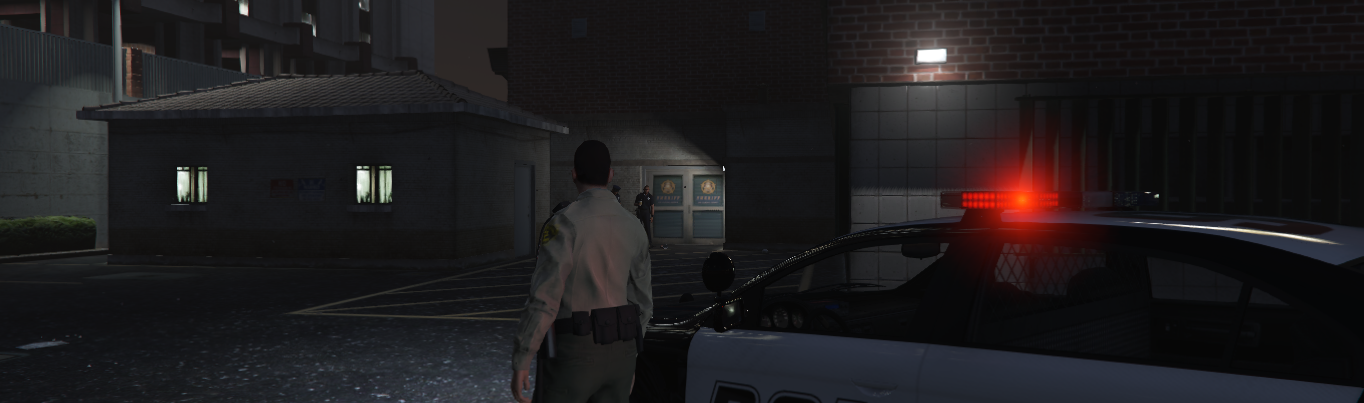
- At Davis Sheriff Station instead of 2 groups of Police officers, have 2 groups of sheriff's deputys, so when using HeroCop plugin we could assign as partner one of them. - Option to get a partner without the need of using external tools/plugins/mods etc. (Yes I know, It will be added someday :D) - Instead of Police cars outside Davis Sheriff station, have Sheriff's Deputy cars I think of Davis Sheriff Station as HQ for surrounding county, It definetly should stay as it is, I would prefer extending LSPDFR in this way.
-
 Ability to release arrested suspects is really good addition, also option to disable warping to jail with suspect instead of driving with him to jail is best what could be done in this matter. I personally think of this option (warping) as last resort, and almost never use it, because it looks and works like cheat, but maybe someone likes it, You never know. Anyway, again great, even greater than before version of this plugin. Again, a must have. Thank You for Your commitment.
- 1,915 comments
- 242 reviews
-
-

- 1
-
-
Actuallly videos has been cut a bit, and re-encoded from raw output, for better quality (not everyone, but some of them - It means more HD videos).
-
 Very stable, and adding much to the game callout plugin. 5/5 - what else I can say, Thank You for Your work. It's amazing how fast the number of quality plugins to the LSPDFR grows.
- 302 comments
- 66 reviews
-
 Great plugin. One of my favourites - stability issues, that were in earlier versions has been fixed. It's on my list of must have, allways on plugins. Thank You for Your hard work.
- 3,646 comments
- 306 reviews
-
-
- 2
-
-
http://gta5.48h.waw.pl - here's where I post my lengthy, uncut videos featuring GTAV + LSPDFR with plugins (without even signgle crash - Thanks to this community for great work).
.png.03fb8013f70facc92aae29fff0437a2f.thumb.png.2bf16b201c2c3f617d938ff092ae00e4.png)
