Scuderio
Members
-
Joined
-
Last visited
Everything posted by Scuderio
-
-
-
-
-
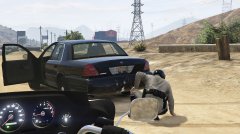
From the album: On Patrol
-
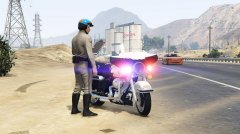
From the album: On Patrol
Harley by TheHurk -
Ich kann dir da leider nicht helfen, aber du solltest sowas auf Englisch posten.
-
 @Lundy @Black Jesus Fight! Fight! Fight! Fight! Don't take this comment serious
 -
THe picture is awsome!
-
-
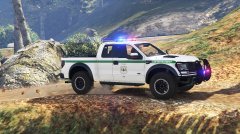
From the album: On Patrol
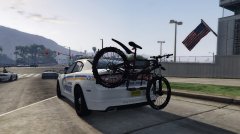
Vehicle by Martinct Skin by PNWParksFan -
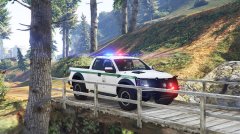
From the album: On Patrol
Vehicle by Martinct Skin by PNWParksFan -
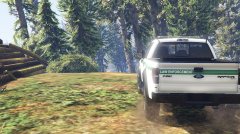
From the album: On Patrol
Vehicle by Martinct Skin by PNWParksFan -
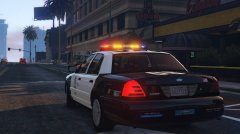 So following problem, for some reason I can't get the Arjent to work. Because I am going to get my new pc in a few days, I am asking you what car do you want from this list: -2009 LAPD Charger base by Lundy but with the new lightbar and some few changes. -2012 LAPD Ford Police Interceptor sedan base by F4455 edited by me with new arjent etc. -realistic 2011 LASPD CVPI
 -
Some pics of Police stuff
-
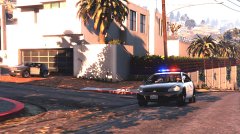
From the album: Random ingame pics
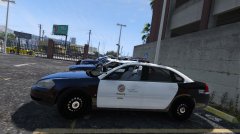
2013-2014 LAPD Chevrolet Impala made by me. Arjent by Kane104 -
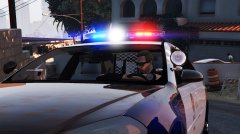
From the album: Random ingame pics
2013-2014 LAPD Chevrolet Impala made by me. Arjent by Kane104 -
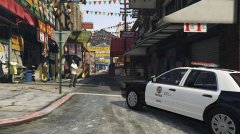 I don't think the car is good at the moment, well me personally think that it looks nice and all but there are many bugs and I haven't put on the LEDS in the front, I can send it to you when it's in a better quality :D
 -
So at the moment I have to add the ALPR system, need to edit the carvariations and edit the spotlights. Do you want spotlightcams like some 2013 LAPD chargers have or just unity ones?
-
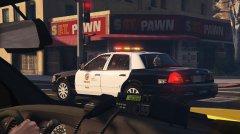 @Lundy yeah, well I think I am going to make something more common like a 2008 CVPI or something like that. I am going maybe to release a LAPD CVPI but from a different year like 2006 or 2008.
 -
@SerekgPL I am going to work on my 2013 LAPD charger now, so I can send it to you.
-
From the album: Random ingame pics
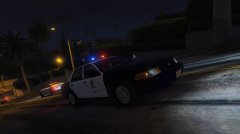
CVPI made by me^^ Arjent by Kane104 -
From the album: Random ingame pics
CVPI made by me^^ Arjent by Kane104 -
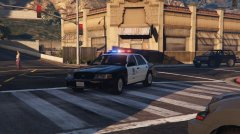
From the album: Random ingame pics
CVPI made by me^^ Arjent by Kane104 -
Nope, that was a different car. This CVPI will never be released because I am going to make maybe a 2006 or a 2008 CVPI version :D