Scuderio
Members
-
Joined
-
Last visited
Everything posted by Scuderio
-
It will now take even more time till the release of the Explorers and their K-9 versions becuase I have to rescale the 2016 :(
-
So guys, what you guys think if I make a 2013 and 2016 FPIU pack? Like both cars in one pack
-
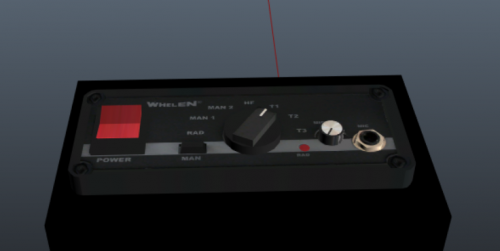 That's sick
 -
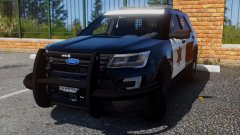 Gonna add some, maybe :D
 -
.jpg.d50845d56a695421f794e141a0d72879.jpg) I'm looking forward to this! Looks good so far
I'm looking forward to this! Looks good so far -
You guys want an amber traffic advisor or a red and blue?6
-
Here I will post all my W.I.P. cars.
-
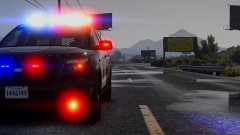
current status of the car
-
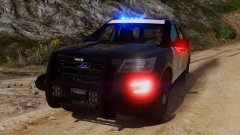 lights on
-
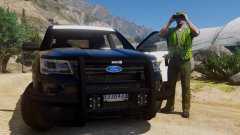 Traffic control
-
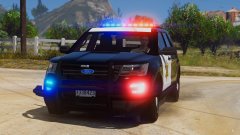 Just messing around
-
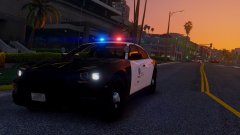 Added Spotlights
-
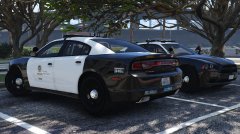 Love them :)
-
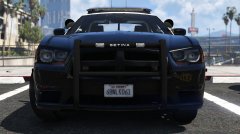 SETINA
-
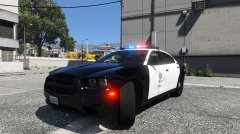 Charger red
-
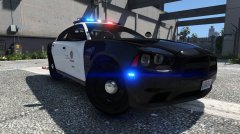 Front blue
-
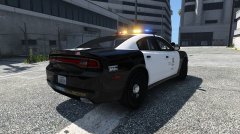 Back
Back
-
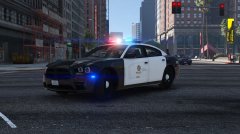 woop woop
-
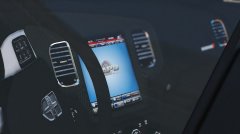 Screen still on
-
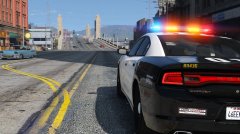 ...ziehe durchs Revier , makier hier und da mal dass ich da war.
-
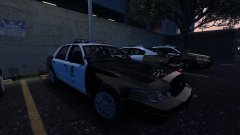 <3
<3
-
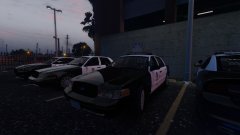 Look at that
-
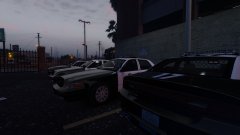 LAPD CVPI
-
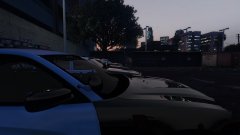 Damn Hotwingers
-
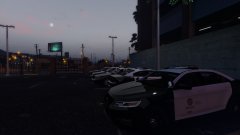 Another shot
-
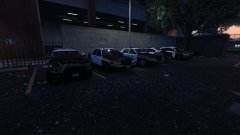 My Police1, Police2, police3, Police4 slots
-
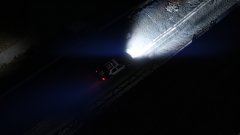 Unit 029 in the alley
-
-
From the album: W.I.P. Cars
-
Looks very good! Good Job Cosmo :)
-
Current Status
-
Any more wishes for the Explorer?
-
So Guys I'm going with the Liberty II
-
What lightbar do you guys want to see on the 2016 Ford Explorer?
-
Got these things on the Explorer, all of these are Extra parts but the speakers and wrap only can be spawned when the rambar itself is spawned.
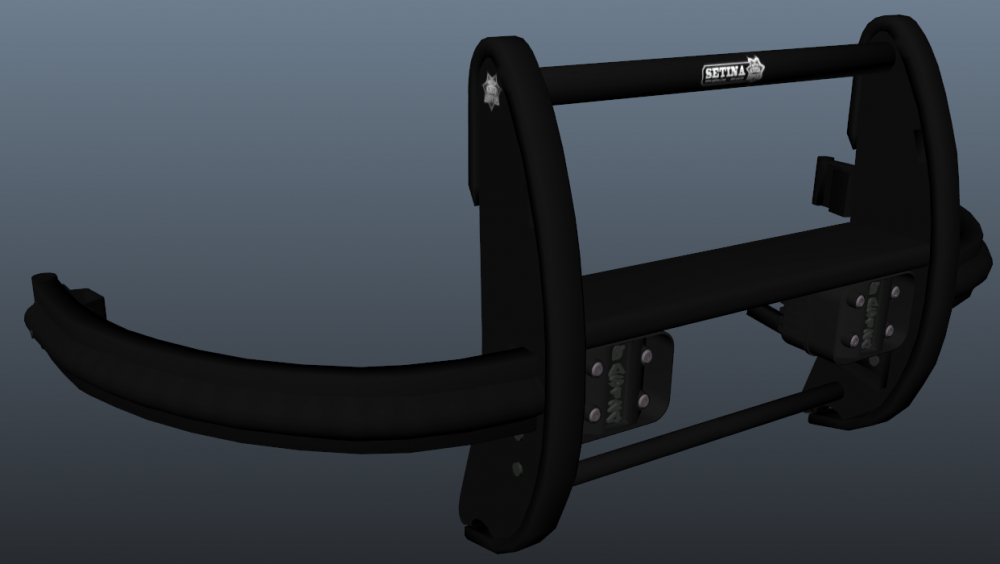
-
From the album: W.I.P. Cars
-
-
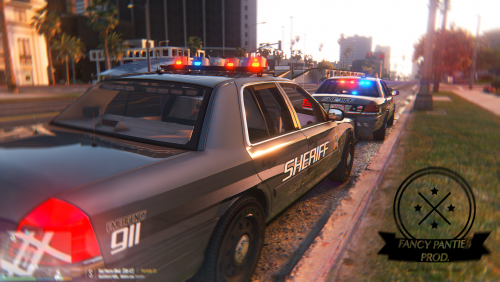 Very good model, I love it! Awsome lighting set up and many extras are always good to see :)
- 108 comments
- 11 reviews
-
From the album: W.I.P. Cars
-
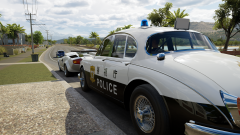 What game?
 -
.thumb.png.46e58dd3c89b8cb7fd1952928665ce22.png) If you don't have zmod, get out of the DEV section. It's only for modders you can't "install it"
If you don't have zmod, get out of the DEV section. It's only for modders you can't "install it" -
Lol, using an Arjent on a brand new Explorer, I though they only use Valors now.
-
Awesome, thanks a lot :)
-
-
-
It's not always easy to give a car EVL because sometimes it just looks bad


.jpg.d50845d56a695421f794e141a0d72879.jpg)

.thumb.png.46e58dd3c89b8cb7fd1952928665ce22.png)