Scuderio
Members
-
Joined
-
Last visited
Everything posted by Scuderio
-
-
It's because Radiance isn't compatible anymore
-
Nearly every dept. still has some, FORD only stopped the production
-
What do you mean with prisoner cage?
-
We just need the model, don't car about the game, it looks hq and compared to the ones we have it's better looking
-
This is actually pretty sad :(
-
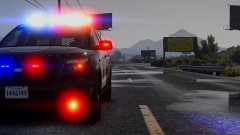
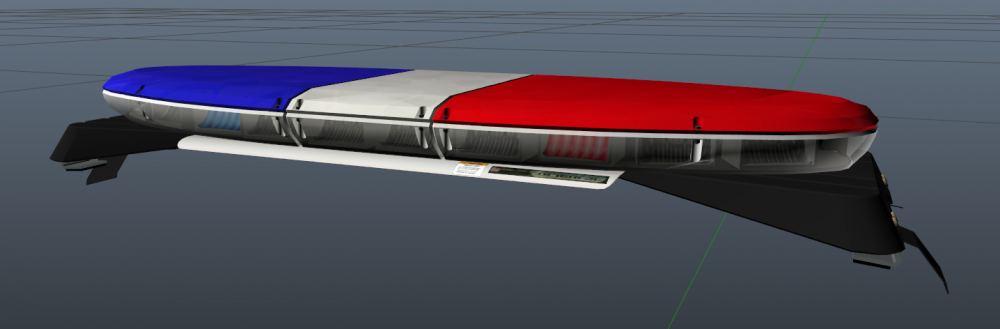
Little update on the Arjent
-
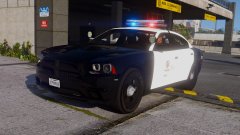
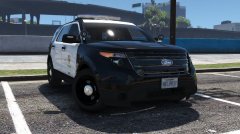
From the album: Californian Law Enforcement pictures
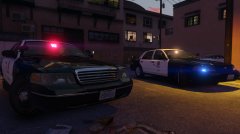
Added a new lightbar Vehicle is by me I'm using NaturalVision + VisualV and LA Road Textures -
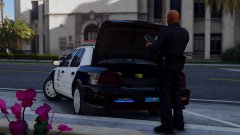
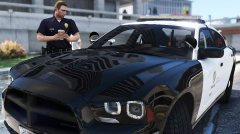
From the album: Californian Law Enforcement pictures
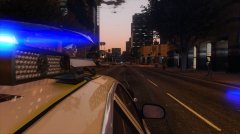
Vehicle is by Lundy. I'm using NaturalVision + VisualV and LA Road Textures -
It's an 2008-2016 Impala something between that, nearly got all the parts I need and gonna put it all together
-
Prepare for another LAPD model coming :) And also for an update for the charger with the new lightbar (Car update will take some time) :)
-
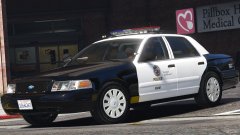 Looks sexy
 -
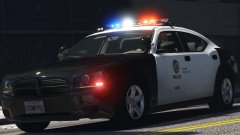 @steinberg4145 this
 -
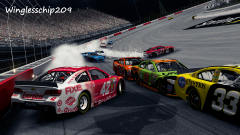 I would say it's that NASCAR game
 -
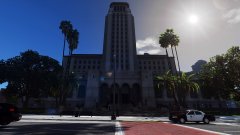
From the album: Californian Law Enforcement pictures
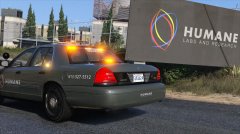
Vehicle is by Lundy. I'm using NaturalVision + VisualV and LA Road Textures -
-
.png.9e92157c718f6d802de459d4b997b140.png) probably bxbugs
probably bxbugs -
So guys I am switching now again to LAPD just so I can take a break from the explorer and start work on the Charger again :) Currently I am turning the Arjent into S2 and improve it, it will have coronas in the future :)
-
Will you add a custom carcol file?
-
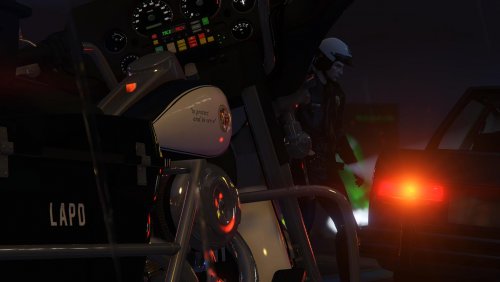
Here I will post some ingame pictures from some LSPDFR patrols.
-
-
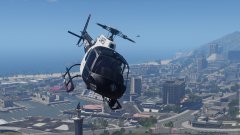 oh, gonna upload a better pic in a few moments
 -
Lol from that angle you can't see the rotor blades
-
From the album: On Patrol
-
Yea he's. He is playing through Steam




.png.9e92157c718f6d802de459d4b997b140.png)