Scuderio
Members
-
Joined
-
Last visited
Everything posted by Scuderio
-
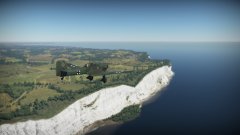
From the album: WW2 Stuff
I had to blur the swastika before I get a strike or a ban... Game: Warthunder Vehicle: German JU 87 B-2© Scuderio
-
-
-
 Looks cool :)
 -
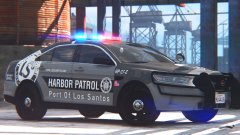 Okay, thanks for the information :)
 -
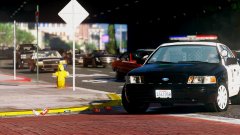
Current state of the patrol 2006 LAPD CVPI and current state of the 2006 k-9 LAPD CVPI Base will be changed when the Forza CVPI is converted.
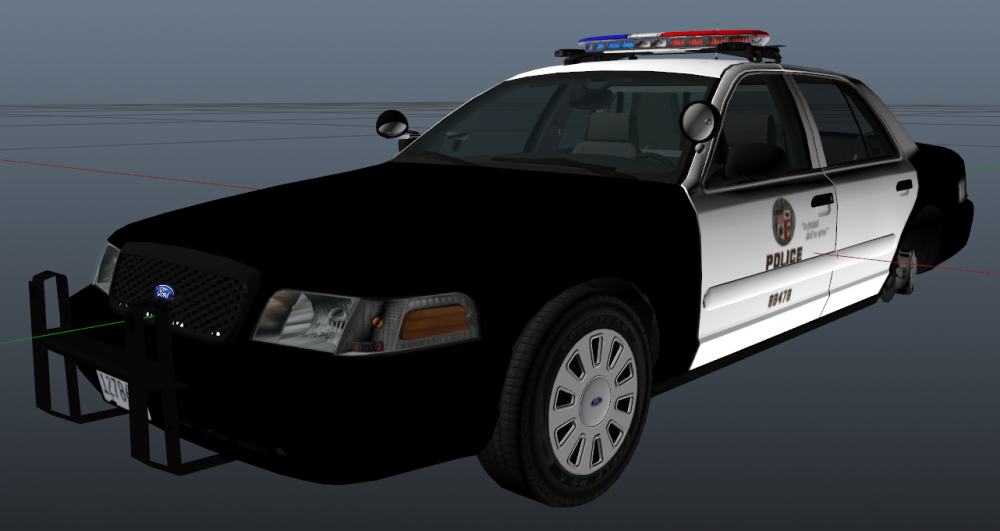
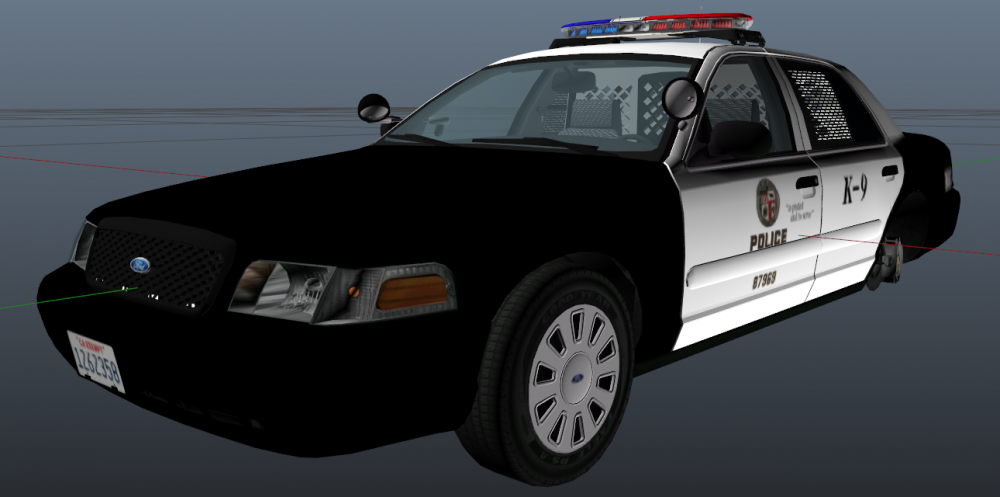
-
That looks fantastic! What graphic mod are you using?
-
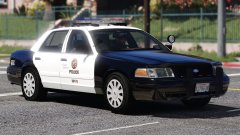 Yea it's an extra :)
 -
 Thanks t0y Thanks purplepotatoes Thanks Desmond
 -
From the album: Californian Law Enforcement pictures
Happy Birthday to myself :D Some of you are now in hold of that car :) Graphic mods: VisualV and Awesomeskills Cfg© Scuderio
-
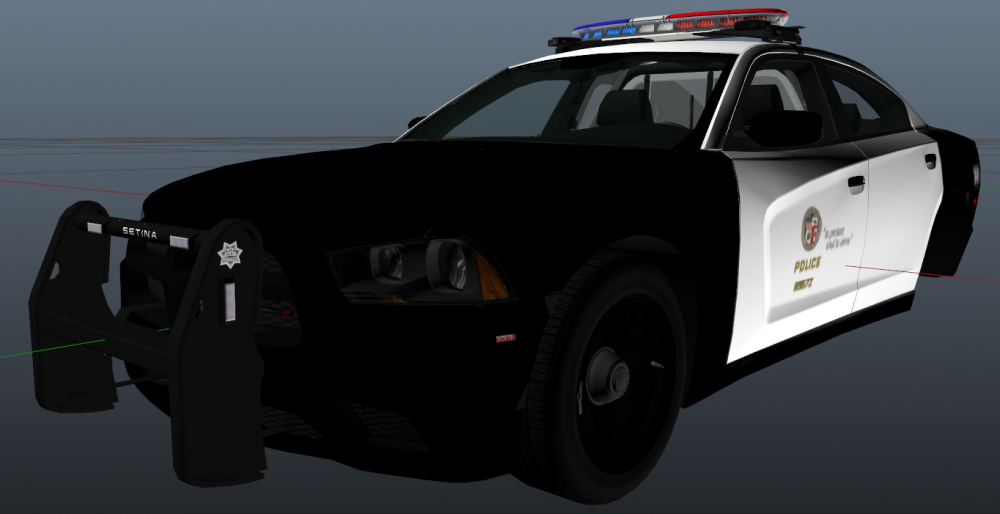
Current state of the 2013 LAPD charger. The changes from the old version are: - New base - Arjent is now authentic - New pushbar - new partition and some more stuff. I have to add the spotlights, and I will make a version without a pushbar too.
-
From the album: Californian Law Enforcement pictures
© Scuderio
-
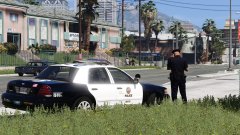
From the album: Californian Law Enforcement pictures
© Scuderio
-
-
Yep, that should fix it
-
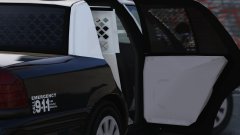
From the album: Californian Law Enforcement pictures
© Scuderio
-
Wuuw :D
-
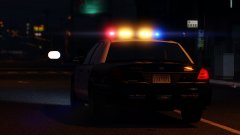
From the album: Californian Law Enforcement pictures
© Scuderio
-
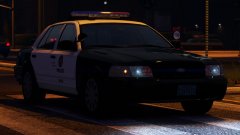
From the album: Californian Law Enforcement pictures
© Scuderio
-
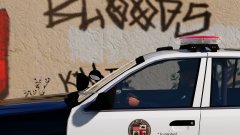
From the album: Californian Law Enforcement pictures
© Scuderio
-
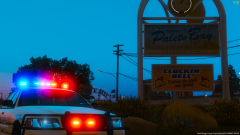 Car is by JJ Dawkins
 -
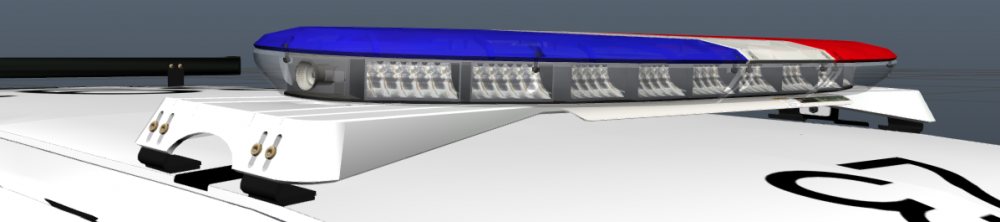
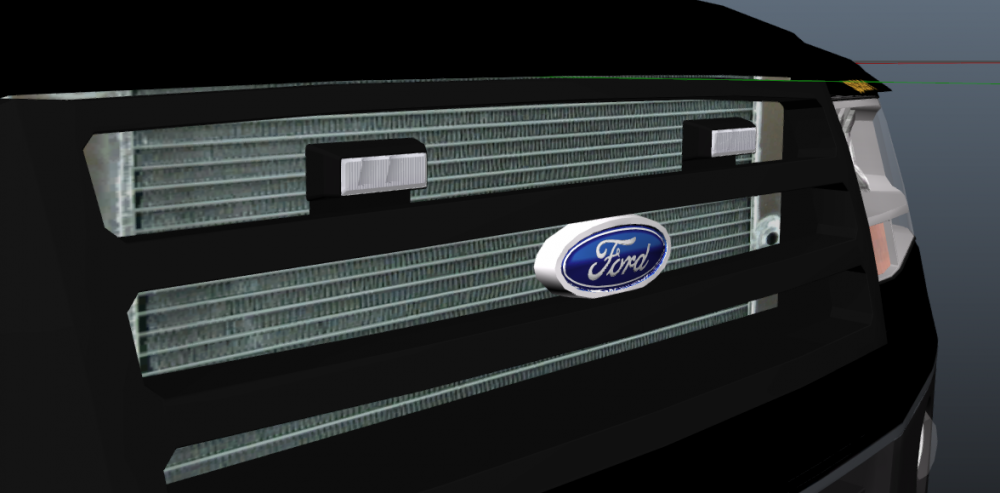
Update no. 2 | 22.01.2017 I finally got back to work on the Expedition again. Today I added the Arjent and the Grill lights for the normal patrol unit Version. I also gave the Ford Batch a new texture. The lights on the side and the Whelen Vertexes on the grill for the Rescue Unit Version will be added soon
-
Awesome
-
From the album: Californian Law Enforcement pictures
© Scuderio
-
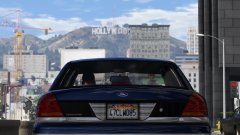 Send me better ones :D I just used the ones I still had on my Pc