


Mario Ruiz
Members
-
Joined
-
Last visited
Everything posted by Mario Ruiz
-
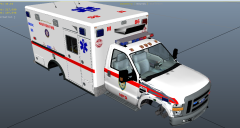 can you send me that too please
 -
I got it working thx
-
Hi I recently patched and installed a new gta iv. I bought the game. I added lcpdfr 1.0 and it keeps saying error in lcpdfr loader please help thanks
-
I tried installing it but I keep getting ws10 error I patched it but When I check the properties it said 1.0.0.0
-
Thank you I am currently uninstalling it
-
So all I have to do is uninstall gta iv install it run the patch and run the game ? Also I use Gta launcher does that matter
-
Ok and that will for sure let me play lcpdfr 1.0 or higher
-
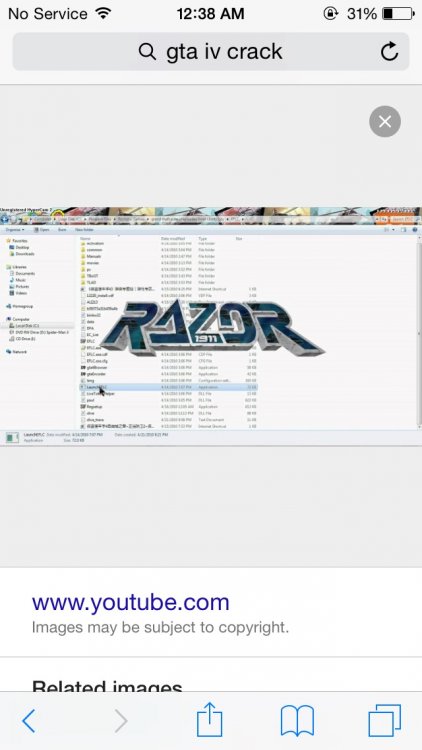
I bought the game. But when I patched it came with a launcher . I saw the tutorial and now I have a crack how do I get rid of it
-
I patched my game but when I open it it says razor something how can I get rid of that
-
So I have been using lcpdfr 0.95 for a long time . I decided to upgrade to 1.0 . In some instances the game launches but when I press p or alt p nothing happens . On other occasions the game crashes what can I do to resolve this issue Please and Thank You

