Y0urSupreme
Members
-
Joined
-
Last visited
Everything posted by Y0urSupreme
-
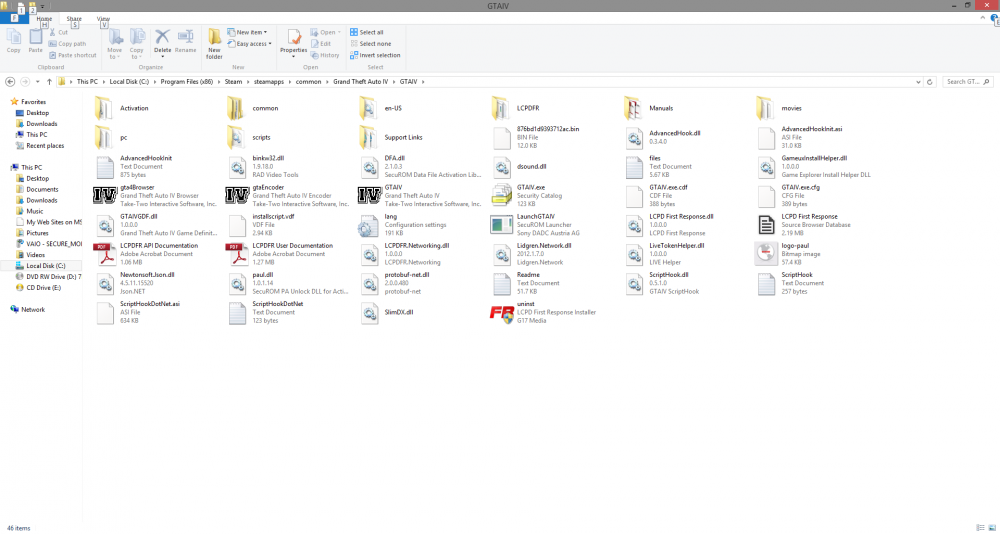
Need help? Programmer and real world dispatcher :)Ok I ended up uninstalling and doing all kinds of tricks. Finally found out that the gfwlivesetup I had was old. Downloaded from the website and now it lets me sign in when the game loads the main screen. But when I click play it cycles through the loading screen and keeps cycling. If I pull up task manager it shows Not Responding. After ending the program from task manager I ran the diagnostic, showed this.... Getting pretty upsethttp://dispatch-online.net/Yes, LaunchGTAIV.exe as adminOk so I've installed GTA IV via steam, directory is attached. I've installed "2. LCPD First Response 1.1 Installer No Ads" as administrator. When I install it with dsound and I go to the Social Club login page I enter my credentials then click play, dialog disappears then nothing happens. When I install xlivesless I can run the program up to the first loading screen. Then it just keeps cycling the loading screen.
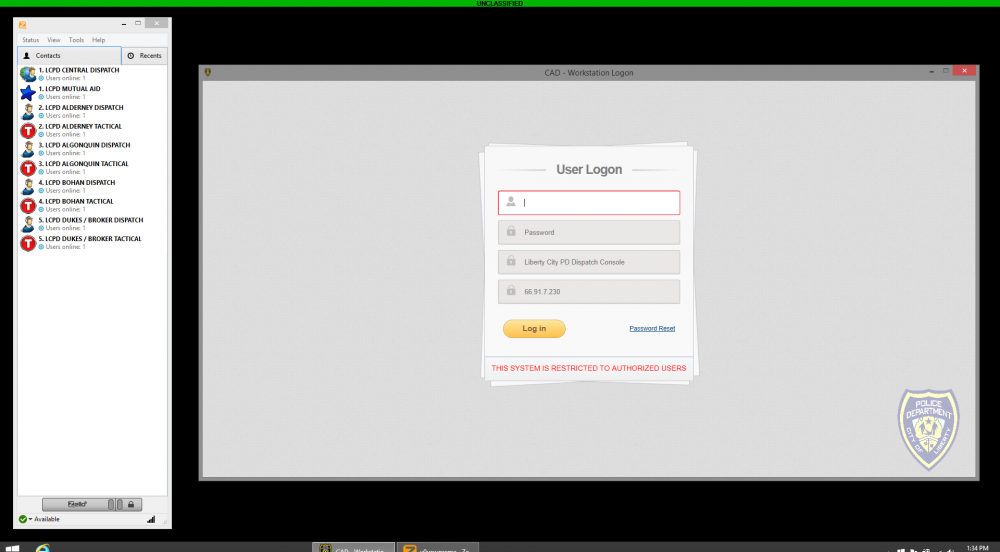
 I'm completely unfamiliar with LCPDFR and LSPD.... Is there somewhere I can get a quick run down? Which programs are actually being used, etc. I have to go buy a new computer if everyone is using the GTA V, my current PC runs it too slow. As far as the dispatching part, will it be productive? Can a dispatcher run plates? or is it mainly unit management? Are they able to assign / create calls?Got bored waiting for GTA IV to download so I started working on a internet based dispatch system. Would this seem like a practical system to waste my time making?