


Flynn40
Members
-
Joined
-
Last visited
Everything posted by Flynn40
-
with no template for the texture yess is realy hard
-
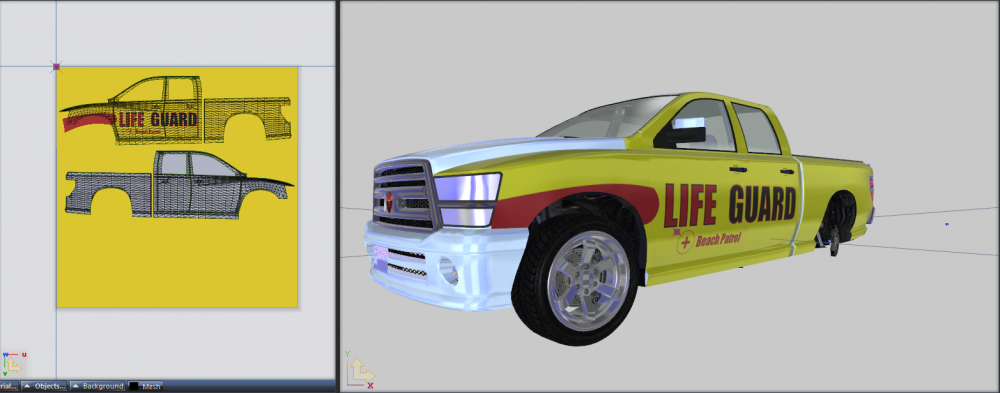
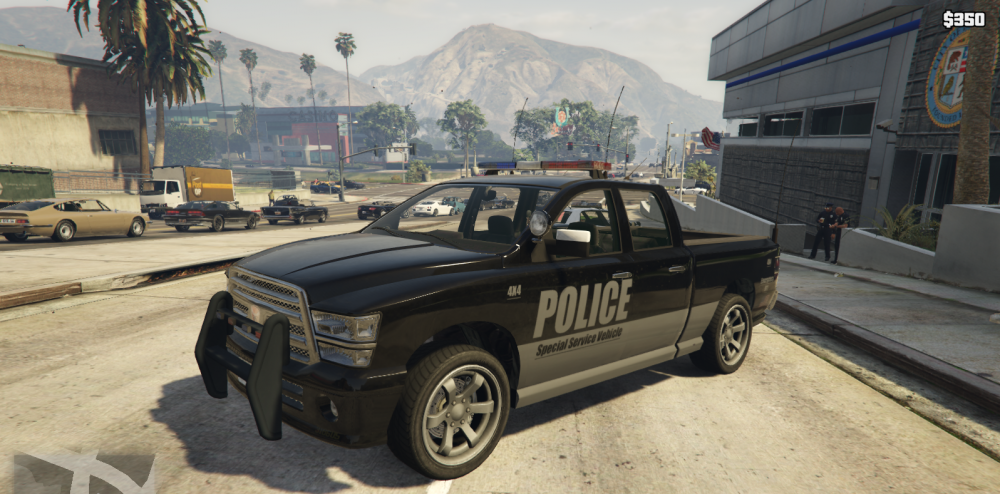
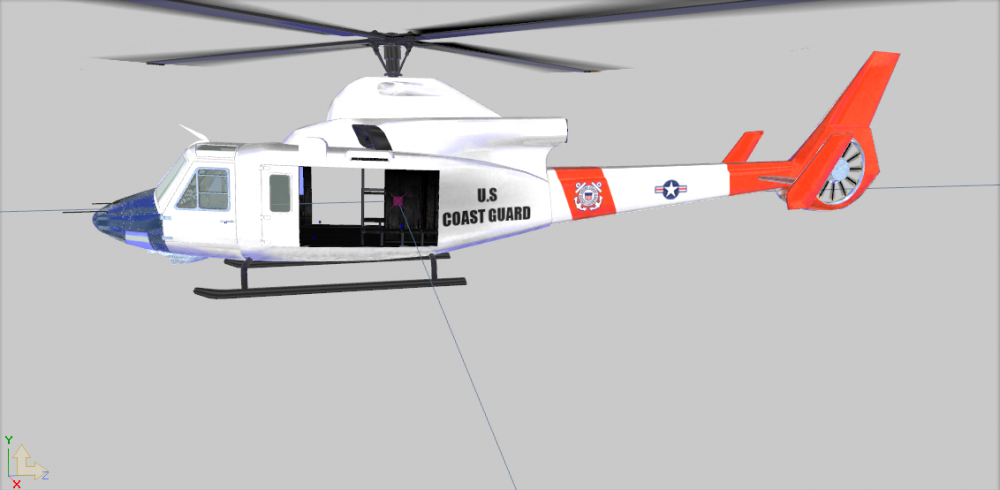
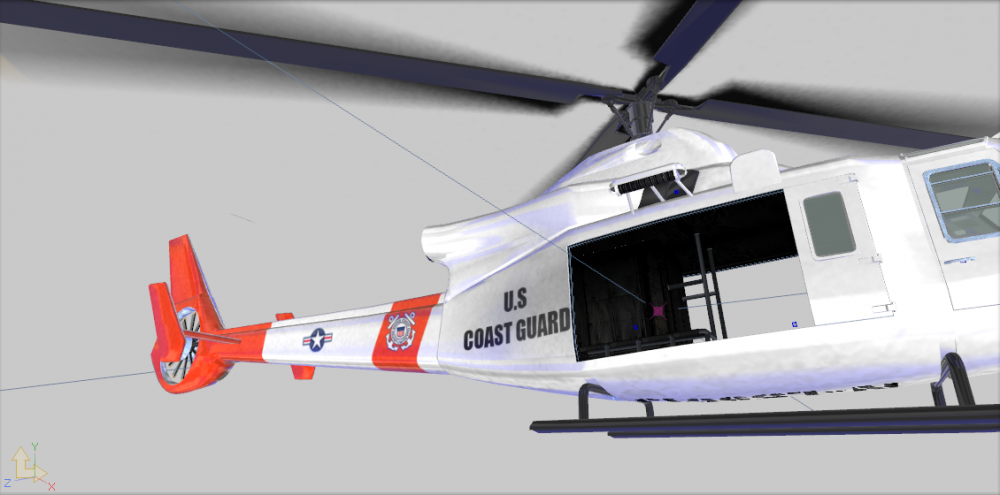
I'm Workin on the creation of a emergency pack With a Swift Coast Guard, Bison coast guard, Police 4X4 and maybe more .. at this time,I'm working on a lifeguard helicopter in style blackhawk on the model of Valkyrie. I have deleted the turrets and I added two winch (texture is in progress) the bison lifeguard is finished at 100% and the bison police are 100% finished see in game IF you are any idea for more vehicles,let me know
-
no problems thank you very much
-
Last video of the series " i'm a cops" the officer adams begins a new life In Paleto Bay But he'll quickly realize that the campaign is not so calm
-
-
-
Another video with lspdfr for the serie i'm a cops
-
great, but scene crime spawn but not moving
-
Thank you very much:)
-
I present my little videos on LSPDFR for a series project :)
-
En bas a gauche. Au pire Installe comme dit Connors 1 RagepluginHook a la dernière version, 2 sous vista,Windows8, et 10 débloquer les fichier.Dll (click droit dessus débloquer ) 3 lancer RAGEpluginhook en mode admin Si sa plante encore, check le fichier Log RagePluginHook
-
Même problème, solution aller sur le site de ragepluginhook et télécharger la dernière version. du moins pour moi depuis tout marche. tu as pas un message du genre LSPDFR.dll a cesser de fonctionner ?
-


