


.png.ddf85d5e1ecfae35bfc4712c0f4c8fda.png)

MNSPGamer
Members
-
Joined
-
Last visited
Everything posted by MNSPGamer
-
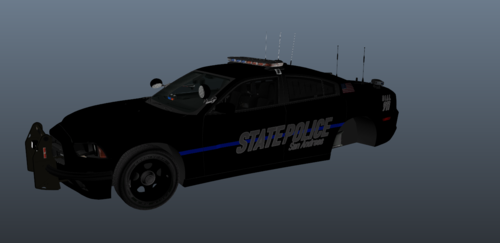 This is a skin, made lore friendly. I believe that this is a one of a kind skin but not positive as i made it from just being bored. Have fun. I will make more of this type if it is liked. If you use it in a youtube video, it would be cool to see in linked in the comments. Thanks. The vehicle used in this is made by Ripple. it is in his BCSO Nforce pack.
 -
 Is there going to be a realese so we can use these on 0.46? Is crashes LSPDFR due to compatibility
- 3,646 comments
- 306 reviews
-
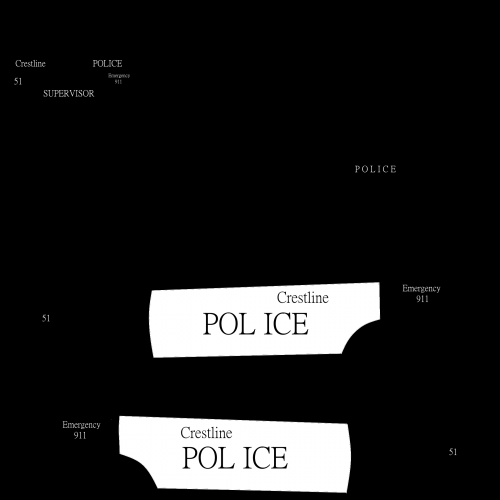 i did this upon request it was a very simple skin to make it goes with the explore you can find via this link
 -
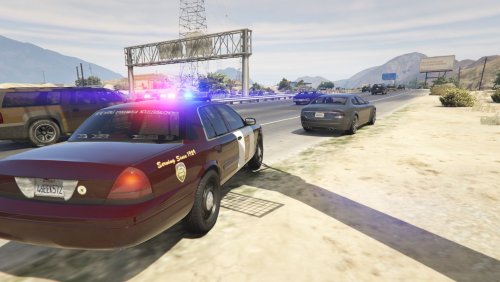 This CVPI is the one used in the RCMP Mega Pack made by Walters I would love to make this whole pack into a Minnesota state patrol pack but i would like to have the authors permission first. This skin isnt %100 the CVPI used by Minnesota has black bumper and trim pieces i am trying to make this look like their most modern update of their squad cars. If you would like a skin to be made ask and i can try. Any Crown victoria's made by Officerunderwood or CJ24 may work with this skin. The back window of the cvpi if you choose to go with the RCMP pack will have the RCMP recruitment labeling on it, i tried to fix it but i broke the window texture so i had to redo it. sorry if it bugs some of you guys. Thanks (UPDATE!!!!! I was looking over my screen shots i have and realized i forgot the STATE TROOPER on the front fenders i have since fixed it And this should now be Accurate)
- 1 review
-
-

- 1
-
-
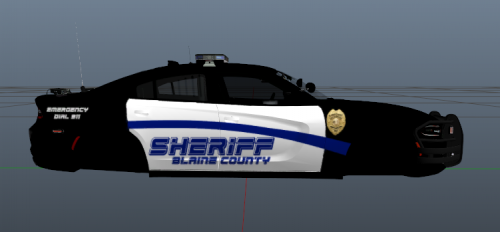 Made this skin as a sister to the FPIU i made earlier today i thought a charger would look good with it i have decided that i will NOT upload the new version of the Explorer unless it is wanted DO NOT UPLOAD ANYWHERE ELSE AND CLAIM THAT YOU MADE THIS - Blue line productions
 -
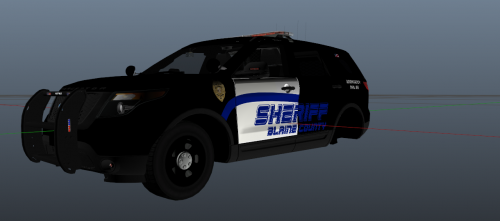 i made this skin out of my head just to see what would happen and it turned out like this. i will be the first to admit that i should have made the rear doors white, but i didnt want to have alot of black and white. it is difficult to make the stripe look good when it would be that way. I will also apologize for not having in game pictures, but i have fiveM and i dont have enogh space to make skins and have two different versions of the game. also this if my second skin i have ever made. But i will update this one because i feel it deserves the rear doors to be white so it looks good. i might make a ghost skin for a 2015 charger soon. not sure what to come but i will have a California Wildlife pack soon if i get the time. post a comment of a vehicle you would like to see with any skin and i will try to make it the best i can. -Blue line Productions
 -
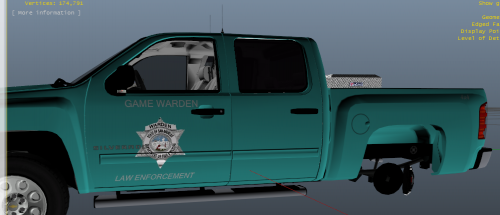 This skin is my first skin made for GTA V it was made for Black Jesus silverado ELS or NON ELS it will work for both
 -

