
Aborator
Members
-
Joined
-
Last visited
Everything posted by Aborator
-
 I don't really know how to help. The files should be there. If others are having this problem, let me know and I will reupload the files.
 -
You do not want to replace the ytd file. You want to select the skin for the car. Located IN the ytd file.
-
(Stanier) 1. In OpenIV, go to x64e.rpf > levels > gta5 > Vehicles.rpf 2. From there, go into police.ytd, and select on one of the preloaded skins. 3. Then click "replace", and select the stanier file. 4. Click "Save" (Interceptor) 1. In OpenIV, go to update > x64 > dlcpacks > patchday4ng > dlc.rpf > x64 > levels > gta5 > vehicles.rpf 2. Select police3.ytd and click on a preloaded skin 3. Then click "replace", and select the Interceptor file. 4. Click "Save"
-
I will work on making them bigger.
-
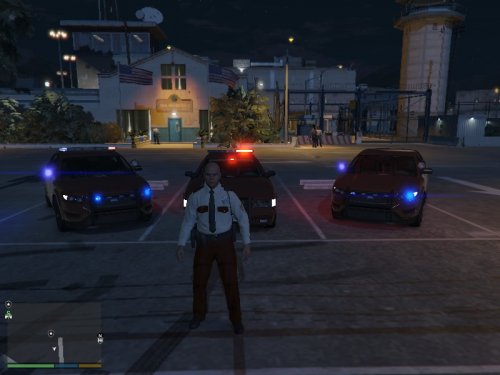
MINNESOTA STATE PATROL This file contains three skins, the interceptor the stanier, and the grainger. Contact me if you wish to re-upload. Make sure you have Lt.Caine's Interceptor and grainger: and LtMattJeter's Stanier: If you do not have these, it will not work! Works Great With: