TickleMyElmo
Members
-
Joined
-
Last visited
Everything posted by TickleMyElmo
-
id wait for ryzen if your buying,
-
sobriety checks are ok ONLY if they dont force id checks at said sobriety check .. which they tend to do . So IMO no sobriety checks are not ok.
-
aus. censorship is by far the worst of any free country lol
-
make sure you have the x,y axis both turned on , other than that im not really sure what you mean .
-
you dont know how to?
-
i havent had trouble with .objs they usually work fine , so what exatcly is the issue
-
def nice looking , excited am much
-
lol 2 weeks after you said that already haha , just poking fun ;)
-
what was the fix if you dont mind me asking
-
already resized but not as big as rear , close tho . Its been released now btw and thank you ill be updating it tomorrow with some goodies
-
as the title says zmodeler 2 is getting the side by side config error , related to c++ but i obviously have all those downloaded and have even tryed c++ files linked on the internet related to this issue , Im on windows 10 and it doesent come with some of the older files and such , zmod 2.1 works but that version is not letting me see wft files for some ungodly reason ..
-
hi new project car spawns then crashes
-
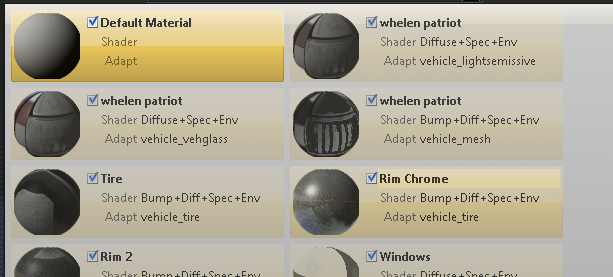
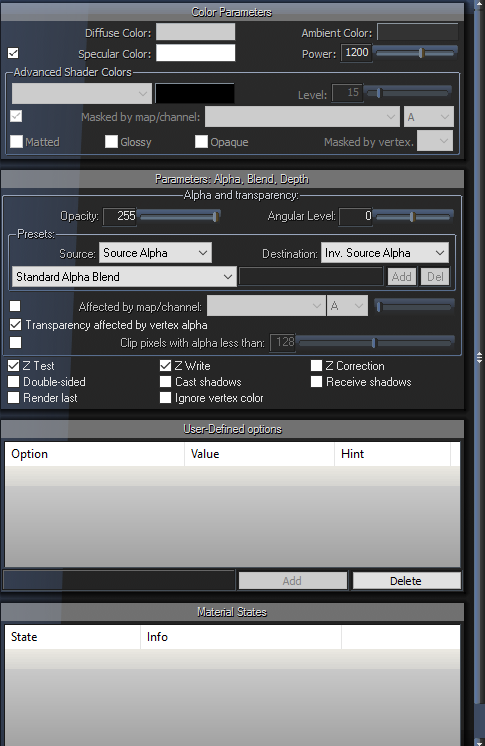
heres my issue:


-
yah what solved this?
-
Yah i saw those too , thinking ill use them soon
-
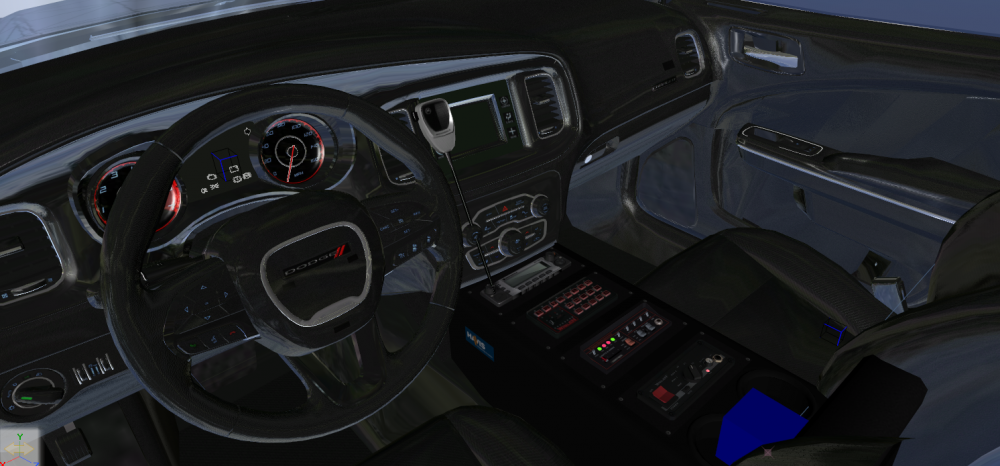
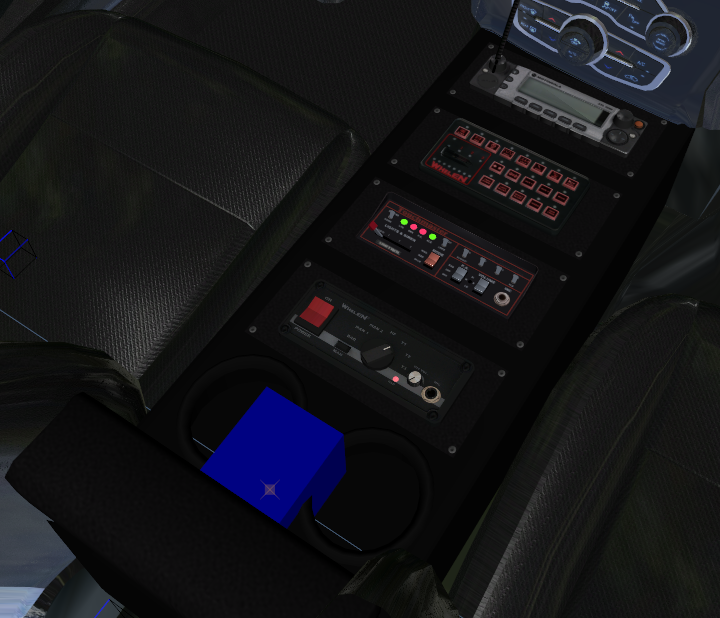
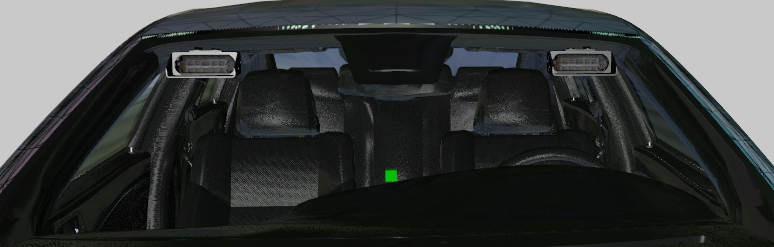
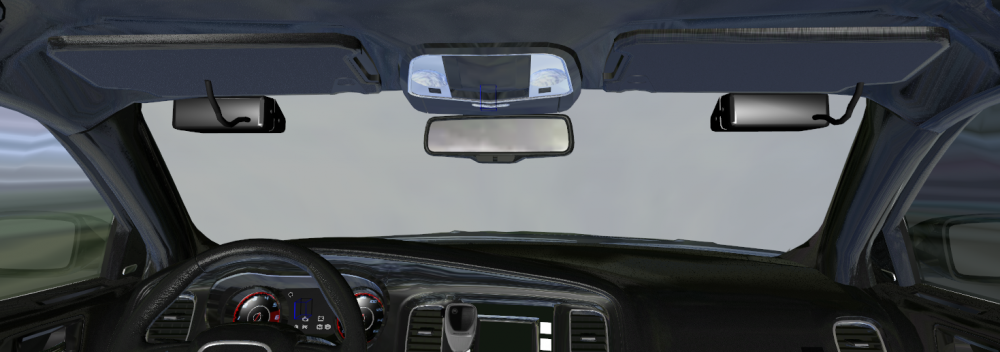
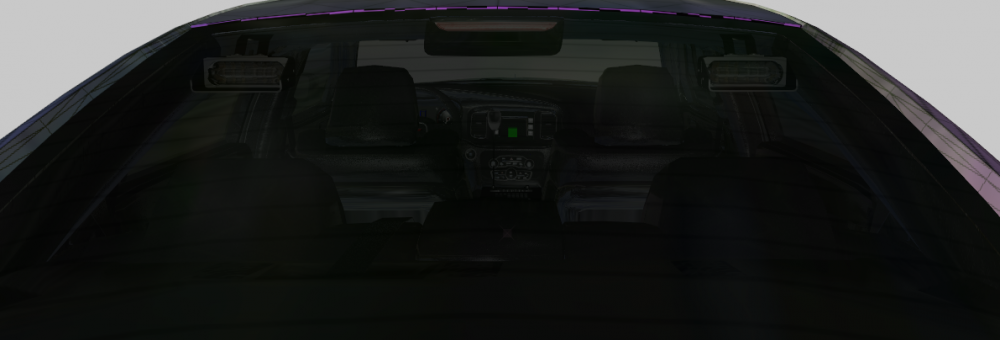
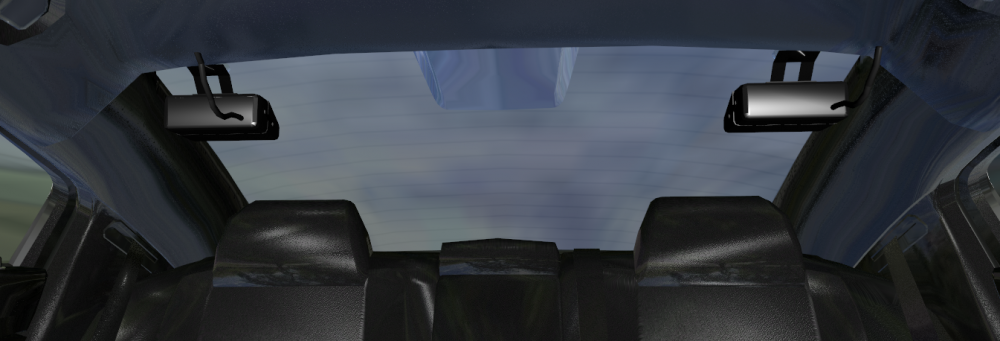
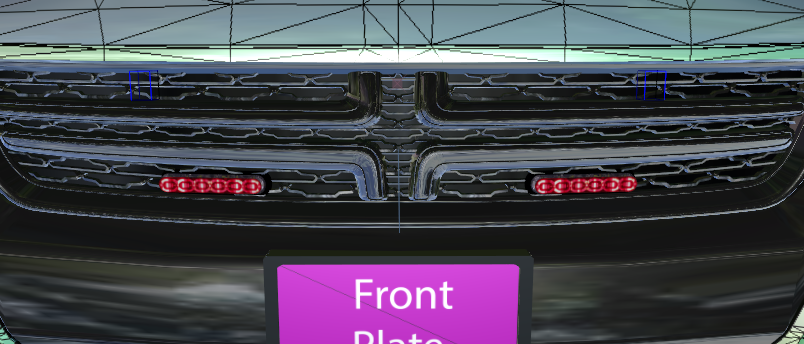
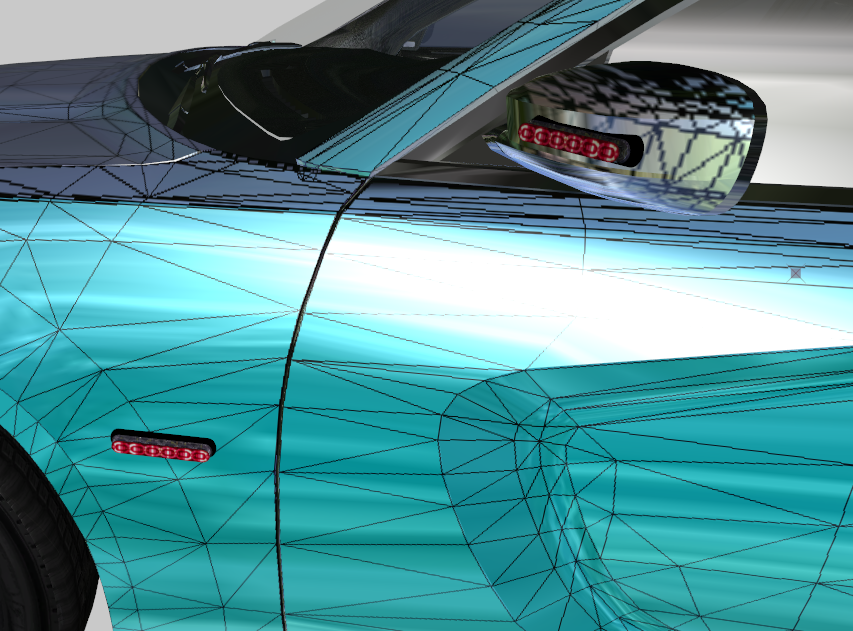
Started something new : 16 Charger

-
https://www.gta5-mods.com/tools/police-car-accessories-zmodeler3 but i believe its also on here in the resource area
-
My fix was to make sure the materials in zmod are in the correct order , so for me it was a default material that was 1 spot under where it was needed .
-
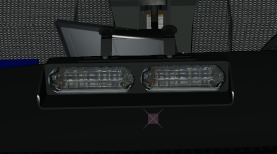
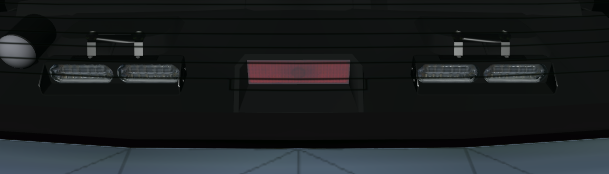
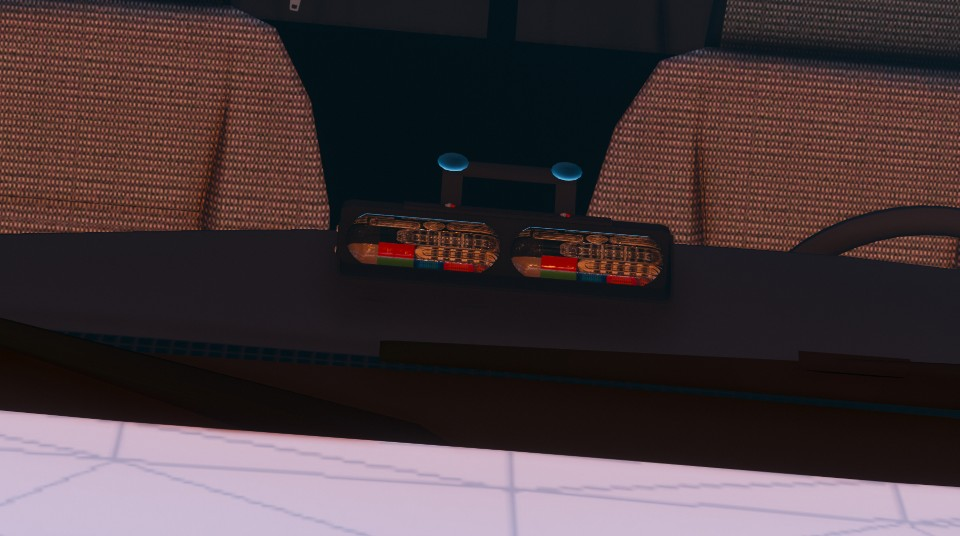
Please mark as SOLVED . Solution: i had used two of buenos lighting resources and as such both had the same name in openiv , all i had to do was copy the textures i needed then pasted into their same folder with same name but with (-copy) in the name, and then replaced the textures for those inside of zmodeler3 and boom solved.
-
Thank You!! I did not even know that website existed. Now im temped to switch the bars but im feeling lazy tonight
-
yes im new to this and couldent find a cvpi one that i liked, prob didnt look in the right place, but i do think it looks nice non the less . If youd like to point me to a nice one that would be nice of you .
-
Hello im making a car and its finished minus this one problem i cant figure out for the life of me . Textures are swapped , what i mean is in zmod they are fine as ill show below and then in openiv and in game they have been swapped or are just broken .
-
if none of tht works you could also try adding the textures of your object first (ex: spotlight) then import the spotlight then merge what your working on .
-
try to use "open" instead
-
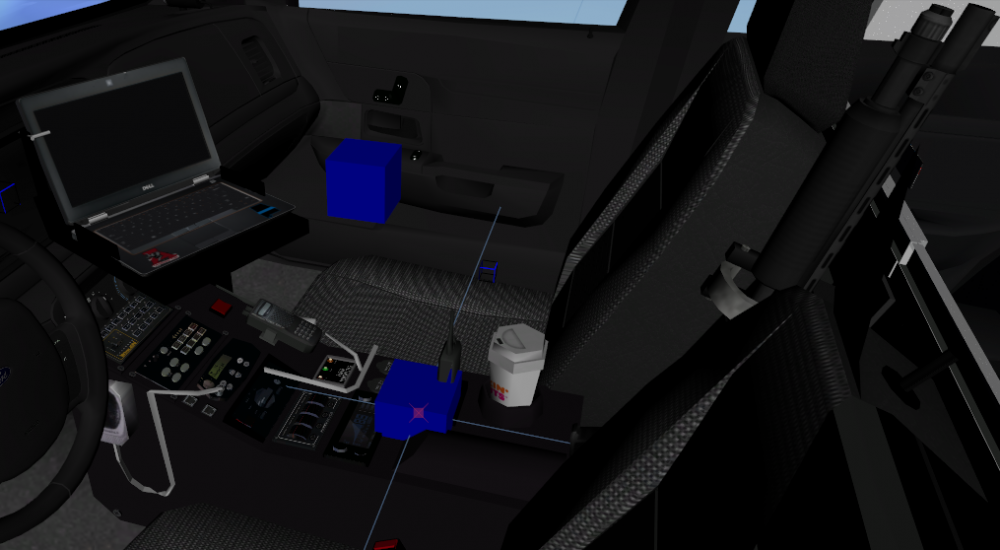
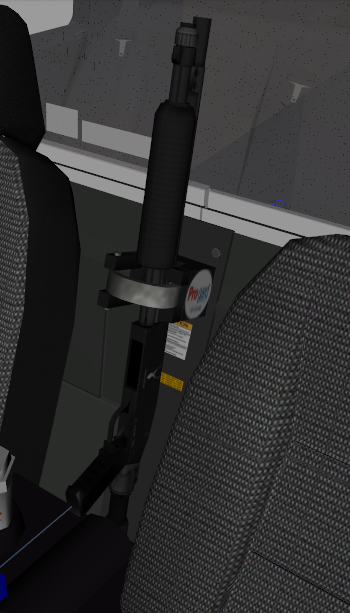
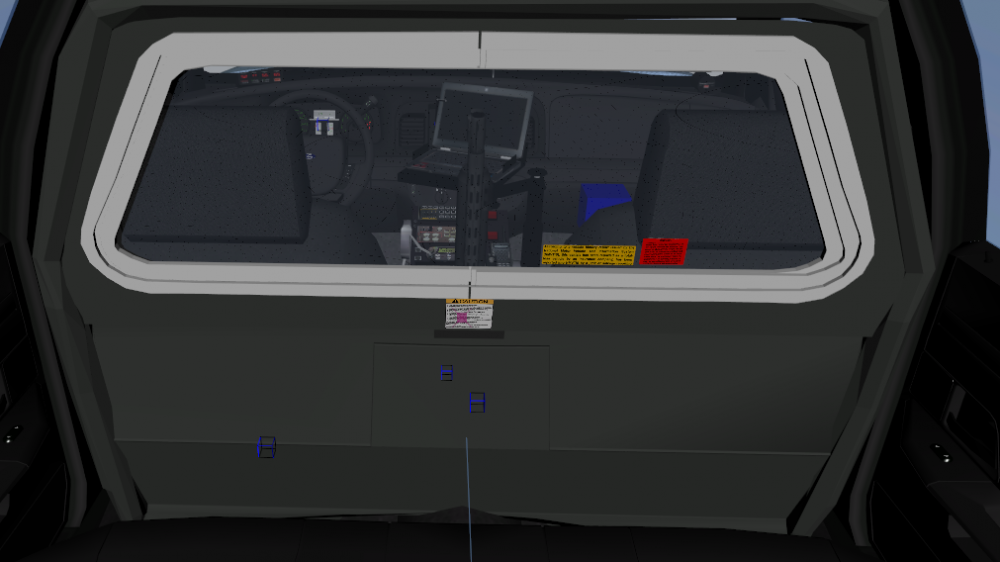
UPDATE: Replaced the setina partition with another (textures working in game finally :) ) Added Console Added Laptop Stand Added Laptop