


zlDuckRevenge
Members
-
Joined
-
Last visited
-
zlDuckRevenge changed their profile photo
-
I deel like a derp right now.. Removing the Mods folder actually worked :/ Back to reinstalling all the mods..
-
-
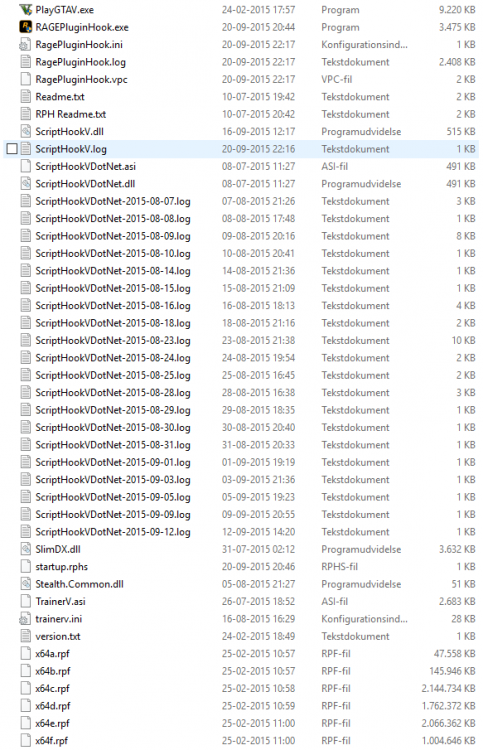
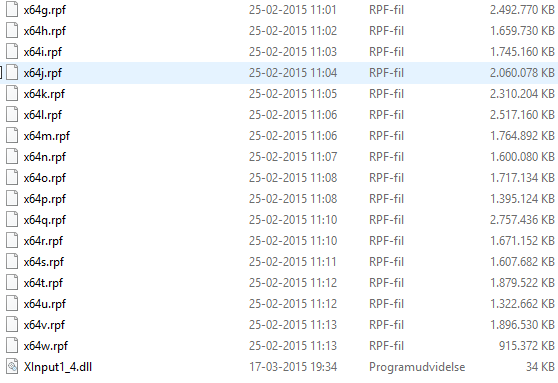
Sorry for the "Hide Content thingy.. let me just repost it... My mouse freaked out.. __________________________________________________________________ My Addons:SimpleTrainerSciptHookV (I have updated it)Mods installed though OpenIV:Just some sirens, and a couple of reskins of vehicels. (This should not be the issue)Well, just in case:_______________________________________________________________________________________Crash Report:The log was too long to take a screenshot of, so i just uploaded it for you.https://mega.nz/#!DkNkSKbA!tZVzNH25gYMaz1yu4oEttQaKn6Vsf6y7KgFws1oKk0kSuspecting it of being a Virus?VirusTotal: https://www.virustotal.com/da/url/71216ea7e98991af2c7f6226d581d2ba513e14cc585f8e8d0f6cf04bf112f755/analysis/
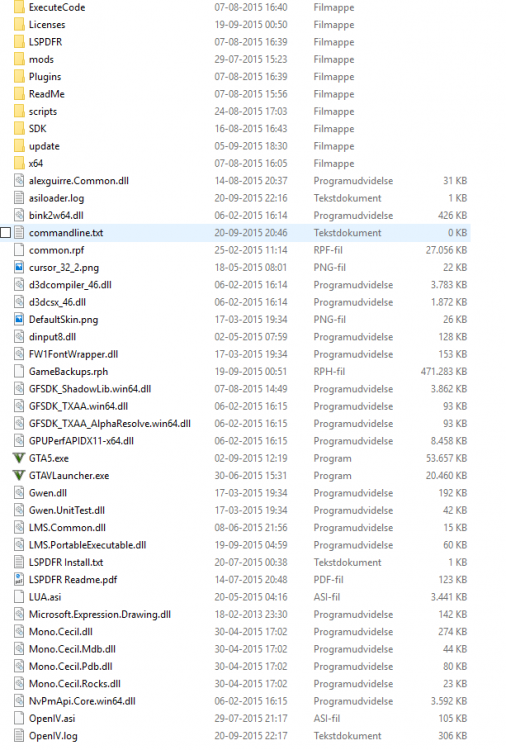
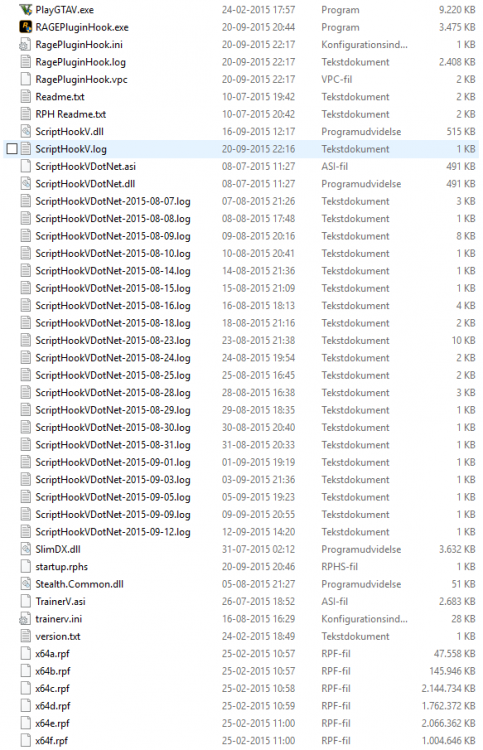
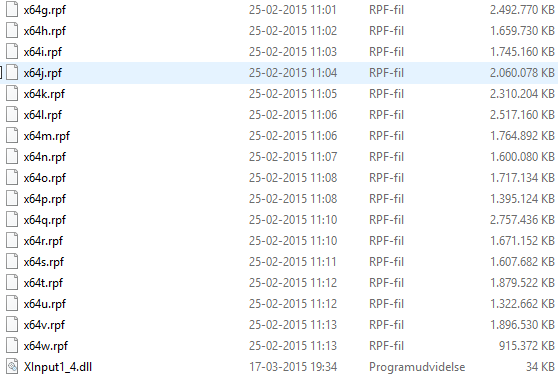
-
Hello Fellow LSPDFR Fans. As some of you know, a new update for GTA:V Was just released a couple of days ago, and i still haven't had any success with getting my LSPDFR to work. Things i have tried: -Reinstalled LSPDFR -Reinstalled LSPDFR with RageHook Version. 24, 25 and 26 (newest) -Removed all Callout plugins and other plugins _________________________________________________________________ Well, whats happening when i start the game with RPH Version. 26 you might ask, well, imma tell you: I start my game, and it loads up perfectly the first couple of seconds, but when i get to the part, where i have to choose Singleplayer or Multiplayer, i choose singleplayer, and about 2 seconds after loading, my game just crashes. (No i never made it INGAME) _________________________________________________________________ I hope some of you could Help me :/ Specs: Processor: Intel Core i5-4440 Graphics Card: MSI GeForce GTX 770 Gaming 2GB PhysX Memory: Crucial DDR3 BallistiX Sport 1600MHz 8GB Motherboard: MSI B85M-E45, Socket-1150 Boot Drive: Crucial M500 SSD 2.5" 120GB Extra Harddrive 1: Seagate Barracuda® 1TB Operating System: Windows Home Premium 10




