
Kaaen
Members
-
Joined
-
Last visited
Everything posted by Kaaen
-
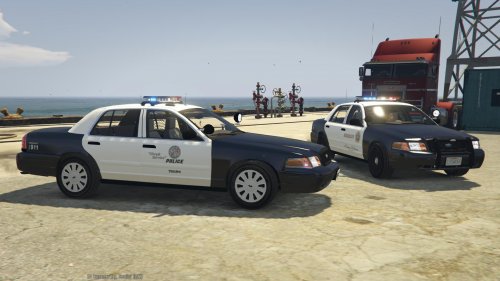 The lights are not really bright at all for me. I can see the lights in daytime but they are not shiny or anything near that. I do have all my settings up to high or higher so that shouldn't be the problem, any ideas?
- 60 comments
- 9 reviews
-
MulleDK19 just posted in his chat that the issues has been fixed and he's now preparing the download, shouldn't take long now :)
-
Has the new patch been released yet?