



OfficerAndre
Members
-
Joined
-
Last visited
Everything posted by OfficerAndre
-
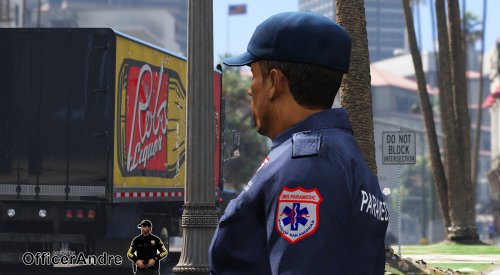 This is a skin that adds new patches and a slightly different color to the paramedic ped. The patches are inspired by NYC. Including: - Tops (Jacket and shirt) - Bottoms - Hat FAQ: How/where do I install this? - There is included a "ReadMe" document with the download. This again including "How to download". Read the document carefully, before asking questions. Do you know that *insert bug/failure*? - If you discover any bug/failure in the mod, please let me know asap. Feedback is much appreciated! Can I something from this file in my mod? - Without my clear permission: Absolutely not. Would you consider a suggestion? - Yes, I would. Can I use this on a FiveM server? - If you "can"; I don't know, but yes I would allow you to do that. All feedback is appreciated! Do not re-upload or disassemble this mod in any way.
 -
 This is an exact representation of what I would comment. Awesome pack, but sheriff vehicles in police slots... I find that very awkward.
- 60 comments
- 44 reviews
-
Worked out for me! Perfectly! Thank you a lot!
-
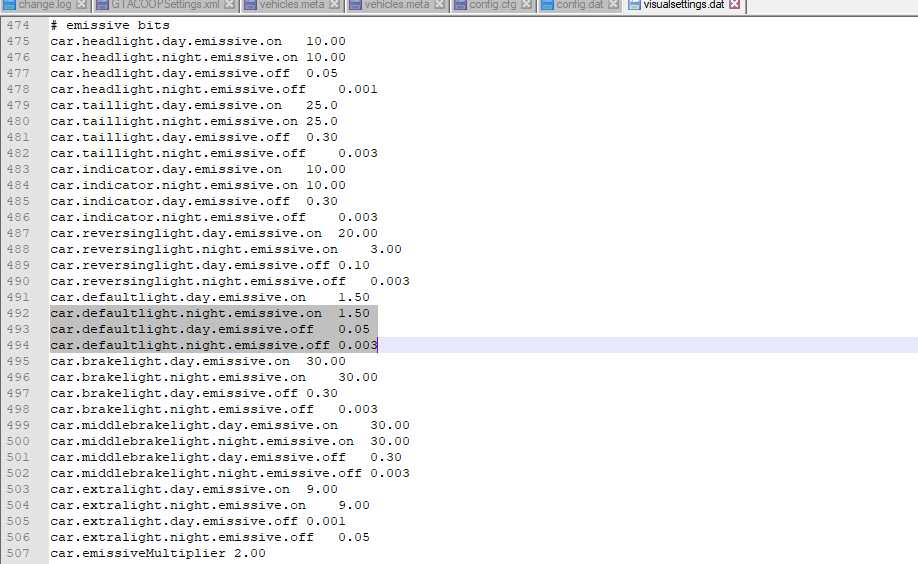
I haven't edited this file manually, however, this is what it looks like:
-
Oh, of course. However, that didn't work for me :/
-
-
-
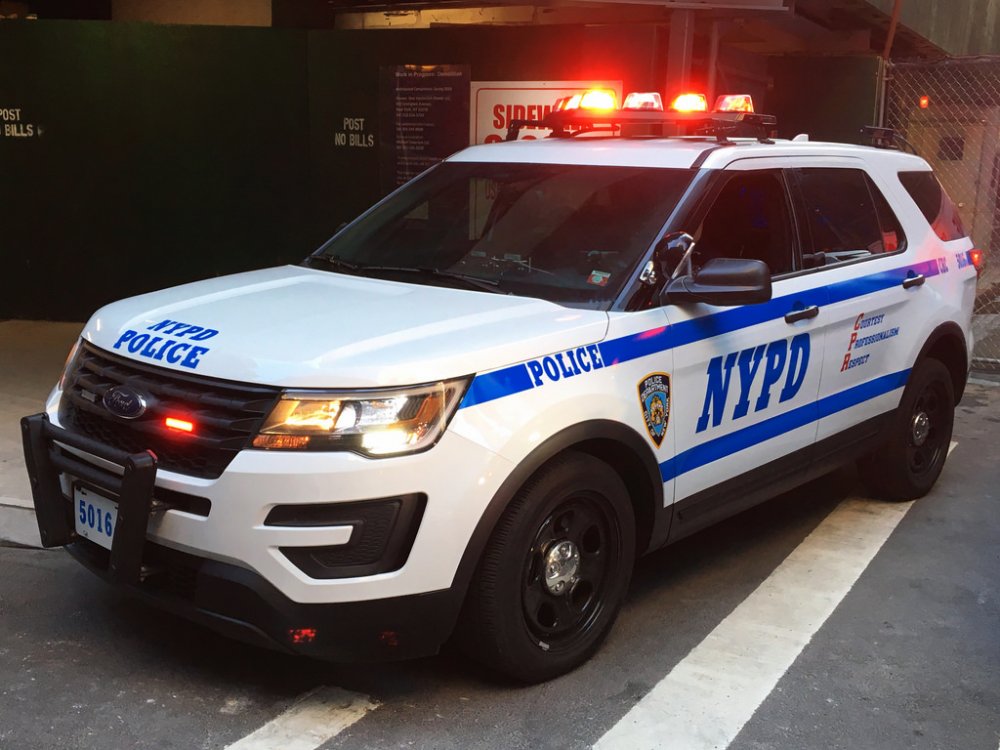
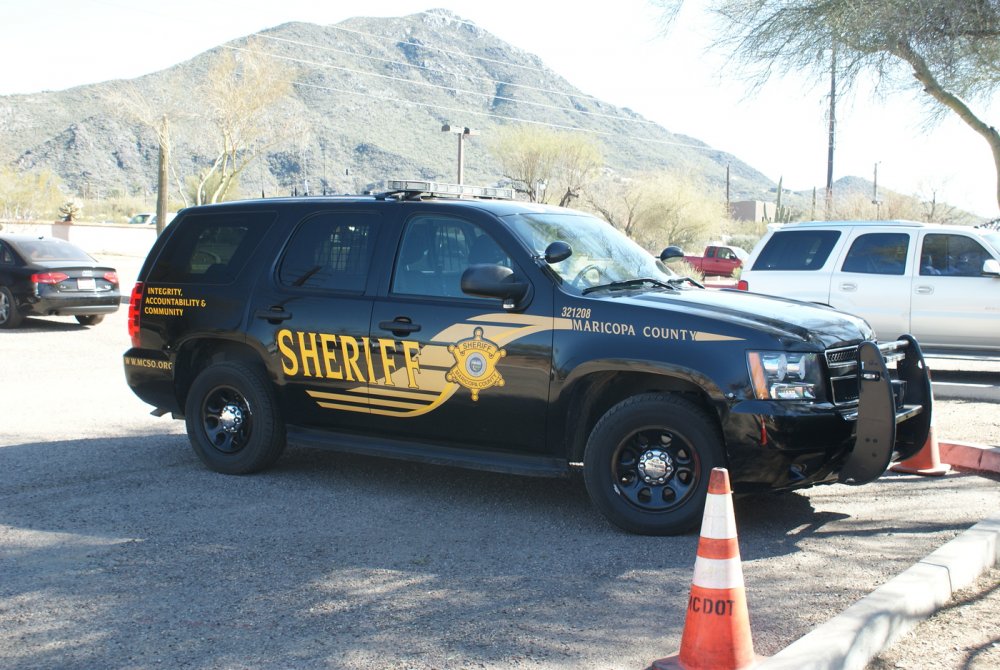
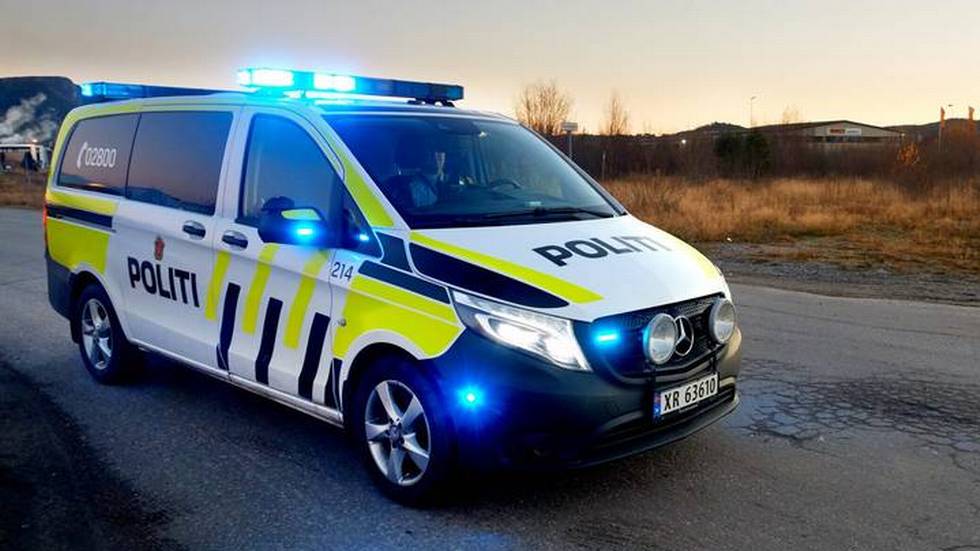
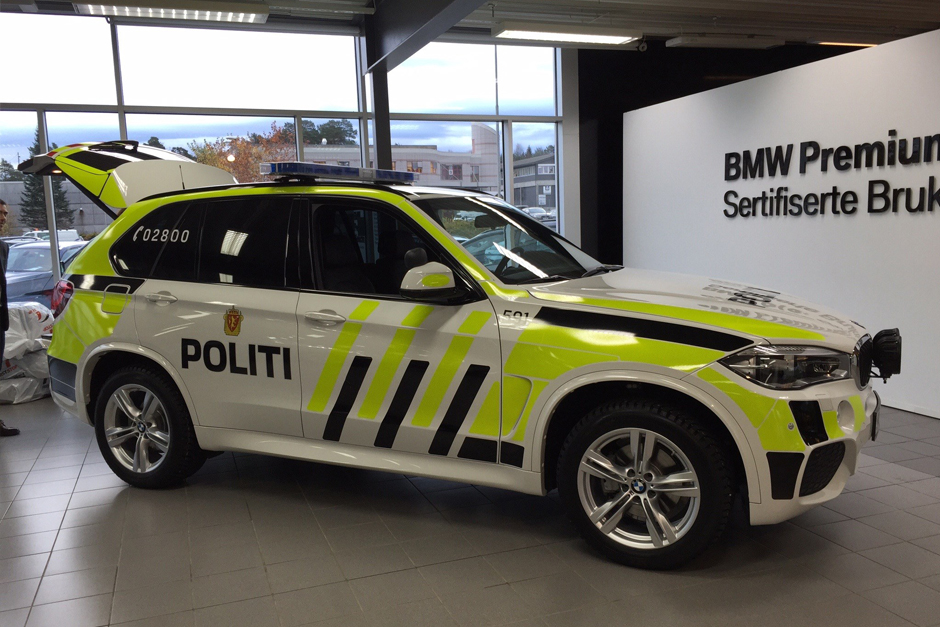
Always had a big heart for the 20 -13/15 Tahoe, as well as the Ford Explorer! I also do really like the Mercedes Vito and BMW 525 units we use in Norway:

-
-
-
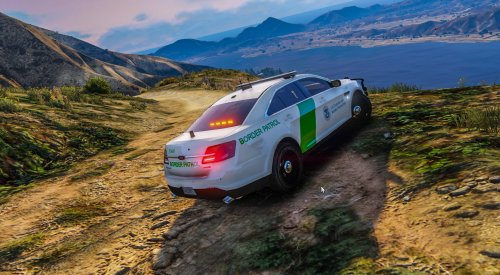 -> This is my second project. Hope you like it! Consider leaving a review/comment. This was made for POLICESCO's 2016 FPIS: I (OfficerAndre) did not do any work on the model shown. Credit goes to POLICESCO. Installation: This is my second Vehicle Texture (and upload to lspdfr.com), more to be coming soon! Any feedback is appreciated! > Skin made by OfficerAndre. > Designed for POLICESCO's 2016 FPIS.
 -
HI! I just uploaded my first Vehicle Texture. With my upload I want to attach my Showcase Video fro YouTube. I can't figure out how I can insert it so visitors of my upload can click play on the video while still being on lspdfr.com, insted of having to click a link and get redirected to YouTube. EDIT: Nevermind found out ;)
-
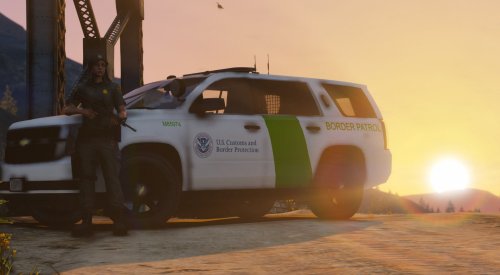 -> This is my first project. Hope you like it! Consider leaving a review/comment. This was made for POLICESCO's Tahoe 15. I (OfficerAndre) did not do any work on the model shown. Credit goes to POLICESCO. Installation: This is my first Vehicle Texture (and upload to lspdfr.com), more to be coming soon! Any feedback is appreciated! > Skin made by OfficerAndre. > Designed for POLICESCO's 2015 Chevrolet Tahoe.
 -
Dayum, exciting!
-
I recently had this issue. Here was the solution that worked for me: Start RagePlugin Hook and click the setting icon, instead of letting it load the game. > Go to "Game Setting" > Click "Command line switches" > Check "DirectX 11" and "Force Windowed Mode" > Save and launch your game. You can turn on fullscreen once the game has loaded. Hope this helps!
-
Hyyyyyyype
-
No nothing in particular. I'll do that :)
-
So I have been playing lspdfr since it came out (and been wierd enough not to make me an account here before now...). So I have a lot of mods, but what mods could you recommend for the most realistic gameplay possible. Anything from big to just that little touch
-
-
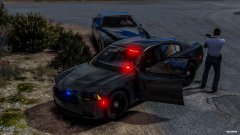 Detective Williams taking down the known drug dealer Boo Lee at gun point
-
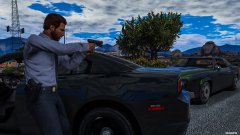 Detective Williams taking down the known drug dealer Boo Lee at gun point
-
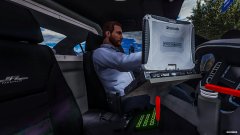 Detective Williams responding to arrest a known drug dealer
-
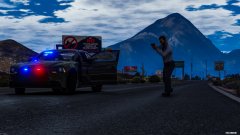 Detective Williams moving in on a Domestic Disturbance
-
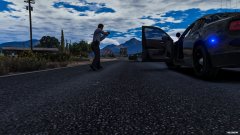 Detective Williams moving in on a Domestic Disturbance
-
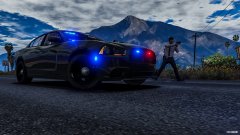 Detective Williams moving in on a Domestic Disturbance
-
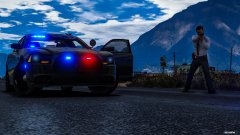 Detective Williams moving in on a Domestic Disturbance
-
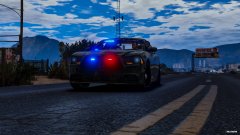 Detective Williams responding to a Domestic Disturbance
-
-
From the album: On Patrol #1
-
From the album: On Patrol #1
-
From the album: On Patrol #1
-
From the album: On Patrol #1
-
From the album: On Patrol #1
-
From the album: On Patrol #1




