
Xandiar
-
Joined
-
Last visited
Everything posted by Xandiar
-
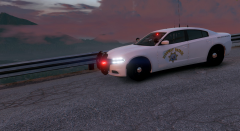
From the album: SAHP in duty.
-
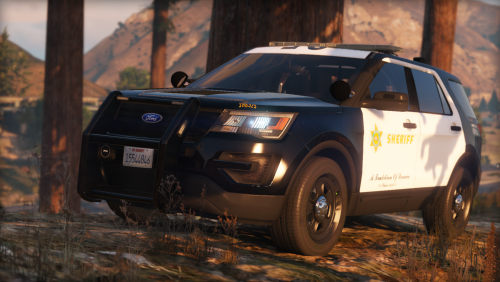 " I'm glad to present you a Lore-friendly LASD 2016 Ford Interceptor Utility. (except lightbar which was used on 2013 Explorer) "
- 24 comments
- 7 reviews
-
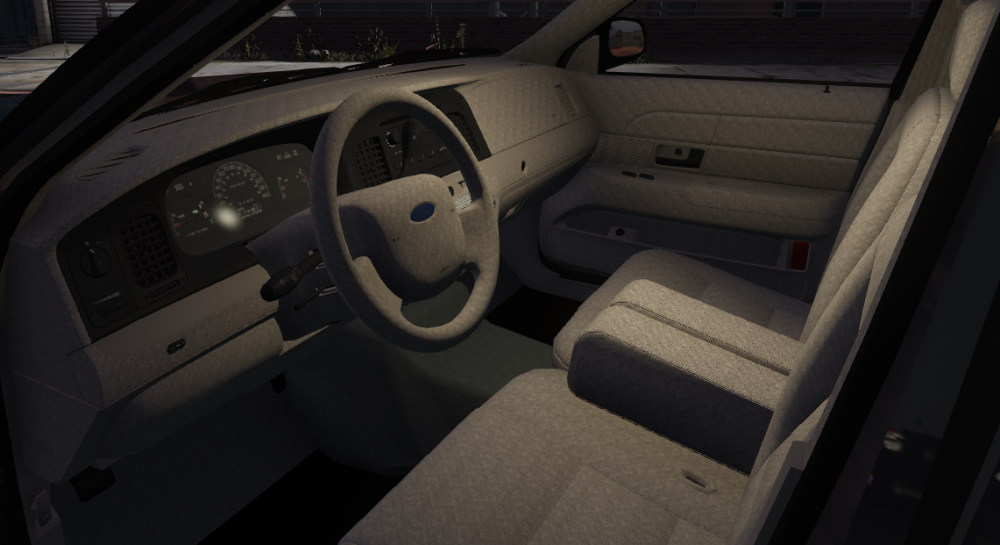
Hi guys, I want to fix a bug texture that I've encountered on the OfficerUnderwood's CVPI. It's the first time that I see that, so I actually don't know how to fix it. I've tested to properly reorganize materials and hierarchy but it did anything. I would appreciate any advice. Thanks!
-
Try to close background programs like Discord etc.
-
-
-
-
-
Hi guys ! I'm glad to present you a Lore-friendly LASD 2016 Ford Interceptor Utility. HANDLING META for the vehicle is included. All credits and metas are in the pack. It's forbidden to crack and open the yft. Feel free to use it on Five-M or whatever, it's a non-els model. At the moment, I've not planned to make an ELS version. This vehicle was an exclusive car of the server Law Enforcement (French FiveM server). This an exclusivity LCPDFR.com, do not reupload.
- 24 comments
- 7 reviews
-
-

-

- 17
-
-
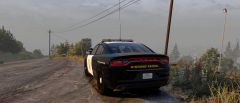
From the album: SAHP in duty.
Model in WIP -
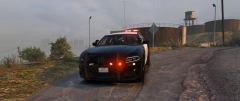
From the album: SAHP in duty.
Model in WIP -
Problem solved, I tried again modifications from the beginning and it's actually working. So I don't know the reason why it crashed.
-
Thanks Candice for the reply! I test to rename the attachments (in the hierarchy in Zmodeler) that I added with names like misc_x etc, it was toggling partitions and other attachments when I was activating sirens but the model was loading without any problem. Afterwards, I just renamed like before and the model was appearing like in my precedent picture. I don't know what to do to now. Is there particular names to attachments to be loaded properly?
-
Hello ! I'm actually working on a LSPD Ford Taurus and I'm blocked. I searched into forums but despite a solution including the adjustment of the base's value (a solution that i've applied), I haven't found anything.( Regarding to the base's value adjustment, I apply a value to test but the box "User defined Option" still unticked despite I tick and apply.) I explain my issue : My car's main texture doesn't load ? This causes an error in-game : "corrupt game data" (I know that there are some missing textures in the picture : I've tested to reduce the size of my ytd with only the FPIS's textures). Do you have some ideas?
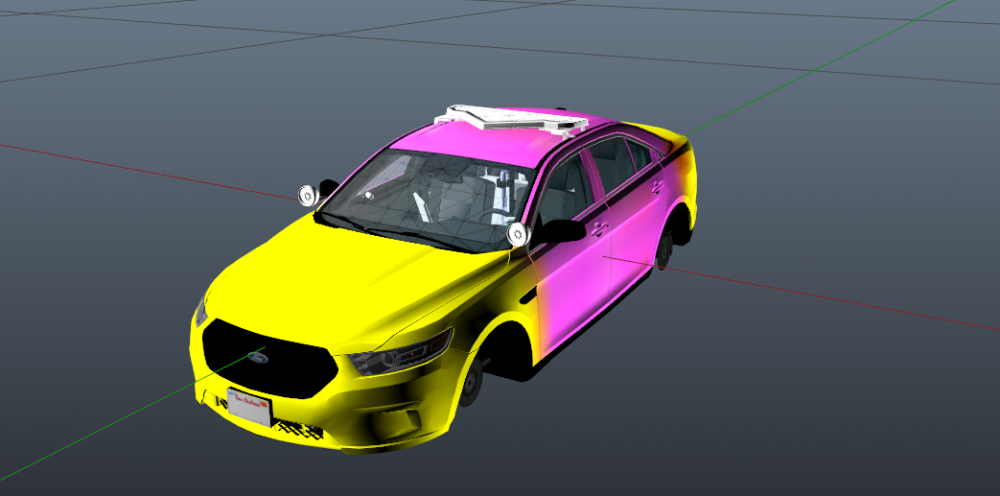
-
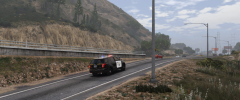
From the album: SAHP in duty.
© Xandiar / Staff Law Enforcement
-
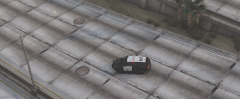
From the album: SAHP in duty.
© Xandiar / Staff Law Enforcement
-
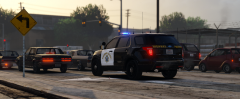
From the album: SAHP in duty.
© Xandiar / Staff Law Enforcement
-
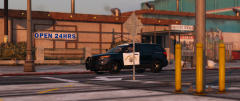
From the album: SAHP in duty.
© Xandiar / Staff Law Enforcement
-
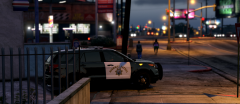
From the album: SAHP in duty.
© Xandiar / Staff Law Enforcement
-
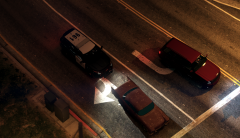
From the album: SAHP in duty.
© Xandiar / Staff Law Enforcement
-
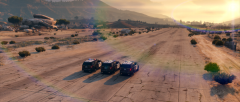
From the album: SAHP in duty.
© Xandiar / Staff Law Enforcement
-
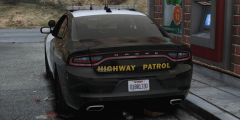
From the album: SAHP in duty.
© Xandiar / Staff Law Enforcement
-
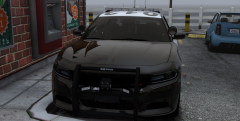
From the album: SAHP in duty.
© Xandiar / Staff Law Enforcement
-
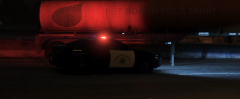
From the album: SAHP in duty.
© Xandiar / Staff Law Enforcement
-
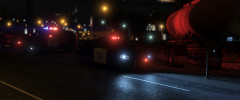
From the album: SAHP in duty.
© Xandiar / Staff Law Enforcement