



GoldenVisor
Members
-
Joined
-
Last visited
Everything posted by GoldenVisor
-
I downloaded the newest ragehook and scripthook earlier and started to get nothing but crashes. I found out that if I uninstall openiv.asi the game opens just fine and I can play without my mods, but whenever I install the asi it crashes the game in the final loading screen. I'm not sure if it's the actual asi file that's causing it or something to do with my mods folder. All of my plugins work fine (except for 2 that say they need to be updated) and lspdfr runs without any issues when I play without the file installed, so it has do to with mods folder or the openiv.asi. Is anyone having similar issues or know how I can fix this? Any response would be appreciated. RagePluginHook crash.log RagePluginHook no crash.log
-
Aww yeah, thanks a lot for this.
-
I had a feeling that was probably the issue, but it would be a whole thing to try to figure how to modify the correct file and such.
-
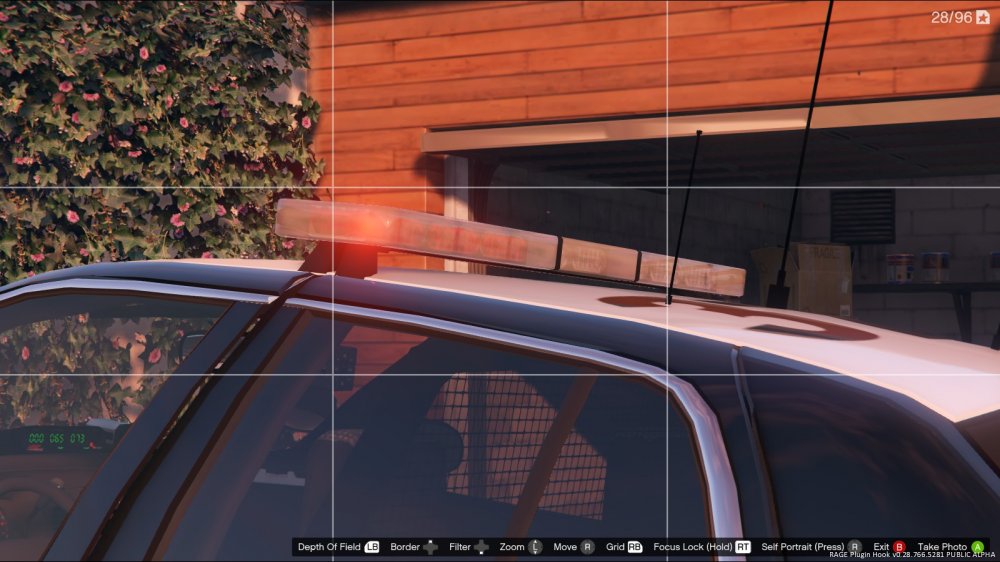
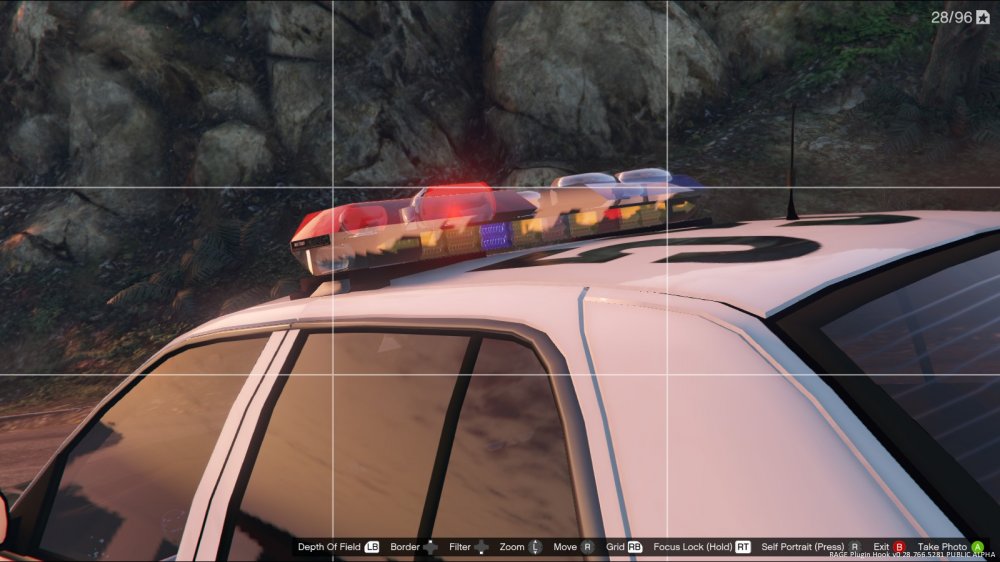
I've been trying to take police files, renaming them to police4 files, and replacing the undercover car with them, but whenever I do that the light bar always glitches out and acts weird. It has done this with every vehicle except for one vehicle that has a flat bar. I assume this is because there is no default light bar on the undercover car, but I'm not 100% sure. Is there a way I can stop the bar from freaking out or is it just a default thing? First pic is the undercover car with the flat bar, and the second is what happens with all other light bars.
-
From the album: Random Stuff
-
-
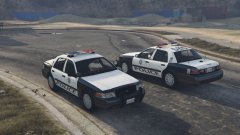
From the album: Random Stuff
-
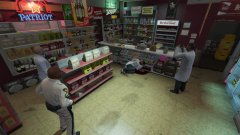
From the album: Random Stuff
-
I've seen Jeff play as the Highway Officer with the brown hair and beard and have seen the different textures for the officers in the ytd file, but I was wondering how you actually access them in game. LSPDFR only lets you choose between the standard black and white highway officer and the simple trainer that I have doesn't give me the option to switch to the other options either. Is there something I'm overlooking or doing wrong here?


