


epicpro78
Members
-
Joined
-
Last visited
Everything posted by epicpro78
-
 Ah I gotcha. Yea, the initial location is cut off. Maybe for future updates, could just put (V2/3) or DLCC V3 or someway to shorten it so full location can be seen, that would be great. I see what you're saying with the Version number in there, and it's helpful. Maybe a way to shorten it if it's still cut off would be nice. Totally your call though
- 127 comments
- 13 reviews
-
Also a quick bug I noticed, in the latest callouts, there will be *** county callouts 0.2 *** right after the Location. Reference: https://prnt.sc/uxyh2w
- 127 comments
- 13 reviews
-
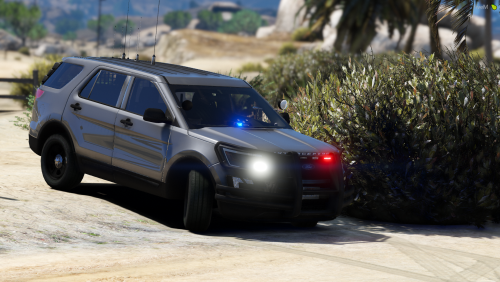 For the explorers and FPIU's I've used in the past, I give them the "Baller" handling line and seems to do good.
- 10 comments
- 1 review
-
Starting using this and love it. I don't get nearly as much callouts in the county as I do in in the city. It's nice having this pack to help with county callouts!! Only thing I'll say it when going to the deputy check callout, I know it's multi-scenario which I've seen both of. But when I'm there, 95% of the time, they are fine and going back 10-8. Would be nice if the ratio of the scenarios could be leveled out more. Doesn't have to be 50/50, but around 70/30. If you're able to do, that would be great so I don't get there and it's the same thing every time. Other than that I love this pack
- 127 comments
- 13 reviews
-
-

- 1
-

