




ScrimpyData
Members
-
Joined
-
Last visited
Everything posted by ScrimpyData
-
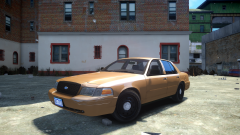
From the album: Scrimps Mods
I'm aware that the rear door panels don't fit perfectly, just saying :P -
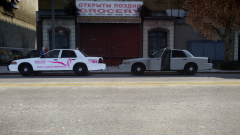
From the album: Scrimps Mods
Decided to use 2 cars in this shot, one with Penta's Breast Cancer Awareness skin, and one just undercover. (there is no difference model-wise) -
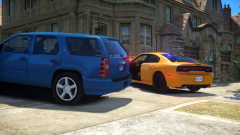 I might release it soon
 -
From the album: Scrimps Mods
Feedback is always appreciated :D -
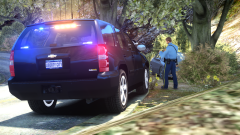 Ahhh... Well, I'll see what I'll do about it :P
 -
 I only used pics of TPS, so I didn't really intended it to be a combination lol
 -
It's the other way around on the Dutch flag...
-
From the album: Scrimps Pics
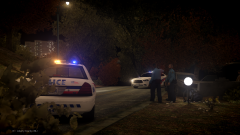
2 officers responded to a traffic accident -
Thanks :D
-
From the album: Scrimps Pics
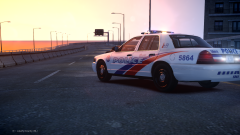
A LCPD Officer found an abandoned car at the side of the road. -
 Indeed. I should've added that to the description
 -
From the album: Scrimps Pics
-
 You mean why it's so shiny? That's the material.
 -
Haha :P I had it for a little while now, just never used it xD
-
Not really... But it shouldn't be that hard to do
-
From the album: Scrimps Mods
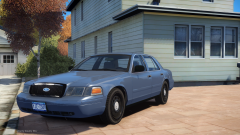
Did some final tweaks to the DSF CVPI, like adding in a HQ interior :D -
Sad to see you go, Tom! You got some good points in your post. Farewell, and good luck with whatever you're going to do now! -Scrimpy
-
From the album: Scrimps Pics
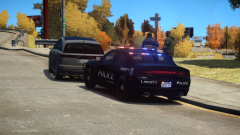
Not much to say here... -
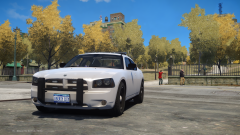
From the album: Scrimps Mods
Thanks to Him1250 for helping out with the RC20 issues :D -
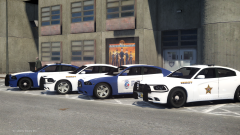
From the album: Scrimps Mods
Might release... -
Chestrt119 Close enough... But not bad for doing it on mobile
-
This is what our police cars, fire trucks and abulances look like :) (In Belgium) A driving speed camera (I think, not sure)
-
FlipFlup :D
-
Reibu I don't know how, but I did it :D
-
ineseri WOOOHOOO!


