



peanuthead159
Members
-
Joined
-
Last visited
Reputation Activity
-
 peanuthead159 got a reaction from
Deactivated Memberfor a gallery image, Paleto Bay Bank RobberyThis screen shot was unedited, and raw... The vehicle is a 1971 Dodge Palora with a Federal Signal Twinsonic lightbar. All vehicle credit to respected authors.
-
peanuthead159 reacted to
Deactivated Memberfor a gallery image, SAHP -
peanuthead159 got a reaction from
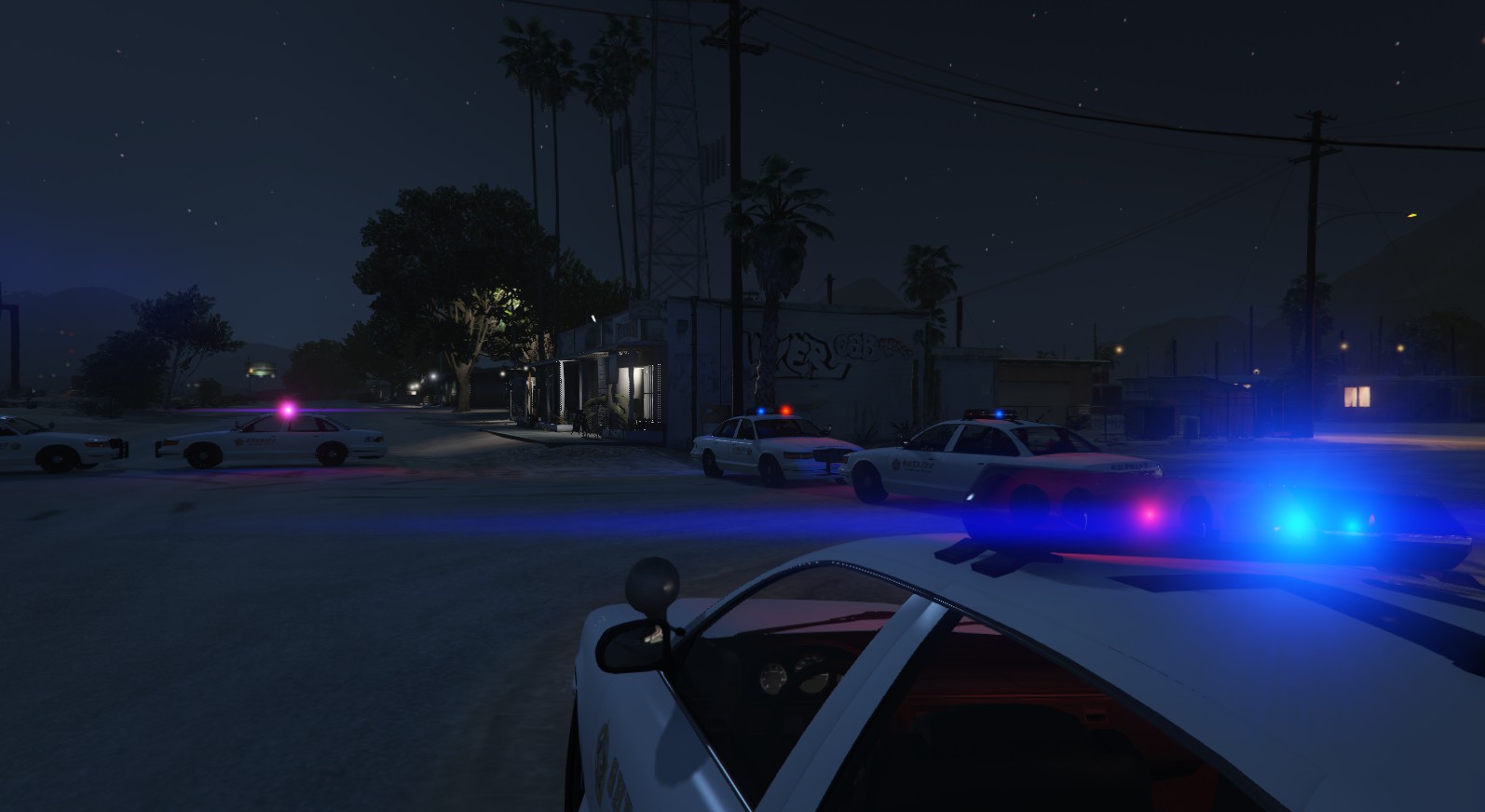
Deactivated Memberfor a gallery image, Weazel News- 24/7 Robbed in Sandy Shores (image 1 of 5)At approximately 1:00 am, the Los Santos County Sheriff's Department responded to a call from a bystander outside the 24/7 in Sandy Shores. Upon arrival the armed suspect has escaped, and and Criminal Investigators were called to the scene. The LSSD are still investigating. Stay with Weazel News for further devlopments in the story.

