Skip to content
View in the app

A better way to browse. Learn more.

LCPDFR.com

A full-screen app on your home screen with push notifications, badges and more.

To install this app on iOS and iPadOS
  1. Tap the Share icon in Safari
  2. Scroll the menu and tap Add to Home Screen.
  3. Tap Add in the top-right corner.
To install this app on Android
  1. Tap the 3-dot menu (⋮) in the top-right corner of the browser.
  2. Tap Add to Home screen or Install app.
  3. Confirm by tapping Install.

JeffreyTheDev

Members
  • Joined

  • Last visited

  1. D3ZY started following JeffreyTheDev
  2. Grochek221 started following JeffreyTheDev
  3. Już są na beta testach. Zapraszam na discorda PEV
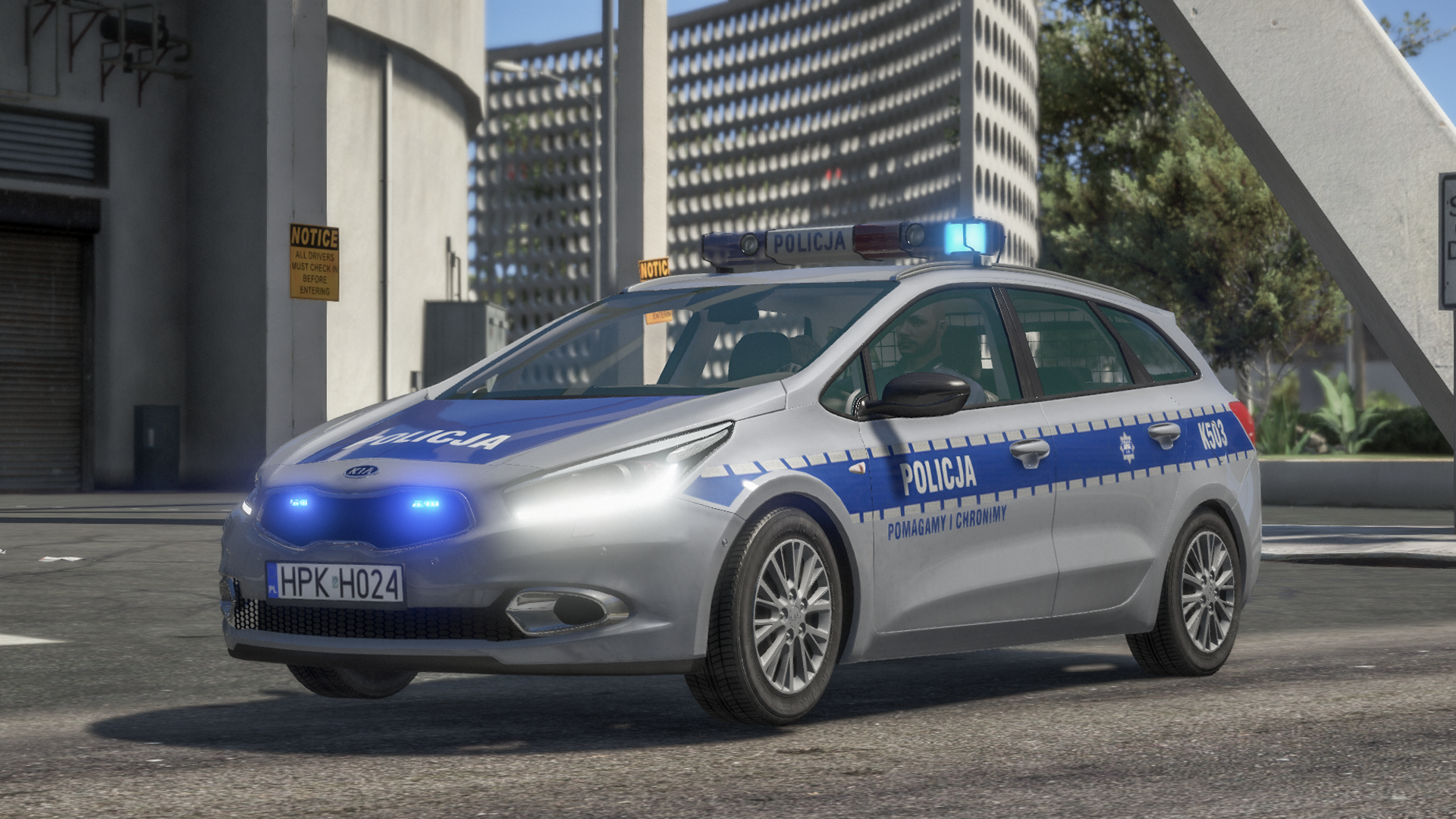
  4. Kia Ceed jest w 5 wariantach: police3 - z belką Kairos police4 - nieoznakowana z kogutem elektry police5 - z belką elektra LZP police9 - nieoznakowana z wideorejestratorem i tablicą matrix sheriff - z belką aurum Natomiast opel jest w jednym wariancie - police8. W naszych modyfikacjach nic się nie podmienia, wszystko jest zrobione tak, zeby mozna bylo grac ze wszystkimi modami jednocześnie. Trzeba tylko poprawnie zainstalować.
  5. MateuszKallin started following JeffreyTheDev
  6. In the video's description you have link to our discord
  7. Jest takie coś w plikach. Musisz sobie poszukać, będzie niedaleko tej bluzy wpuszczonej w spodnie 😉
  8. Please use appropriate language. If you go to JaPiotrek's model site, you will see the 3 lines of credits, which I wanted you to copy and paste in your credits. That's all.
  9. I just wanted you to respect my work, as I am the author of that modification and JaPiotrek just uploaded it on this site. I guess being respectful is too much. I will remember to change templates in any mod i make and make sure not to release them.
  10. You used JaPiotrek's ambulance, so follow his credits.
  11. Credits are incorrect. Please, fix them or the file will be reported.

Account

Navigation

Search

Search

Configure browser push notifications

Chrome (Android)
  1. Tap the lock icon next to the address bar.
  2. Tap Permissions → Notifications.
  3. Adjust your preference.
Chrome (Desktop)
  1. Click the padlock icon in the address bar.
  2. Select Site settings.
  3. Find Notifications and adjust your preference.