
Piper5by5
Members
-
Joined
-
Last visited
Everything posted by Piper5by5
-
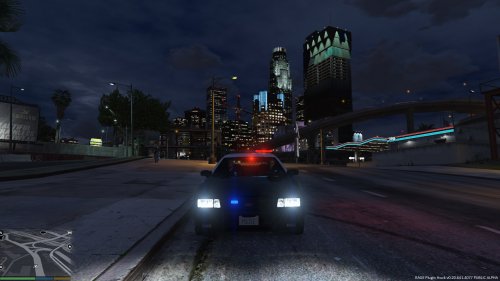 https://www.gta5-mods.com/vehicles/improved-led-lights-for-the-vapid Again, already been done.
- 9 comments
- 1 review
-
Hi, I use a mods folder inside the GTA V folder for all of my visual mods, such as Improved LEDs & Spotlight, etc. Recently, after the Ill Gotten Gains 2 update, every time I play the game, upon quitting the game, the mods folder is simply deleted from my GTA V folder. It's very frustrating having to put the mods folder back in every time, as it takes at least 30 minutes to copy and paste all the files back every time I want to play. Has anyone else been experiencing this? How can this be fixed?
-
That triple post tho Thanks for the update on what's going on though Sam. I think it's needless to say I'm excited for 0.2, but I understand the need to hold off on releasing it until it's in working condition. Best of luck to you guys in ironing out the rest of the issues!