



WhenPeopleGoMoo
Members
-
Joined
-
Last visited
Reputation Activity
-
 WhenPeopleGoMoo got a reaction from Desmond98 in [WIP] LAPD/LASD/CHP FPIU (2014)Would that work..?
-
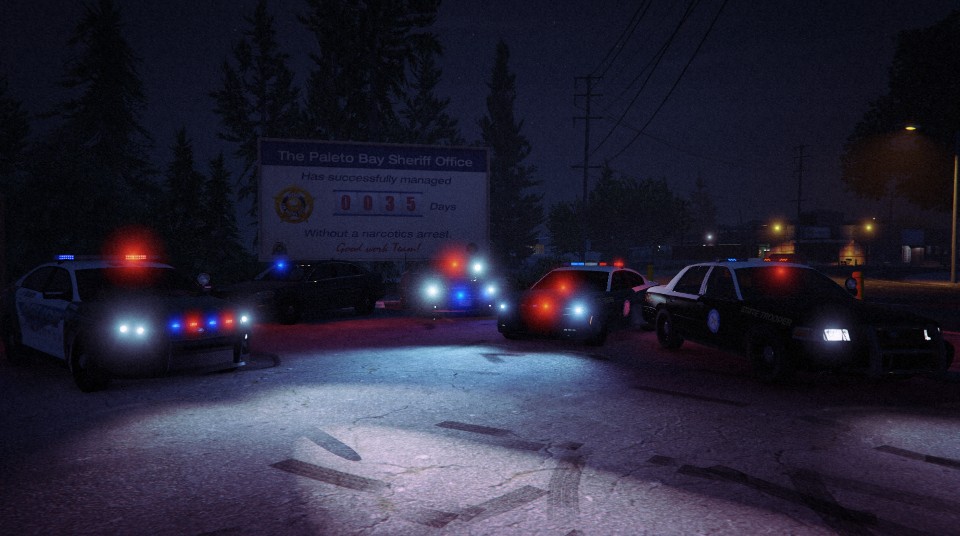
WhenPeopleGoMoo got a reaction from Carrythxd in Your best LSPDFR screenshots?
-
WhenPeopleGoMoo reacted to SeaHawk14 in [WIP] LAPD/LASD/CHP FPIU (2014)well, the LAPD usually have a pullout tray with the black box, and electrical equipment. I'd assume they may have traffic cones maybe?
http://www.hendonpub.com/assets/articles/4420/34c3ce55-e1f6-4f81-b6b0-a61314269172.jpg
second link
-
WhenPeopleGoMoo got a reaction from pHagah in Your best LSPDFR screenshots?
-
WhenPeopleGoMoo got a reaction from Slushy in "0" and "O" on license platesThe license plate format never changes that I've seen. 40BMO098. The first two are always numbers, so like 4 0 (Zero) then three letters like B M O (Letter) then the last three are always numbers, like 0 (Zero) 9 8. So, basically whenever I read the license plates I automatically think, first two are numbers, then three letters, and then three more numbers. As regards to your topic, I think that would be a pretty good idea actually and would be helpful!




