Skip to content
View in the app

A better way to browse. Learn more.

LCPDFR.com

A full-screen app on your home screen with push notifications, badges and more.

To install this app on iOS and iPadOS
  1. Tap the Share icon in Safari
  2. Scroll the menu and tap Add to Home Screen.
  3. Tap Add in the top-right corner.
To install this app on Android
  1. Tap the 3-dot menu (⋮) in the top-right corner of the browser.
  2. Tap Add to Home screen or Install app.
  3. Confirm by tapping Install.

Mortz

Members
  • Joined

  • Last visited

Everything posted by Mortz

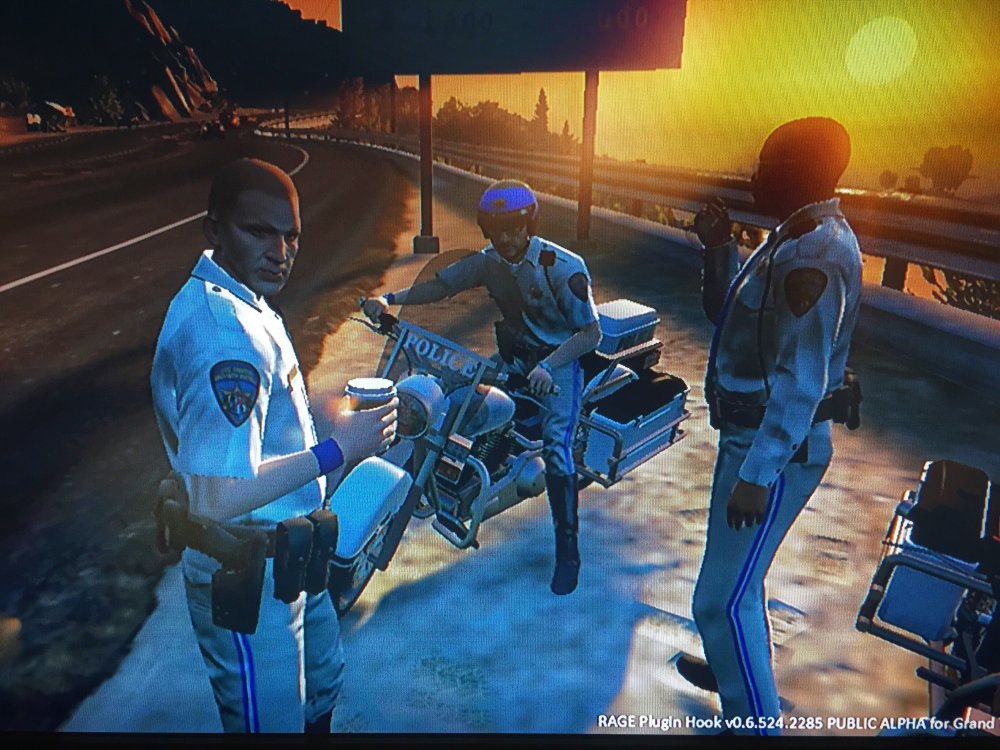
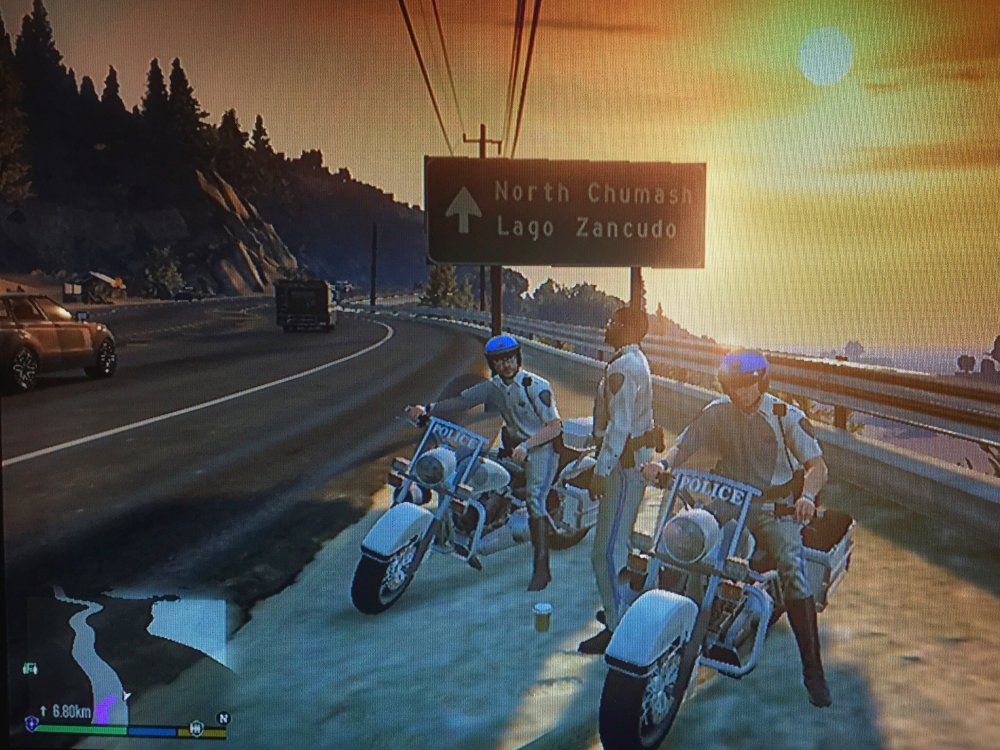
  1. A very enjoyable intro to the features of the Mod with great stability even when calling in multiple back ups. The arrest animations are great but the one where you stand the suspect up from the kneeling handcuff needs perfecting. Traffic stops generally work well however sometimes it is difficult or impossible to get it to 'blip' the correct vehicle even when it's directly infront of you. Can't wait for more options with the stops. Stop sticks would also be useful. Looking forward to a greater variety of call outs also. Overall a fantastic start to what will be one of the best mods released for any game. Superb. (Sorry for the low quality screens)
  2. Is that just wishful thinking?
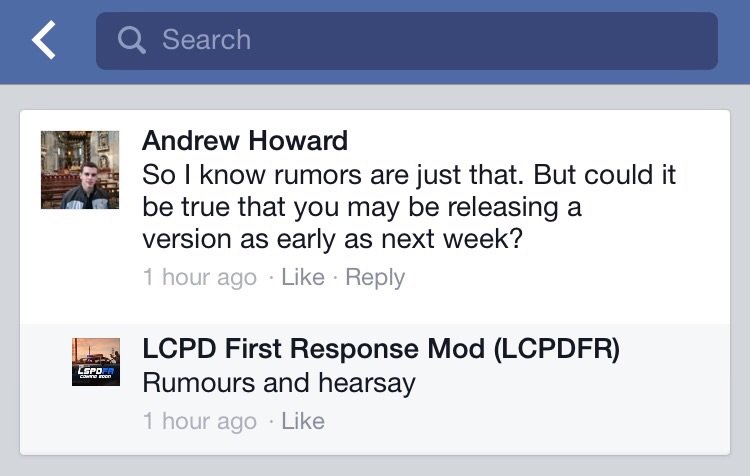
  3. puts an end anyone saying a release is coming in the next week...
Account

Navigation

Search

Search

Configure browser push notifications

Chrome (Android)
  1. Tap the lock icon next to the address bar.
  2. Tap Permissions → Notifications.
  3. Adjust your preference.
Chrome (Desktop)
  1. Click the padlock icon in the address bar.
  2. Select Site settings.
  3. Find Notifications and adjust your preference.