CaptainVince
Members
-
Joined
-
Last visited
Everything posted by CaptainVince
-
These are mic clicks for Teamspeak, an instruction file is included. The queue up does not sound but the end transmission does.
- 2 comments
- 1 review
-
Probably Would Help A little but not much, but like @Hystery Said You Might Need To Clean Them. Just wondering, how many exhaust/intake fans do you have?
-
Better CPU cooler
-
Thanks man! Hope the recording you do goes well! @Azteco
-
This is another set of mic clicks for TeamSpeak or whatever you want it to be for. Hope you all enjoyed the ones that I made earlier, and I hope you like these too! More Mic Clicks coming soon! Maybe NJSP (HINT HINT.)
-
-
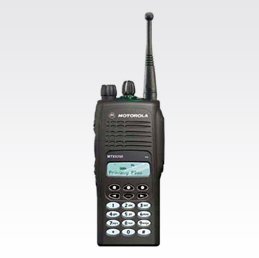 Thanks for the info! I'll release some more sounds that are more accurate. I just wanted to share these since there aren't many mic click sounds for TeamSpeak that are easily acessable. @Drake1731
- 10 comments
- 1 review
-
These are some sounds I pulled off of http://www.w2sjw.com/radio_sounds.html for TeamSpeak 3. ALL CREDITS GO TO ORIGINAL SOUND AUTHORS Video: https://youtu.be/2rPCdK6GwV8
- 10 comments
- 1 review
-
-

- 2
-