MrOxPlay
Members
-
Joined
-
Last visited
Everything posted by MrOxPlay
-
-
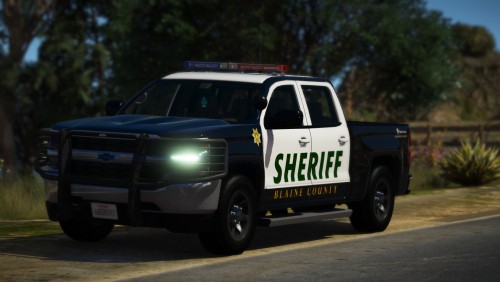
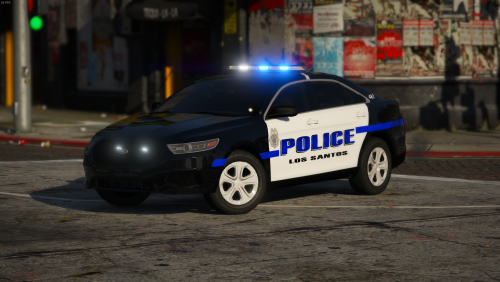
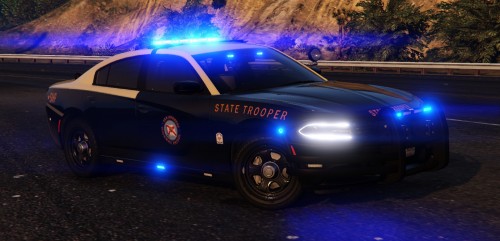
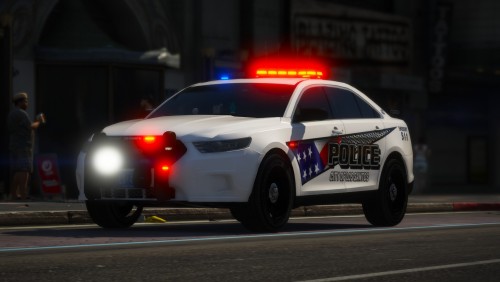
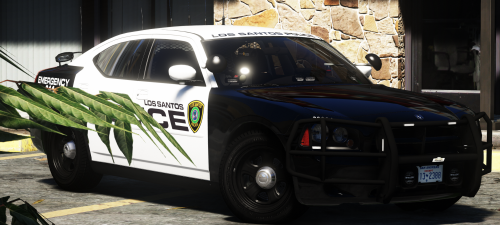
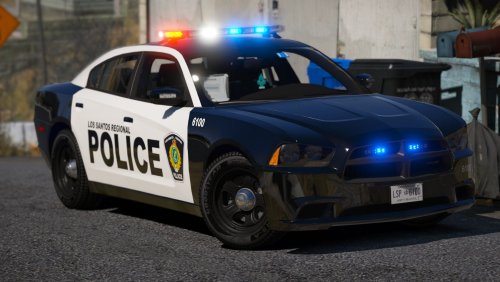
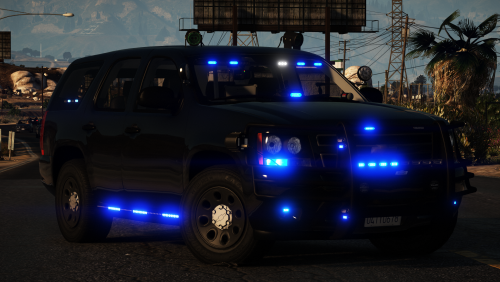
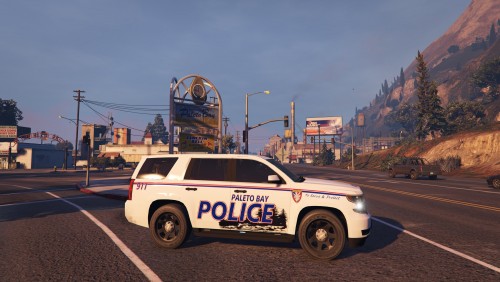 " I have been making car skins for a few years" and upload pixelate mounts on the skin
 -
-
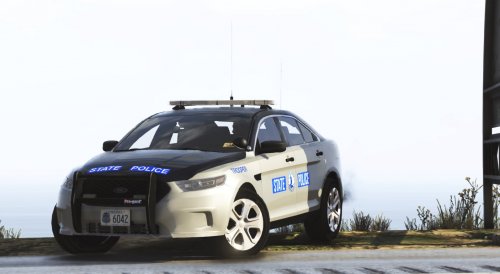 First of great work by LCPDFR team for supporting thefts. Why 1 star, i'll give you -5 if i could. You used my texture (bike) without asking Stole my texture for your skins(so stu*id you used texture from old pack) There is no sound on Bearcat If you don't remove this file i'll remove all my textures and leave this site forever Proof
- 36 comments
- 4 reviews
-
-

- 2
-
Account
Navigation
Search
Configure browser push notifications
Chrome (Android)
- Tap the lock icon next to the address bar.
- Tap Permissions → Notifications.
- Adjust your preference.
Chrome (Desktop)
- Click the padlock icon in the address bar.
- Select Site settings.
- Find Notifications and adjust your preference.
Safari (iOS 16.4+)
- Ensure the site is installed via Add to Home Screen.
- Open Settings App → Notifications.
- Find your app name and adjust your preference.
Safari (macOS)
- Go to Safari → Preferences.
- Click the Websites tab.
- Select Notifications in the sidebar.
- Find this website and adjust your preference.
Edge (Android)
- Tap the lock icon next to the address bar.
- Tap Permissions.
- Find Notifications and adjust your preference.
Edge (Desktop)
- Click the padlock icon in the address bar.
- Click Permissions for this site.
- Find Notifications and adjust your preference.
Firefox (Android)
- Go to Settings → Site permissions.
- Tap Notifications.
- Find this site in the list and adjust your preference.
Firefox (Desktop)
- Open Firefox Settings.
- Search for Notifications.
- Find this site in the list and adjust your preference.