


Creators: Due to background reprocessing of files, approvals and file security checks may be delayed. Thanks for your patience.

MrOxPlay
Members
-
Joined
-
Last visited
Everything posted by MrOxPlay
-
-
-
-

From the album: WIP
Compatible with 2013 Dodge Charger by BlackJesus,2014 Dodge Charger by BxBugs/Carper,2011 CVPI by BxBugs,2011 CVPI by Cj24 -
![ELS IN GTA V [GONE SEXUAL]](//s3-gallery.int-cdn.lcpdfrusercontent.com/monthly_2016_08/small.20160828165141_1.jpg.e71badddecc6c26a771300dec39f2ce9.jpg)
From the album: WIP
-
-

From the album: WIP
© M Design
-

-

From the album: WIP
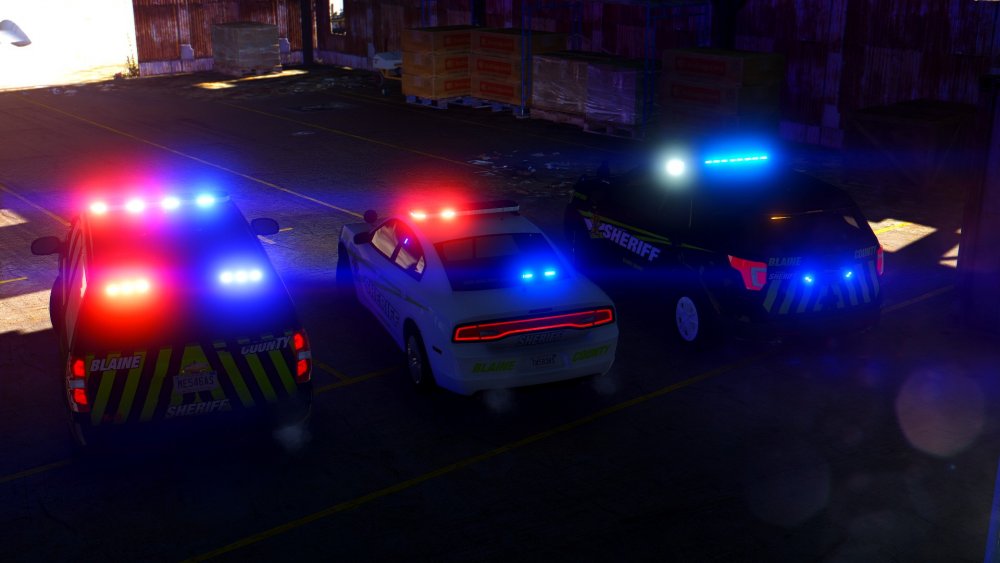
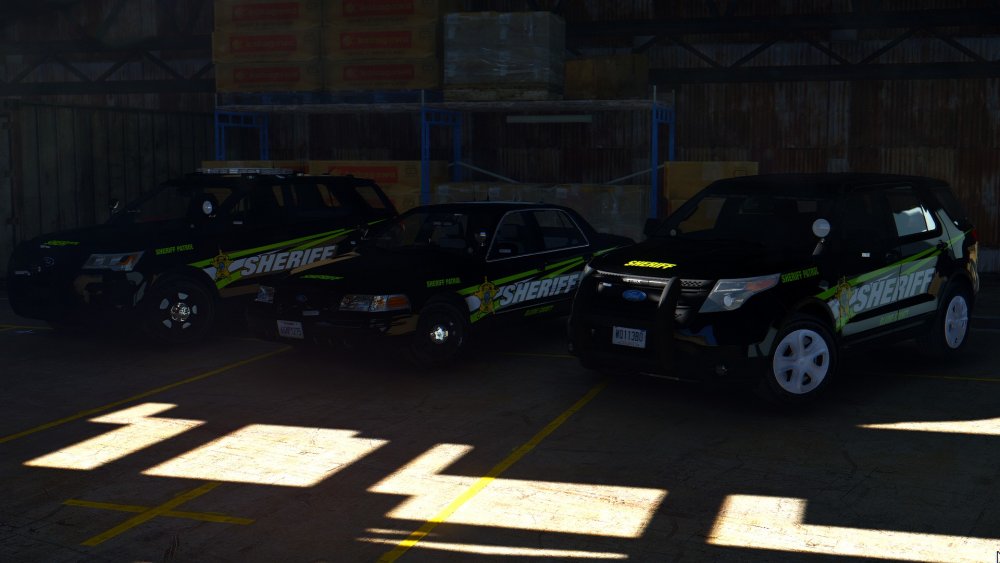
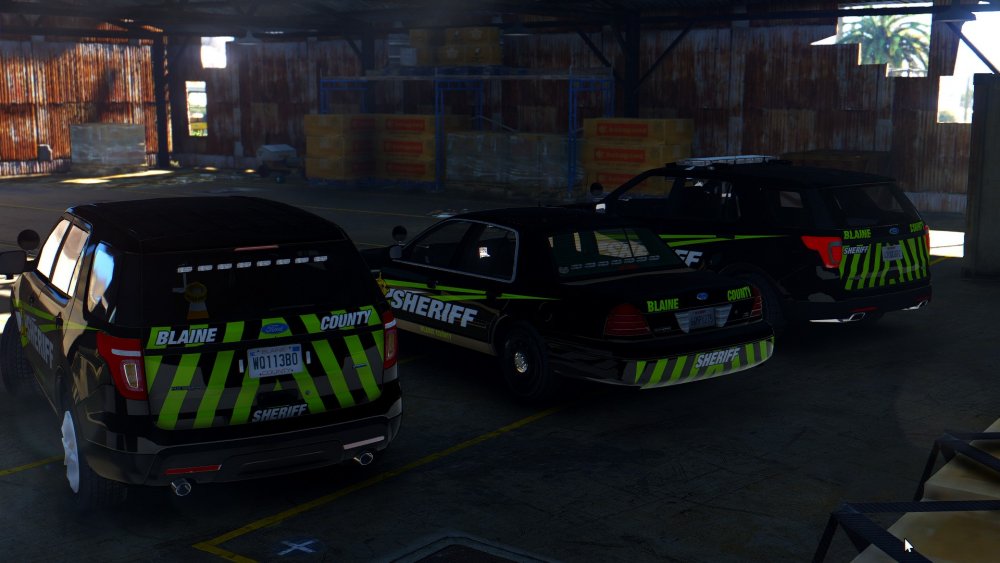
I was working on my new skin pack,and started doing 2015 DC skin ,and when i finish it i notice that Blaine County text glitch,so i decided to try skin od second model but it has same mistake.. do you know how to fix ?? -

From the album: WIP
More pictures -
BIG UPDATE
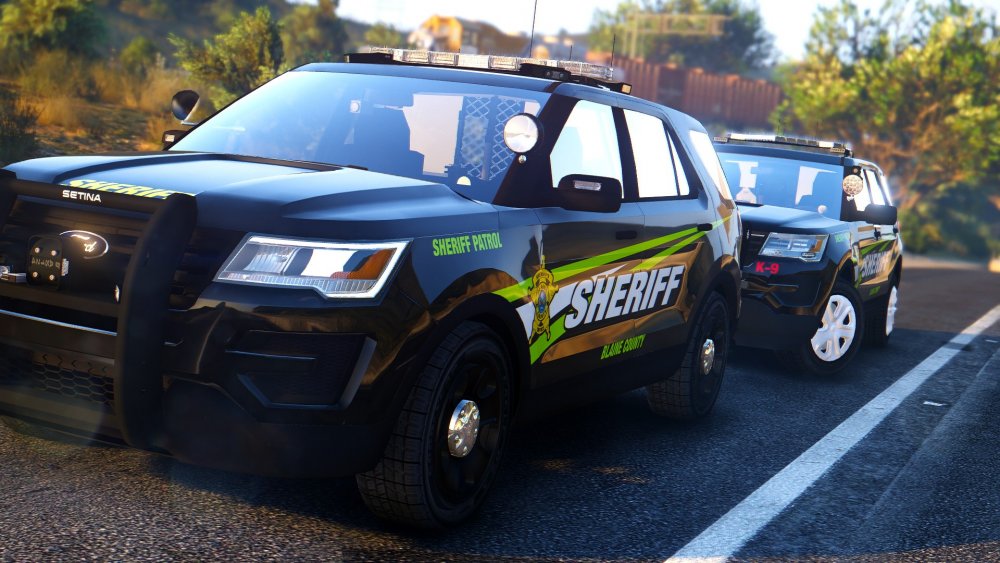
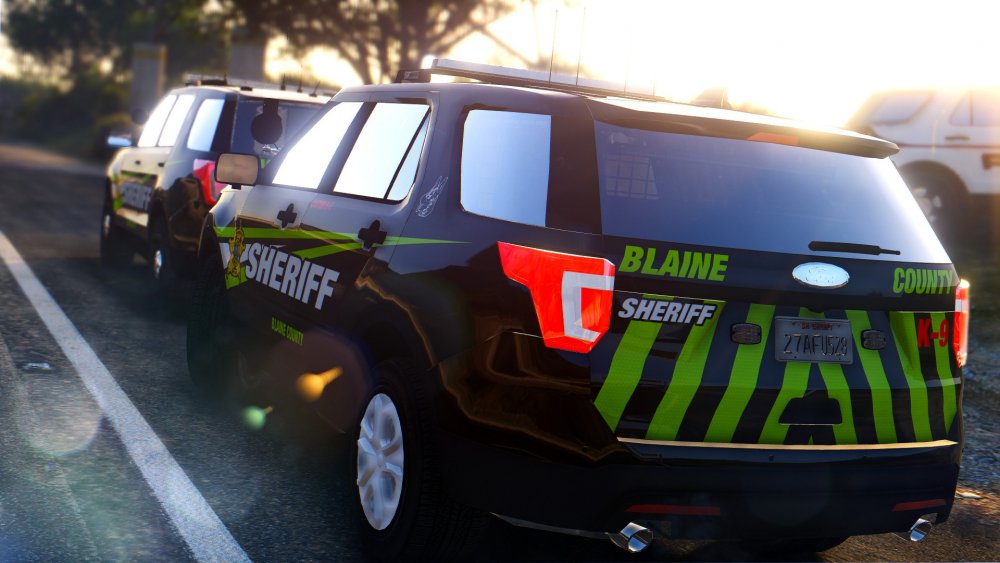

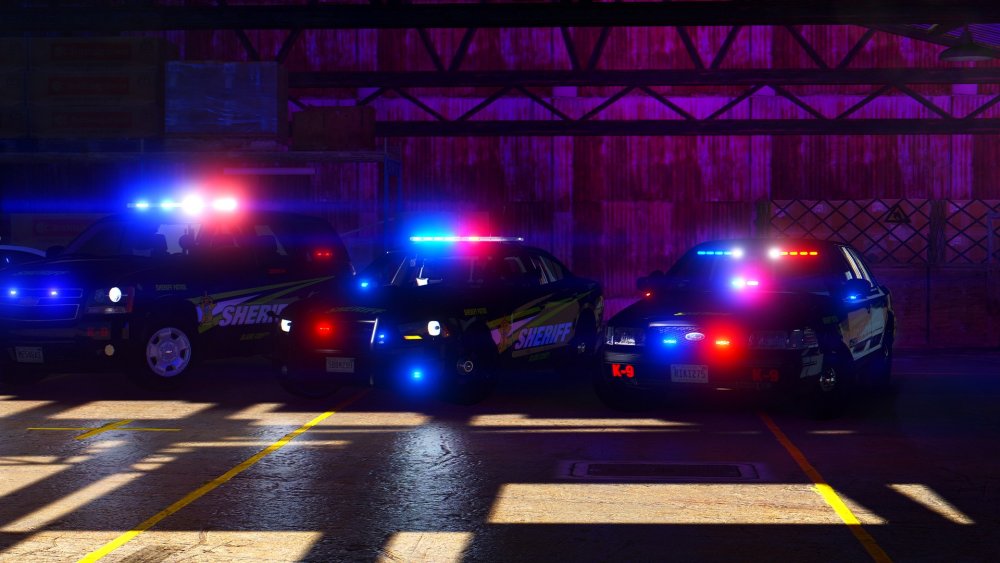

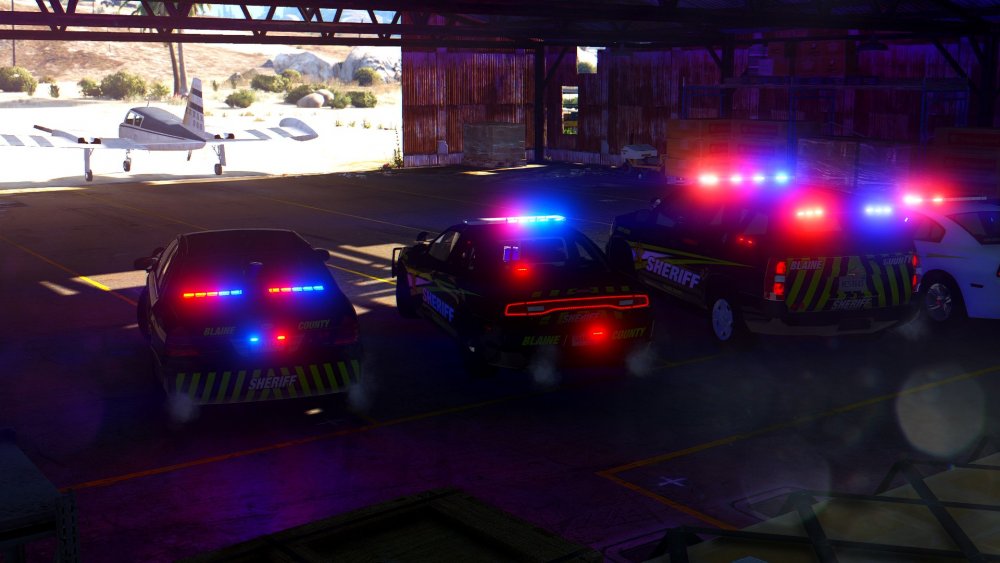
-

From the album: WIP
© M Design

From the album: WIP
© M Design

From the album: WIP
© M Design

From the album: WIP
© M Design
 Looks like it need to be aligned
 I was waiting for your comment :)
 Rotate text,decals also "Police" font seems weirdETA : 10.8.2016 20:00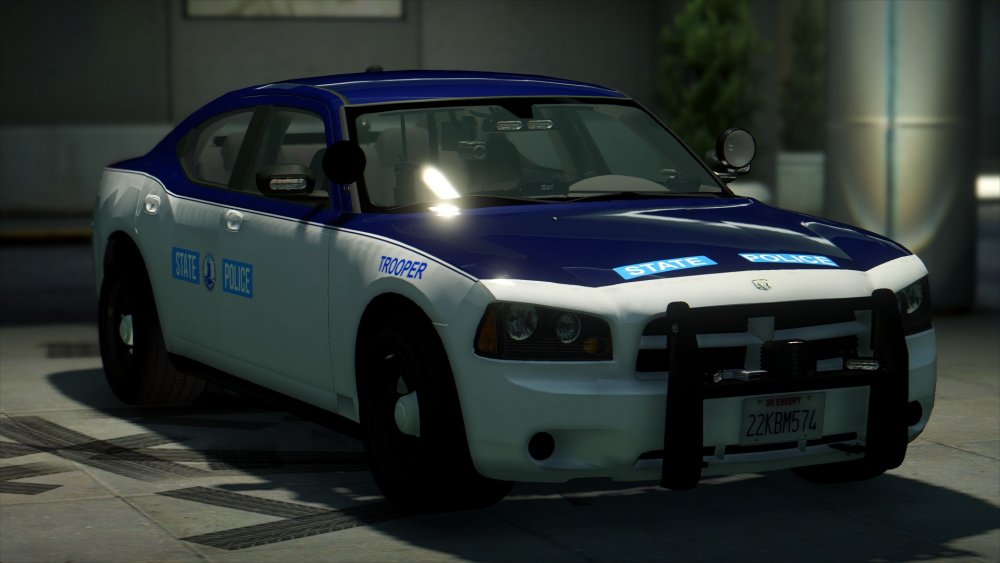
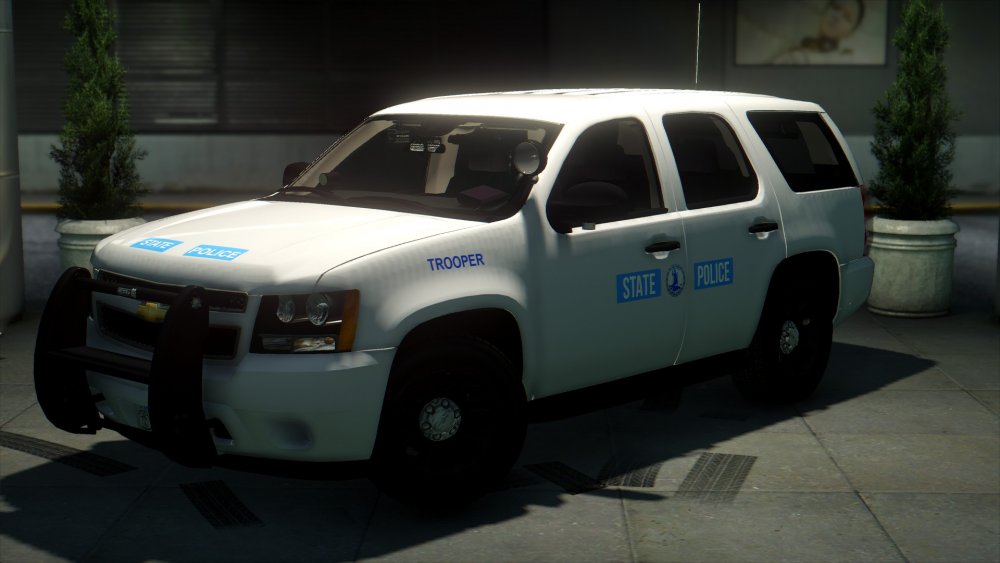
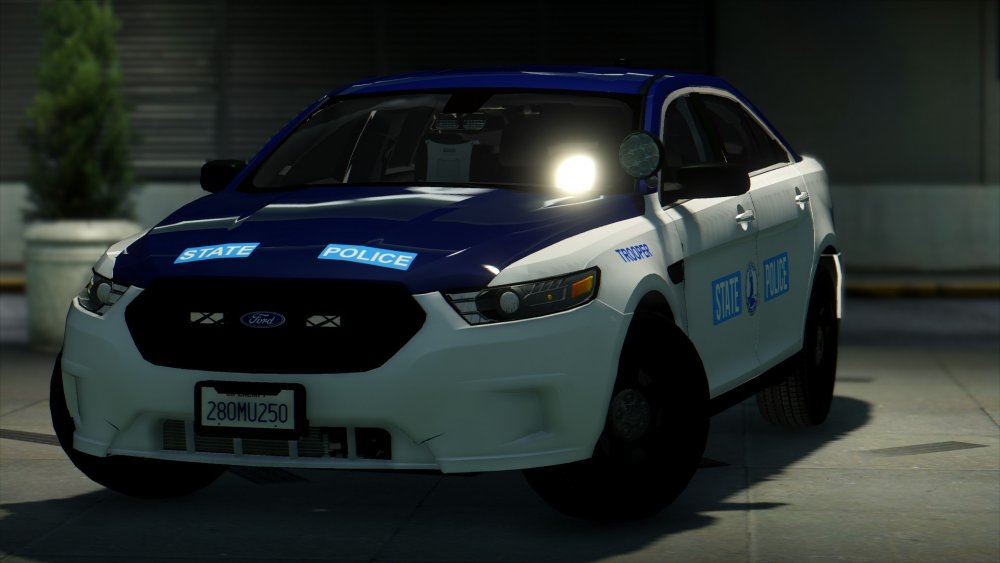
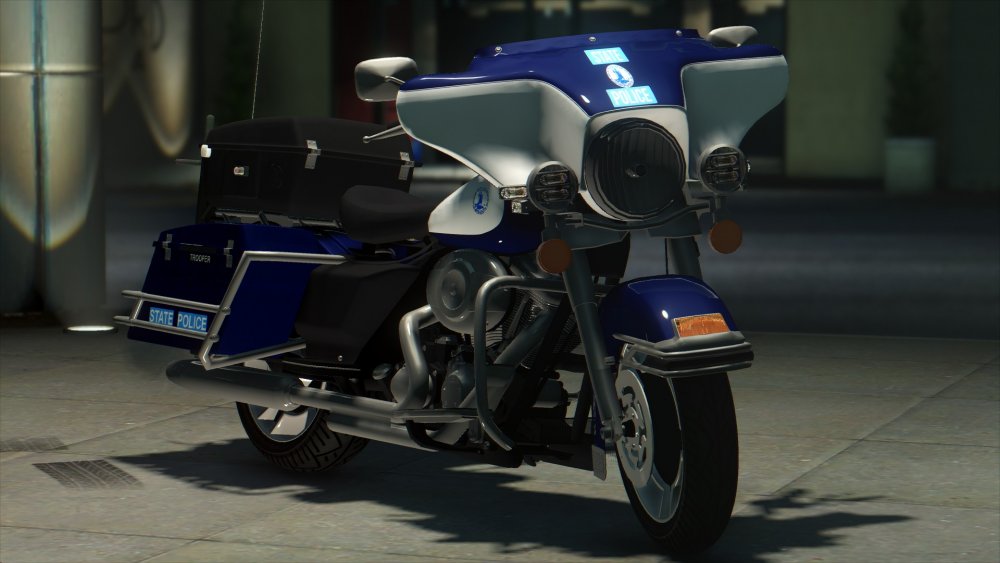
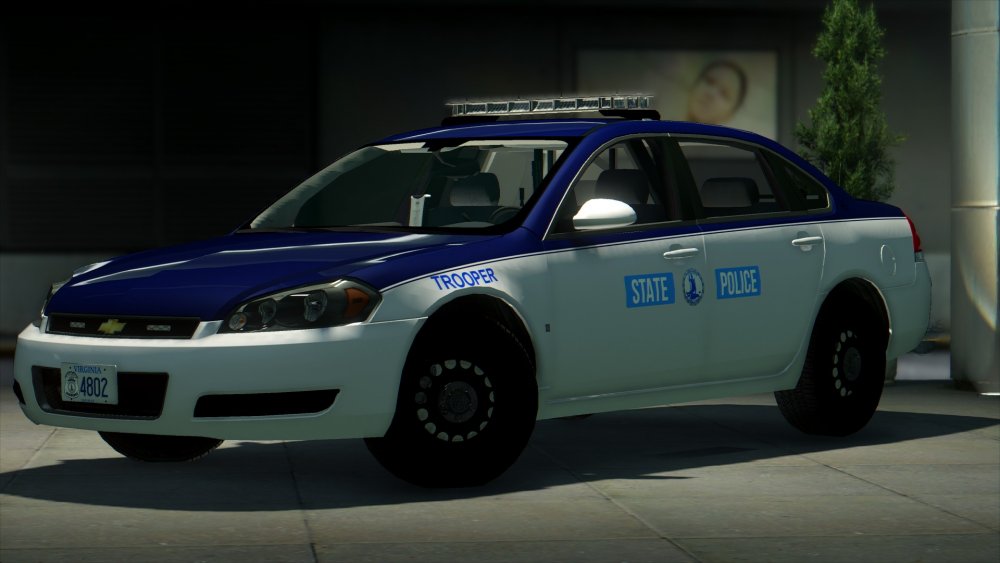
 you need to rotate text a little bit
.thumb.jpg.1db0be3e377ccefdd47e57a95ec56762.jpg) Well i don't like the pony stuff and your dashing everthing but this car is amazing
Well i don't like the pony stuff and your dashing everthing but this car is amazing- 239 comments
- 70 reviews
-
-

- 6
-



![ELS IN GTA V [GONE SEXUAL]](http://s3-gallery.int-cdn.lcpdfrusercontent.com/monthly_2016_08/small.20160828165141_1.jpg.e71badddecc6c26a771300dec39f2ce9.jpg)


.thumb.jpg.1db0be3e377ccefdd47e57a95ec56762.jpg)
Account
Navigation
Search
Configure browser push notifications
Chrome (Android)
- Tap the lock icon next to the address bar.
- Tap Permissions → Notifications.
- Adjust your preference.
Chrome (Desktop)
- Click the padlock icon in the address bar.
- Select Site settings.
- Find Notifications and adjust your preference.
Safari (iOS 16.4+)
- Ensure the site is installed via Add to Home Screen.
- Open Settings App → Notifications.
- Find your app name and adjust your preference.
Safari (macOS)
- Go to Safari → Preferences.
- Click the Websites tab.
- Select Notifications in the sidebar.
- Find this website and adjust your preference.
Edge (Android)
- Tap the lock icon next to the address bar.
- Tap Permissions.
- Find Notifications and adjust your preference.
Edge (Desktop)
- Click the padlock icon in the address bar.
- Click Permissions for this site.
- Find Notifications and adjust your preference.
Firefox (Android)
- Go to Settings → Site permissions.
- Tap Notifications.
- Find this site in the list and adjust your preference.
Firefox (Desktop)
- Open Firefox Settings.
- Search for Notifications.
- Find this site in the list and adjust your preference.