



maxamus
Members
-
Joined
-
Last visited
Everything posted by maxamus
-
Have you tried copying update.rpf from update folder to mods\update in OpenIV?
-
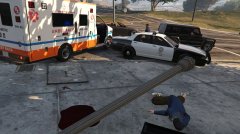
From the album: LSPD Report
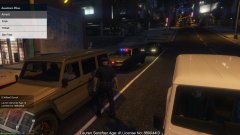
PRIORITY: INFORMATION ONLY 26th JAN 2016, Vinewood PD / As an LSPD officer was returning to his vehicle after a routine traffic stop, a man approached and entered the vehicle before the officer. The officer drew his weapon and ordered him out of the vehicle when the suspect suddenly returned fire, at which point the officer had no choice but to terminate the man. The suspect was pronounced dead on-scene by paramedics. *Officer kept anonymous for his protection* -
If YOU have any information concerning any of the crimes listed in this report, please visit your local police station to tell us what you know. Your information is extremely important and helpful to us. BE WARNED - THIS REPORT MAY CONTAIN GRAPHIC MATERIAL -Officer Max
-
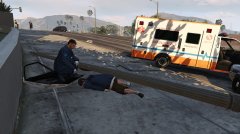
From the album: LSPD Report
PRIORITY: INFORMATION ONLY 26th JAN 2016, Vinewood PD / As an LSPD officer was returning to his vehicle after a routine traffic stop, a man approached and entered the vehicle before the officer. The officer drew his weapon and ordered him out of the vehicle when the suspect suddenly returned fire, at which point the officer had no choice but to terminate the man. The suspect was pronounced dead on-scene by paramedics. *Officer kept anonymous for his protection* -
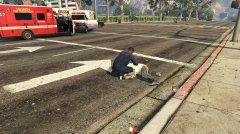
From the album: LSPD Report
PRIORITY: URGENT 26th JAN 2016, Vinewood PD / OFFICER MAX At 13:56 this evening officers were alerted to a possible hit and run case that had taken place less than a block away from the Vinewood Police Department on Vinewood Boulevard. The victim was pronounced dead on-scene. If you or some you know was involved in or witnessed this incident please contact your local police department to assist with our investigation. -
 yeah a link would be great thanks :)
 -
 You need to arrest that person that is planning a prison break.
 -
I'm sorry but... what?

