
Jim375
Members
-
Joined
-
Last visited
Everything posted by Jim375
-
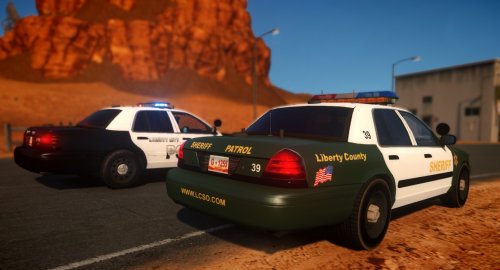 Which CVPI models did you use?
 -
-
-
This probably wont really do much considering the modders in the forum aren't particularly active anymore but for the ones that are still out there I was wondering if you could make a new siren using the 2 tones I have provided below. I have tried to import them myself but I haven't been able to do it successfully. And I haven't found any good tutorials on how to replace siren tones. So if anyone could make this siren or provide good instructions on how to do it I would greatly appreciate it. 22249.m4a 22252.m4a
-
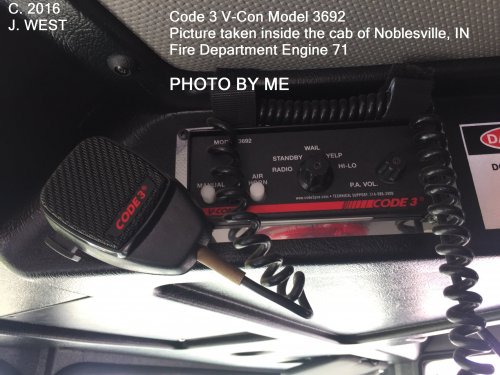 [3/5] Good and fun siren to use. However the wail sounds a bit broken. It sounds like a manual turn on during each low point. It doesn't sound like it's connected. (If that makes any sense). Fix that and the air horn and it'll be a 5/5
- 6 comments
- 1 review
-
-

- 1
-
-
Ok, but it is possible?
-
Hey everyone! I was just wondering if there is a way to map ELS so that I can control my front and rear lights separately. I would like to map my ELS config so that I can have my code 3 rear light pattern (basically all lights including red and blues) on with the front lights on my lightbar off. When I make a traffic stop I would like my code 3 rear light pattern on while only my steady burners on in the front, without them on in the rear. Basically operating the front and rear lights completely separate from each other. Just wondering if that, or anything close to that is possible with ELS. Thanks!
-
 Says I need a password to open the file
 -
-
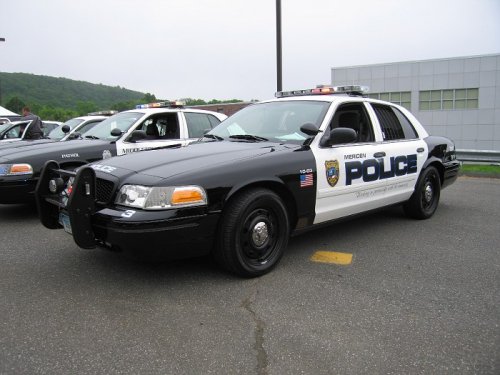 It says this file is unlocked. But when I try to put this .wft into zmodeler I can;t cause "This File is Locked and Can Not Be Imported"
- 9 comments
- 1 review
-
I didn't know how to make the handles on my charger black. Is it something on the actual frame and texture or is there a specific texture for the handles?
-
So I've been recently experimenting on trying to add patches to my uniform. But there are only two uniforms that have a spot for a patch. I don't just want to drop a patch on the actual sleeve because then the patch is distorted and stretched out. How do you add the patch spot on uniform sleeves that don't already have them? Also how do you make the patch spot bigger to fit different shaped patches?
-
Which is why it wouldn't matter to me if it becomes public.
-
Well if the creator wouldn't mind that then it wouldn't be a problem. Alternatively he/she could put the files on google docs and send it to me then delete the files after I download them. Also I meant that I wouldn't use it for any clans or anything like that.
-
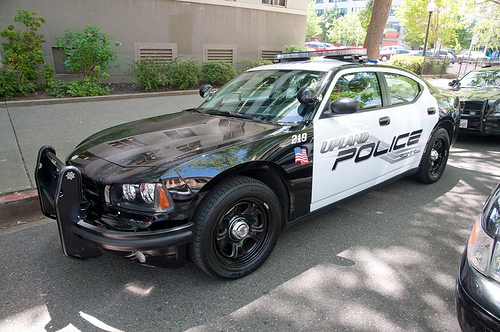
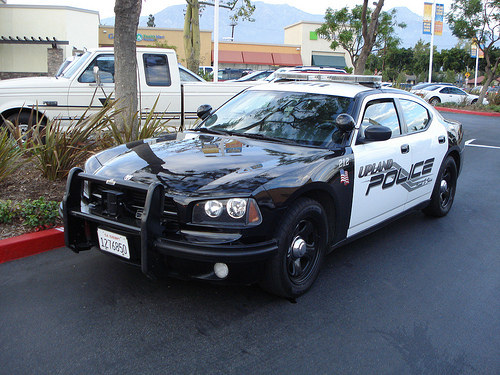
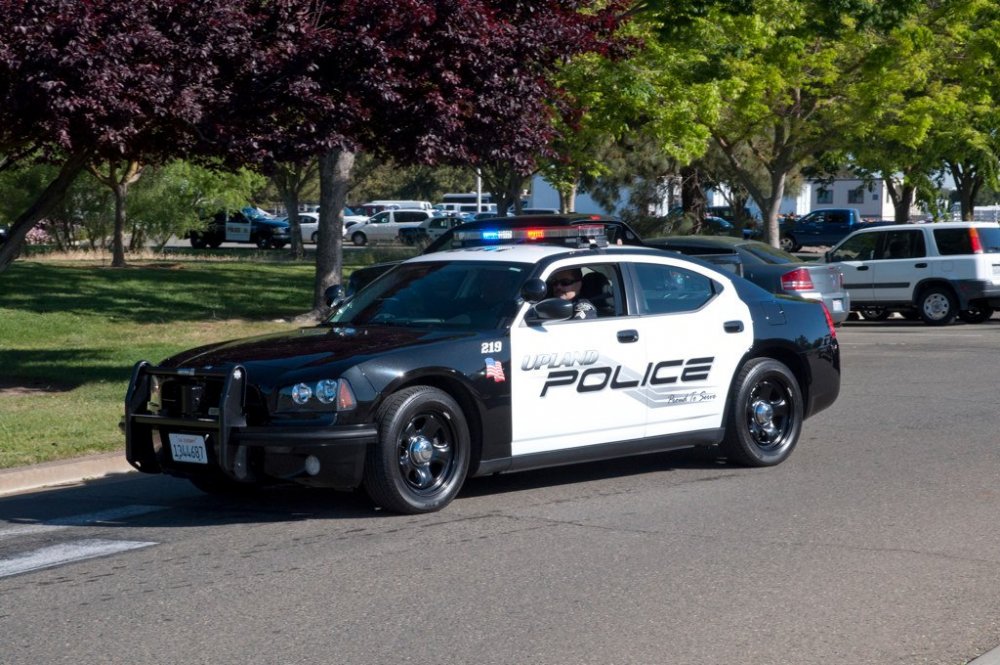
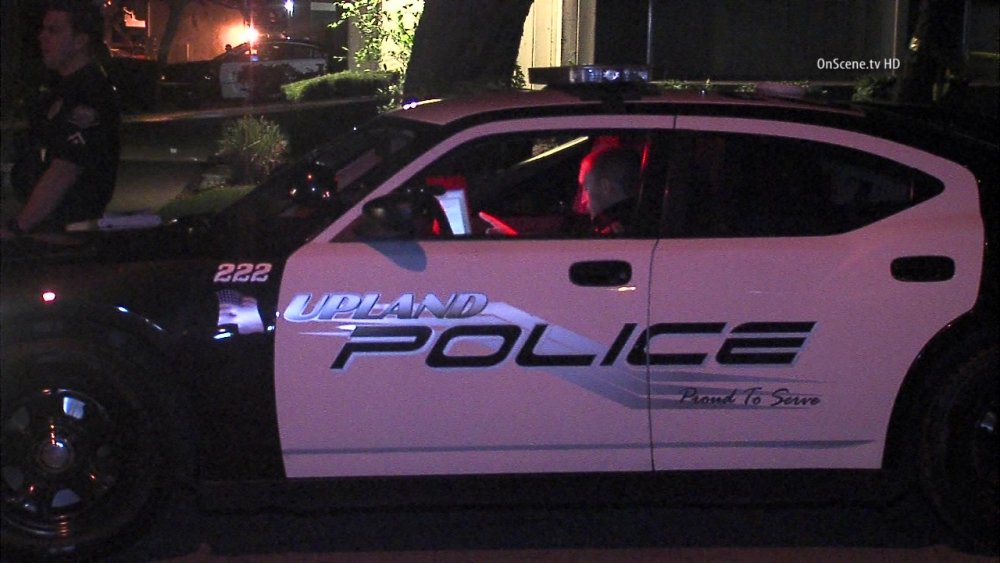
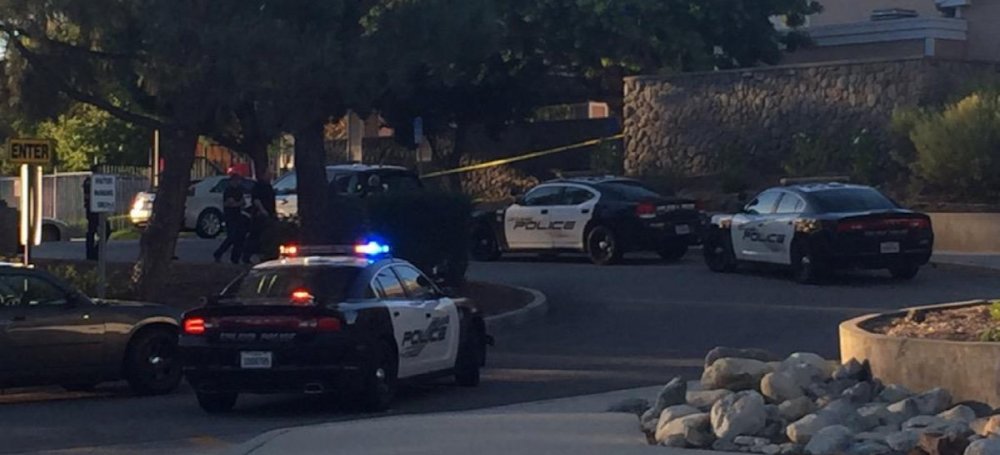
Hey guys! I was wondering if anyone in the community would be kind enough to make a uniform and car skins for me for GTA IV LCPD:FR. It would be for my own personal use. The pictures of the car and uniform for my local city is provided below. For the uniform you can use an LAPD uniform only with the Upland badge on the arm instead of a rank. If you can fit both a rank and the badge on the arm then that will be amazing. Primarily focus on the badge though. Once again thank you for whoever does this for me if anyone will. Peace out! MOD's can you please move this post to the correct topic. I posted in the wrong category!
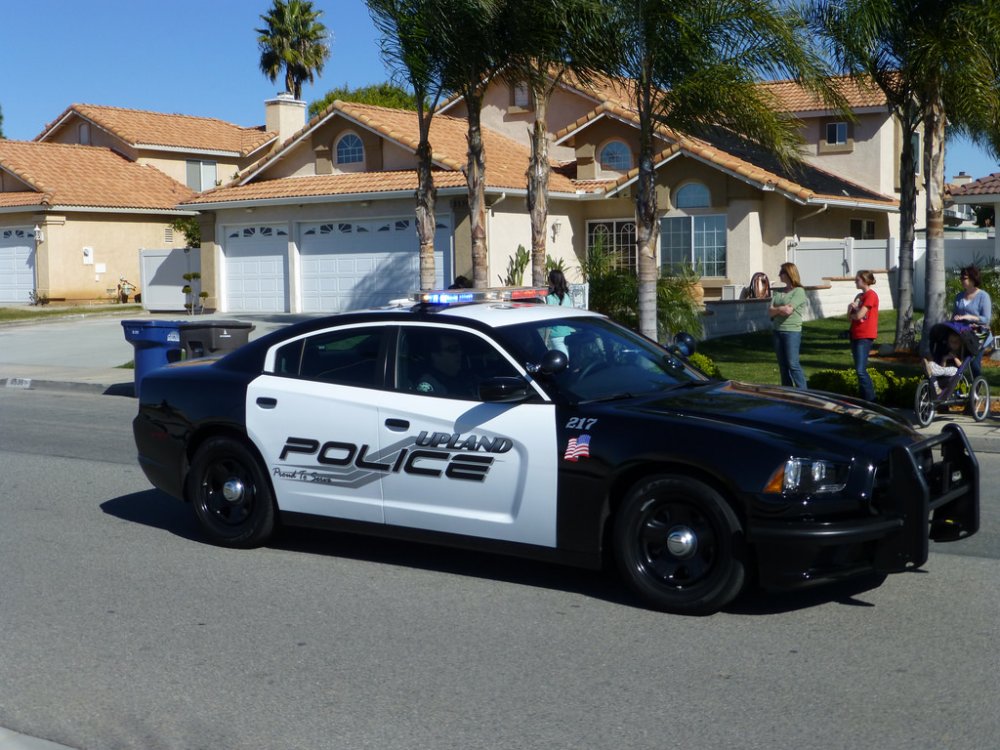
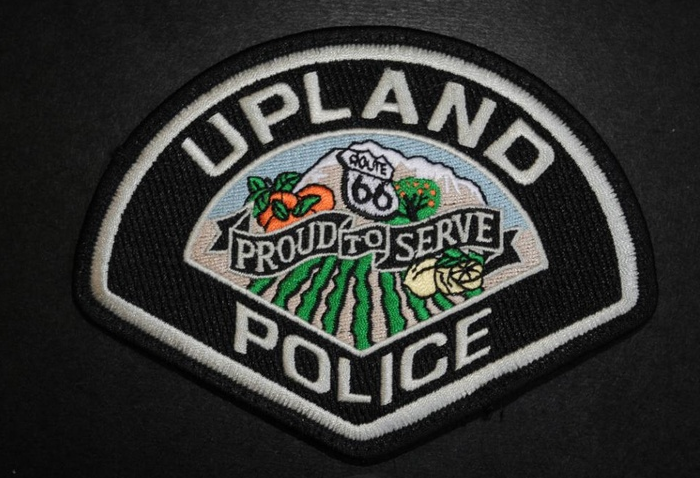
-
What are those two things you just mentioned ?
-
The only thing the blurriness affects is the police helper, callout dialog, and police computer. My graphics are perfectly fine (if you don't include the aforementioned problems). I press "P" usually when it goes blurry after I press "Alt P" so I don't think it has anything to do with that. "P" only affects my actual game graphics. My graphics are perfectly fine. The blurriness only affects LCPDFR in the dialog box for callouts, police computer, and police helper (if I have it installed). GTA IV on its own is fine.
-
I've never had this problem before but for some reason every time I get a callout in the box that pops up on the top of my screen, it comes up blurry (and possibly larger text and box itself than before). My police computer is blurry as well, I have to call in ID's because I can't read the text on my computer. My graphics are all normal. The only thing wrong is the blurriness of the police computer and callouts. BTW: The police helper "phone" has blurry texts as well. Any ideas?