IamFancySuit
Members
-
Joined
-
Last visited
Everything posted by IamFancySuit
-
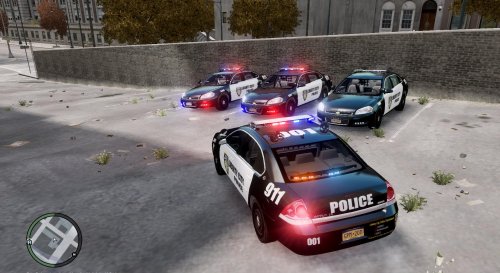 rear lights are not upside down they like I already replied to someone are the Feniex Apollo Interior Lightbar(Rear) https://gyazo.com/f8db3d3a951378691756d28202b650f1 picture of the file that I used for the rear lights, the front lights I made from scratch and yes i realize they are a little bit big but its not too much of a big deal in my opinion
- 9 comments
- 4 reviews
-
Thank you everyone for downloading this vehicle. I can't believe it's already at 300 downloads!
- 9 comments
- 4 reviews
-
--Feniex Apollo Interior Lightbar(Rear)--- r /> Modeled and textured by Heisenberg. not a code 3 wingman, but thanks for the input
- 9 comments
- 4 reviews
-
-