



Deputy Tahoe
Members
-
Joined
-
Last visited
Everything posted by Deputy Tahoe
-
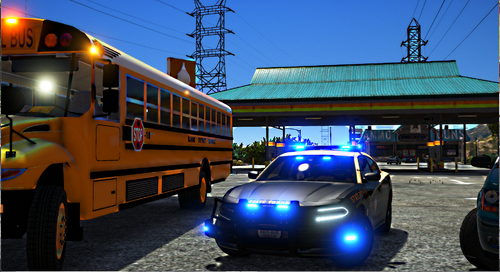 I figured it out. Thanks. I've updated the 18 Charger. And when I get fully stable with my new place I'll be making major updates to all vehicles. Thanks. And I'll look into it. I believe there's a Hillsborough pack out there, but I'll see about it.
- 71 comments
- 11 reviews
-
I will definitely try that. That’s x1000!!!! Very much appreciated!!!
-
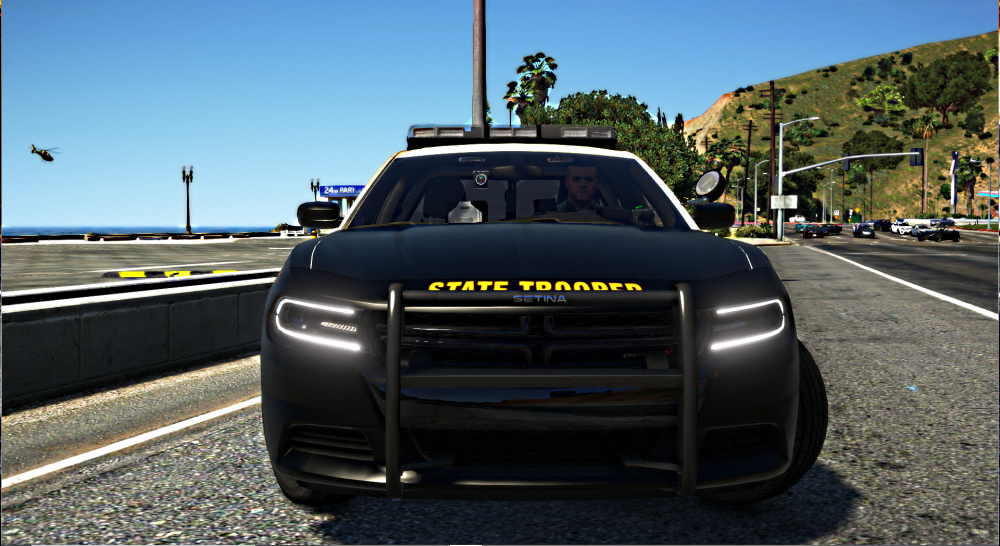
I've seen it done on multiple different models and always wanted to know how it's done. Just wondering if any car modelers out there can help me with having the drl on my Charger models to flash with els. Thanks
-
I really want that feature and have yet to figure out how to do it. If anyone sees this and knows how PLEASE let me know.
- 71 comments
- 11 reviews
-
FHP’s Javelins has a daytime and nighttime flash mode. What you are seeing is the daytime mode. Before you the sunsets the light bar will flash reds on the outside and blues on the inside. As darkness approaches the pattern is flipped to blues on the outside and reds on the inside. Both flash patterns are included in the light bar I have made. Only difference is the flash at the same time. Kind of like this video where all lights go from red to blue Depending on what’s available as far as parts. I may add one truck. For which vehicle? You have to rename the models to whatever car you are replacing. Placing them in your folder as is will not spawn them. I’ve tried making the RX2700 and it didn’t turn out too good. The light bar is missing textures for some reason. If I ever find them I’ll try it out. CVPI is most definitely in the works. FPIS is too unrealistic as we don’t use those down here. If I were to do one, I’d have to freestyle ever aspect of the car.
- 71 comments
- 11 reviews
-
The light bar emissives are all linz6 and linz3 in the .ytd. Not sure how changing colors around would look. But I color coded it to resemble the realistic counter part. Exactly what were you wanting to change?
- 71 comments
- 11 reviews
-
Most definitely. It was just a test with the Charger to see how well it looked, because I had to custom build the lights. Now that I’m pleased with the outcome, I’ll definitely be adding it to the Tahoe. Lol, glad you like it 😂😁
- 71 comments
- 11 reviews
-
-

- 1
-
-
-
-
-
-
Honestly the way the lights are mapped, I couldn’t add red/blue without completely redoing the entire light bar. They all use the same blue so if I were to change even one emis to red, then everything would be red. I may do a Sheriff pack with these lightbars and that be red and blue. You have to rename the vehicles to the slot you want to replace. They will not spawn as is.
- 71 comments
- 11 reviews
-
The original texture was 4K and the replacement is 2K. No major differrence, but having such a high quality model and high resolution texture will cause the game to lose textures or in my case crash.
- 71 comments
- 11 reviews
-
Oooohh okay. Super easy fix. I'll mess around with the coloring and send it to you via pm
- 71 comments
- 11 reviews
-
Thank you !! I do plan on uploading new videos very soon 😉 You're welcome. And glad you enjoy them. After I do a little research, I'll try to have a fix by the middle of the week. If not tomorrow.
- 71 comments
- 11 reviews
-
-
Download the Charger fix file in the download and add the new texture to the .ytd & .+ytd
- 71 comments
- 11 reviews
-
Okay. That's an easy thing to do. I'll look into it this afternoon. 🙂 Hey, glad to be back out again. I'll try to get back on YT in the near future. Just been busy and haven't had time, but I really do miss making vids. 🙂
- 71 comments
- 11 reviews
-
@chadc78 @apecadet Please see the new download file for the Charger crash fix. Thanks for making me aware of the issue. Hope you enjoy.
- 71 comments
- 11 reviews
-
Thanks! And I'll take a look at the liveries to make sure the line up. As far as the texture of the badge, it's a lore friendly San Andreas badge so it'll be different from the real life counterpart. I had to use one that was already made due to copyright with using the actual FHP badge.. What should be darker? The tan color? Okay. I'll take a look at the file today and see what's wrong with it. I believe I know the problem.
- 71 comments
- 11 reviews
-
You install in your latest patchday. Change the vehicle names & .xml to whatever model you want it to replace. For example 18charger.yft change to police4.yft
- 71 comments
- 11 reviews
-
-
- 2
-
-
Hmm I'll look into it. Not sure if anyone else had that problem. Thank you!!! At first I wasn't going to add anymore to this pack, but had a change of thought and do plan to add a few more models. CVPI's included
- 71 comments
- 11 reviews
-
-
- 1
-
-
Awesome! Glad you like it. Definitely put as much time and detail in this pack as I possibly could! Thank you!!
- 71 comments
- 11 reviews
-
Thank you! Greatly appreciate it! Thank you! I have too and decided to finally make it. Glad you like it 🙂
- 71 comments
- 11 reviews
-
-
- 1
-
-


