



K9 Bear
Members
-
Joined
-
Last visited
Everything posted by K9 Bear
-
 Thanks, yeah I know what you mean. That's why I made the partition and radar equipment as extras. So people can use it how they want
 -
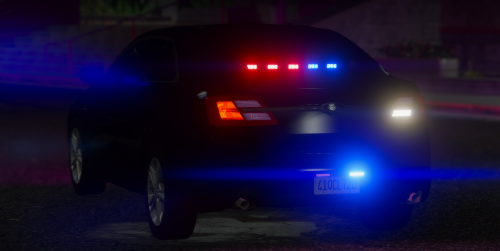
I bring you my 2018 Ford Taurus. It isn't really inspired on anything specific. -You may NOT redistribute, unlock or claim as your own.
-
 What's your discord name so we can message you?
 -
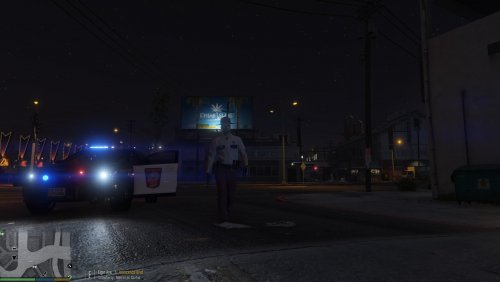 P_head diff’s go into: EUP - EUPcompnentpeds_p.rpf - mp_m_freemode_01_p_ I can't find this... Maybe i'm just dumb...
- 14 comments
- 1 review
-
-



