




DeputyDonut69
Members
-
Joined
-
Last visited
Everything posted by DeputyDonut69
-
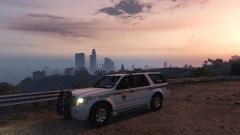
From the album: LSPDFR - Over The Years
-
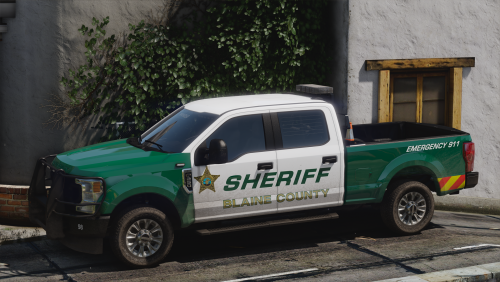 Amazing Vehicles And Skins. Hope this pack continues to get updates and more vehicles in the future
 -
Awesome! Everything seems fixed. One small issue thought with the texture of the charger, there is a random red blob/line above the warning strikes on the rear sides of the vehicle. It has no depth, function, and seems off colored. Maybe a mistake?
-
Awesome! Cant wait to see it updated on here so I can use the charger. 🙂
-
Can confirm, Tahoe randomly spawns in white with no livery and is unfixable (requires restart). As well as the charger having no sound. Hope to have an update in the future as the vehicles rock! Great job man, as soon as those issues are fixed this is a 10/10.


