


sonsyrock
Members
-
Joined
-
Last visited
Everything posted by sonsyrock
-
Hello, very good. Try to install the CompuLite from BejoIjo CompuLite (v1.5.2.6) is a very good mod in my opinion. Have Nice dutys
-
Hello friend. Thanks for the return. Ok, so lets try this: Instead of going to a station. Press the F4 buttom, a console will open. Type "Force Duty" and press enter. After that, try to use the latop or any other LSPDFR keybind. I will wait your repply.
-
Hello, so i read your 3 log files, and a cant find nothin "unusual" except for the warning's complaint about missing outifts. Aside that, can you tell me how much RAM you machine has? The GTA V itself crash right? Frozen screen and shutdown? Or is just close out of nowhere?
-
Can you enable your auto load Ragehook again and share your ragelog file? Is in general locate in the GTA V root folder with the name "RagePluginHook.log"
-
Glade to hear. In part of the side note, i dont have that problem before. Maybe can be because a broken car model that you change in the game or something else. Good luck.
-
Hello Red, based on the reading, it appears that the RAGENativeUI.dll or RAGENativeUI.xml is missing from your GTA V root folder. Try to donwload it from one of your plugin's that need it, or try to find and donwload te RAGENativeUI alone and see what happen's, looking foward. Safe Duty.
-
Hello SlowMot, if reinstall dont work, try to reinstall Stop the Ped plugin, you have a error in your Rage that points to that: LSPD First Response: Exception message: Could not find file 'C:\Program Files\Rockstar Games\Grand Theft Auto V Legacy\Plugins\LSPDFR\StopThePed\Localization.ini'. Missing file Localization.ini, maybe this is crashing the LSPDFR plugin.
-
Maybe, your plugin "Stop the Ped" can be causing the crash as well? If install the new update of LSPDFR doens't work, you can try to reinstall the Stop The Ped plugin. Error associate in your log before LSPD crash: [7/28/2025 9:06:39 PM.176] LSPD First Response: Exception message: Could not find file 'C:\Program Files\Rockstar Games\Grand Theft Auto V Legacy\Plugins\LSPDFR\StopThePed\Localization.ini'. The Rage could not found the "Localization.ini" file in the StopThePed folder.
-
Hello, can you explain more? I mean the "path" you are doing things, what you are trying to do, is there any plugin associated or is just the LSPDFR? You have tried to use the game without controller pluged-in and in offline mode vanilla game to see if there is problem with the keybinds inside the game as well?
-
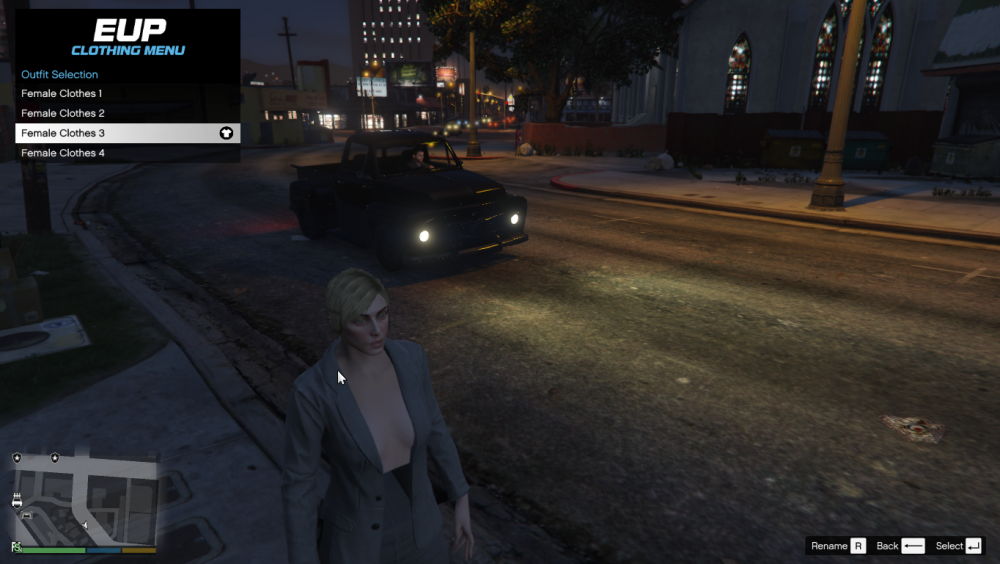
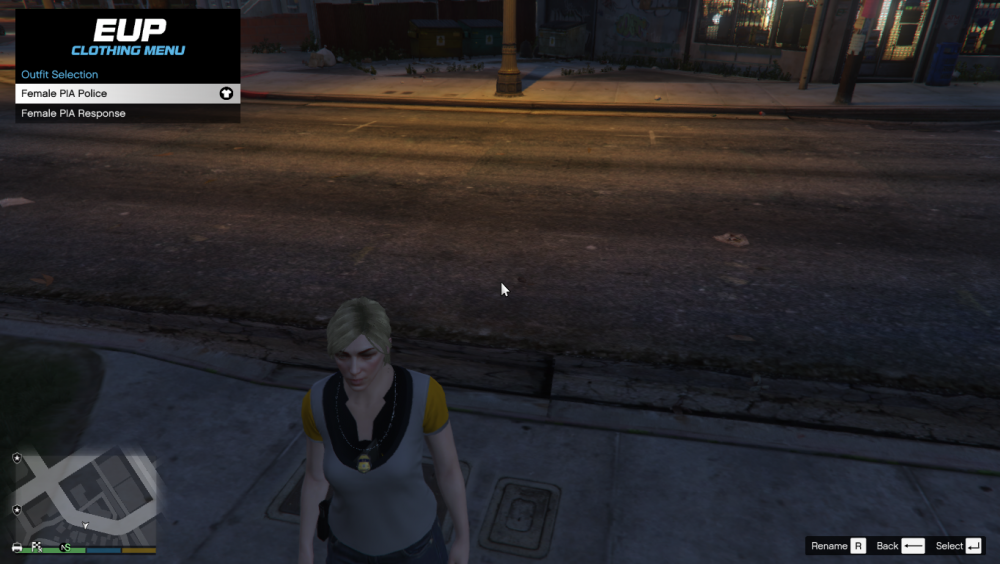
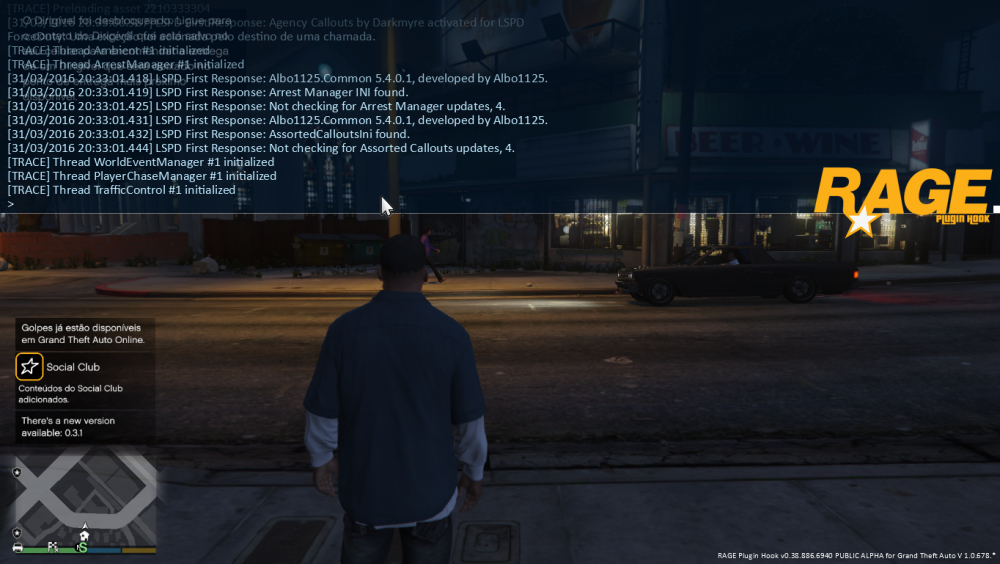
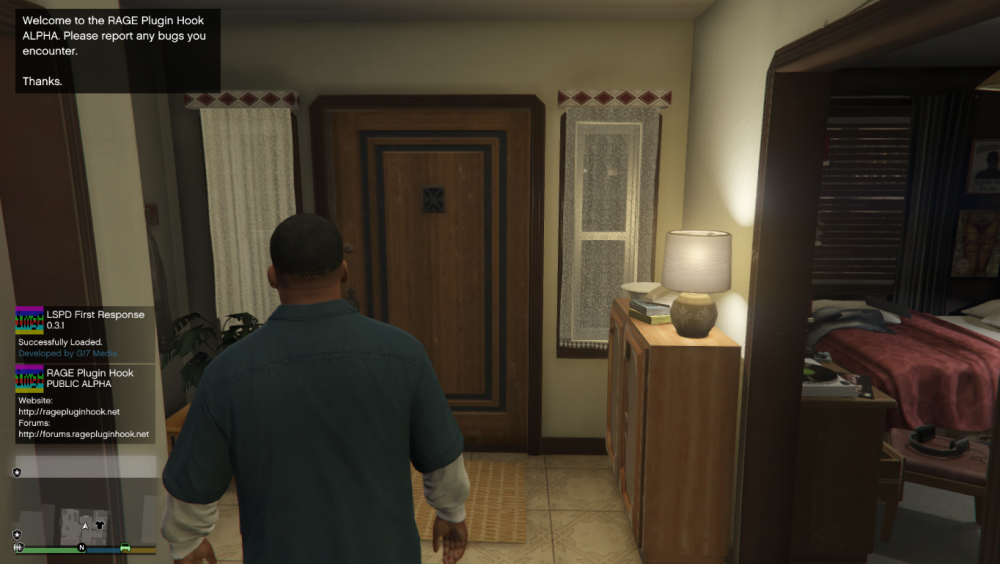
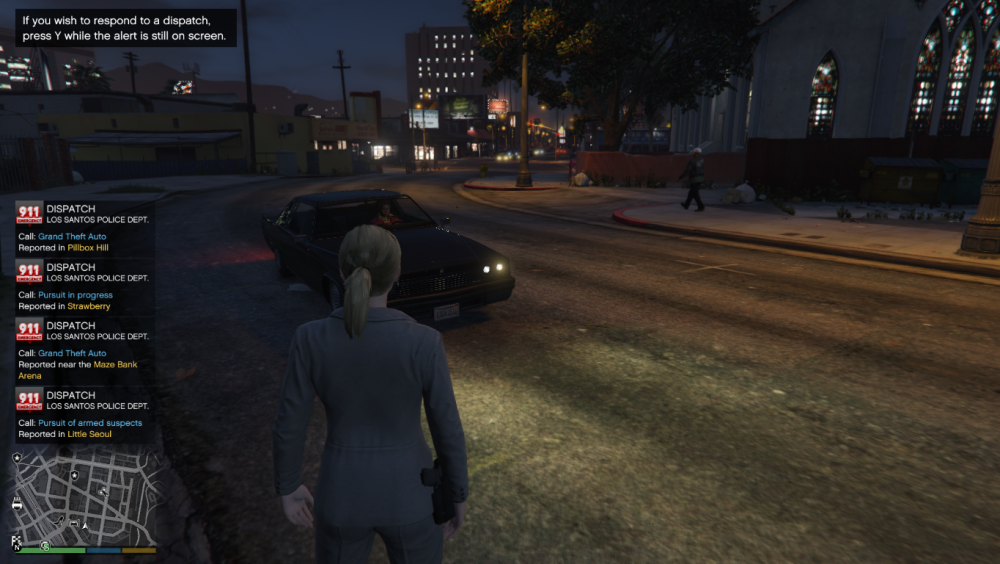
As you can see , there are pictures of the beginning of the game , the EUP problems, the ragehook text file, callouts that are not loaded and the application update LCPDFR . RagePluginHook.log Same Callouts Too. i Have this following Plugins installed: 1.Safer Chases 2.EUP 7.2 3.Skin Control 4.Asorted Callouts 5.Cruise Control 6.Law Callouts By:Albo 0.37 7.Arrest Manager 8.Agency Callouts 9.Federal Callouts 10.Clean all the things Some had to be installed by OpenIV
-
Yes , that's the version I downloaded and is already installed
-
So to begin I downloaded and installed the new version 3.1 that caused great damage in my old plugins callouts and other out, what would be normal because the update , though I uninstalled everything and made up the GTA V and reinstalled LCPDFR mod and some callouts plugins already updated and the EUP but there's something wrong in time to run the mod in RagePlugin the command line with the ForceDuty command , it appears that there is a new version of LCPDFR but it makes no sense if it is already installed this version, so it does not load plugins and EUP is very buggy , if you need images will make the posting later. Sorry for bad english I'm from Brazil .



