Nukemybutt
Members
-
Joined
-
Last visited
Everything posted by Nukemybutt
-
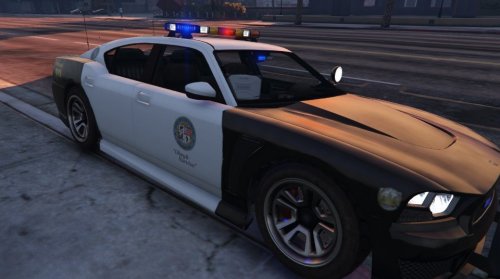 I luv this skin i use it all the time. btw mattjester updated his skin to have the ppv rims do u mind adding this to ure mod. nice work btw
- 54 comments
- 19 reviews
-
 I have a recommendation for a callout, it's where you tail a suspect and let him lead you to a hideout where you will find more suspects when you find the hideout you can turn on sirens and cops will be automatically be dispatched and it will be a massive gun battle.
- 204 comments
- 22 reviews
-
 Love this mod but i found that if loaded with policetoolbox beta it will send 2 bait cars at the same time. You should get in contact with the author of policetoolbox
- 212 comments
- 28 reviews
-