
verony28066
Members
-
Joined
-
Last visited
Everything posted by verony28066
-
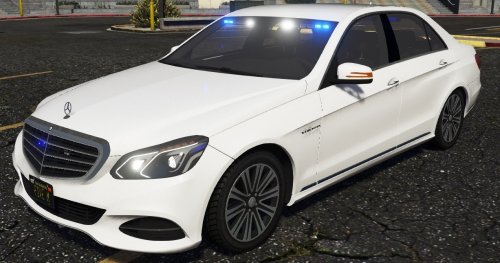 jesus christ, your graphics are terrible... Cool model though, something different and new
 -
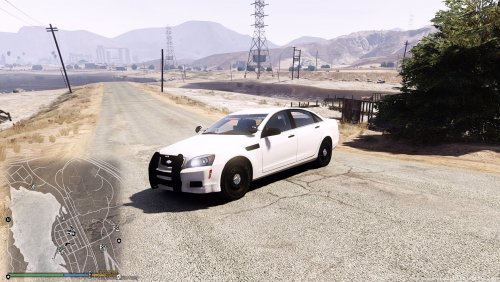 I like the lighting setup, but i dislike to low poli model + no plates. Otherwise good job!
- 10 comments
- 3 reviews
-
strangely. i have never had any patchday issues for my 2 years gta lspdfr experience, the problems i had were rockstar changing and re-aranging files. there was a very good weapons overhaul mode now its useless for example
-
maybe you replaced them with an updated siren pack, the 0x0D...446 file for the main siren does not currently work with the newest gta update. I think either they did it so they can screw around with the modding community( they always change stuff, update.rpf and it messes up everything with modded gta or a new police update is coming soon, which would be kinda cool but also kinda meh considering we have lspdfr
-
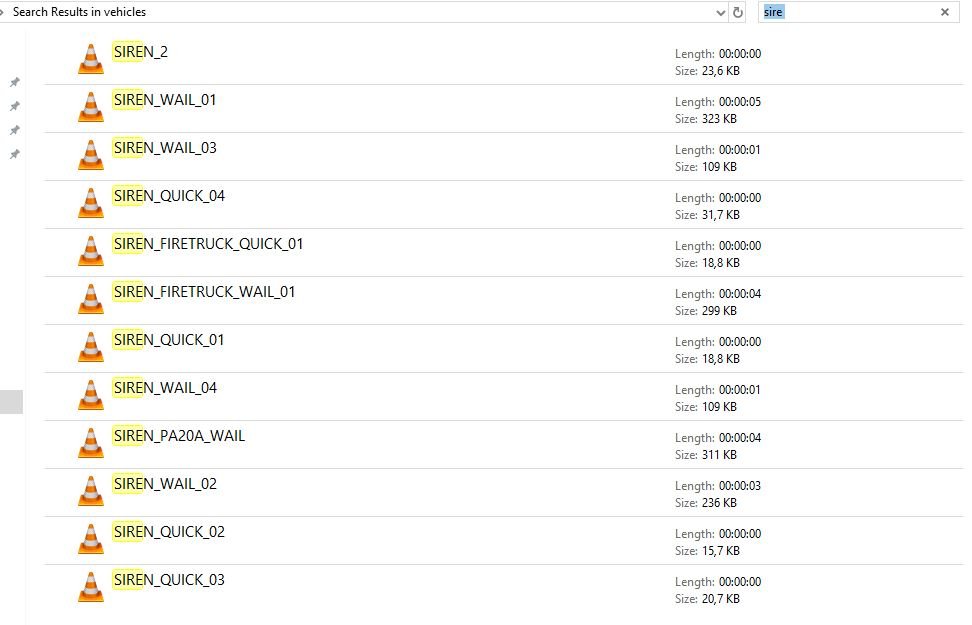
if you look at the vehicle.awc after the new gta update u can see that all police siren files have changed, for example now the main police tone is called siren_pa2a_wail instead of the old 0x0D...446 ( or something like that) and there are a bunch of new renamed files. Before, there was only 1 file called siren_2 now there are a bunch of new ones and it looks like they are new. Very strange since there are no changes to the vanilla gta v sirens, could this mean that some sort of police update is coming to gta v/online? Also, the old siren packs dont work because of the changed names of the files. Not sure if im the only one noticing but there seems to be no topic on this thing ever created. here are some of the new files ( there are more when u scroll down)
-
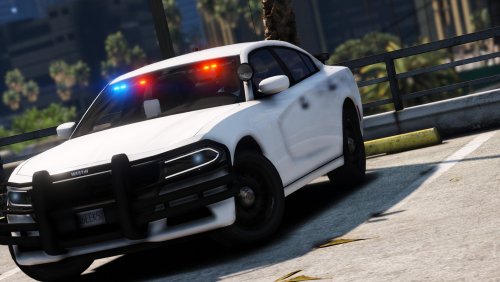 Beautiful model, thank you. If you add transparent skin so we can change the color it would be even more perfect!
- 19 comments
- 4 reviews
-
 i know but for some reason ur other mod really decreases my fps while in the menu to like 30-35 i have 1080ti and i7 8700k so it shouldnt be the pc's problem, idk probably i need to reinstall gta
 -
does anyone know if this script lowers performance ( fps )
-
 @officerpudding78 another great idea: 2008-2009 NYPD charger, i will post pics below. One of the most iconic nypd vehicles and nobody has ever done it. The ny community will be thankful if you could make one.
- 30 comments
- 6 reviews
-
-

- 1
-
-
Got you! Didn't read the post carefully because i was in a rush but now i get it thanks
-
OMG CAN'T WAIT!!! PS i would suggest a paleto bay pd too, because you might as well add pbpd when you have rhpd right? @Sam
-
-
 Still not fixed for me. Strangely, these things don't seem to be part of the lightbar ( bugs like this usually occur with parts of the lightbar being huge and flashing) and they kinda look like spatulas or even some desk lamp you know
- 42 comments
- 6 reviews
-
-
installed everything correctly but i am getting this weird glitch with the siren, the lighting and everything is perfect but i just have these 2 things flashing constantly
- 42 comments
- 6 reviews
-
-
-
-
 I just dont understand why you "big" modders start deleting your files and everything and just vaporize from the community? just like jj daw, now you too what the fuck man
 -
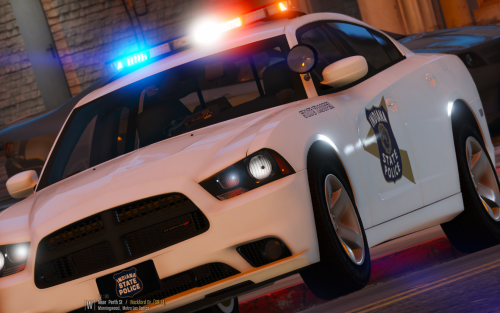
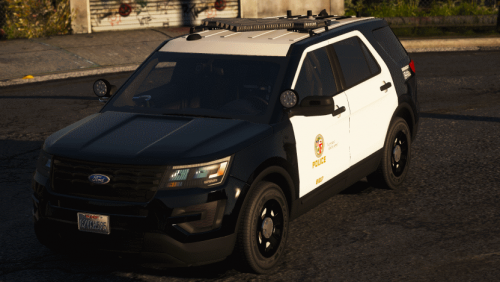
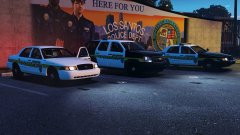
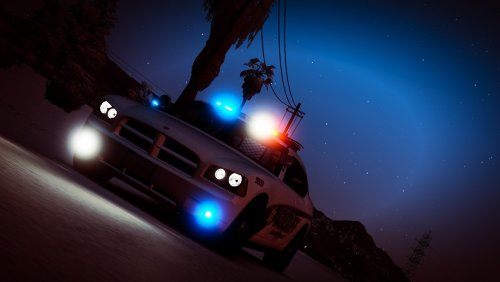 here is the fix for the first pic: go to (mods) - update - update.rpf - x64 - data - cdimages and edit the scalefrom_frontend.rpf inside just change all 3 of the "first" loading screens with mine from the modded scalefrom_platform_pc.rpf hope that fixes things
- 2 comments
- 1 review
-
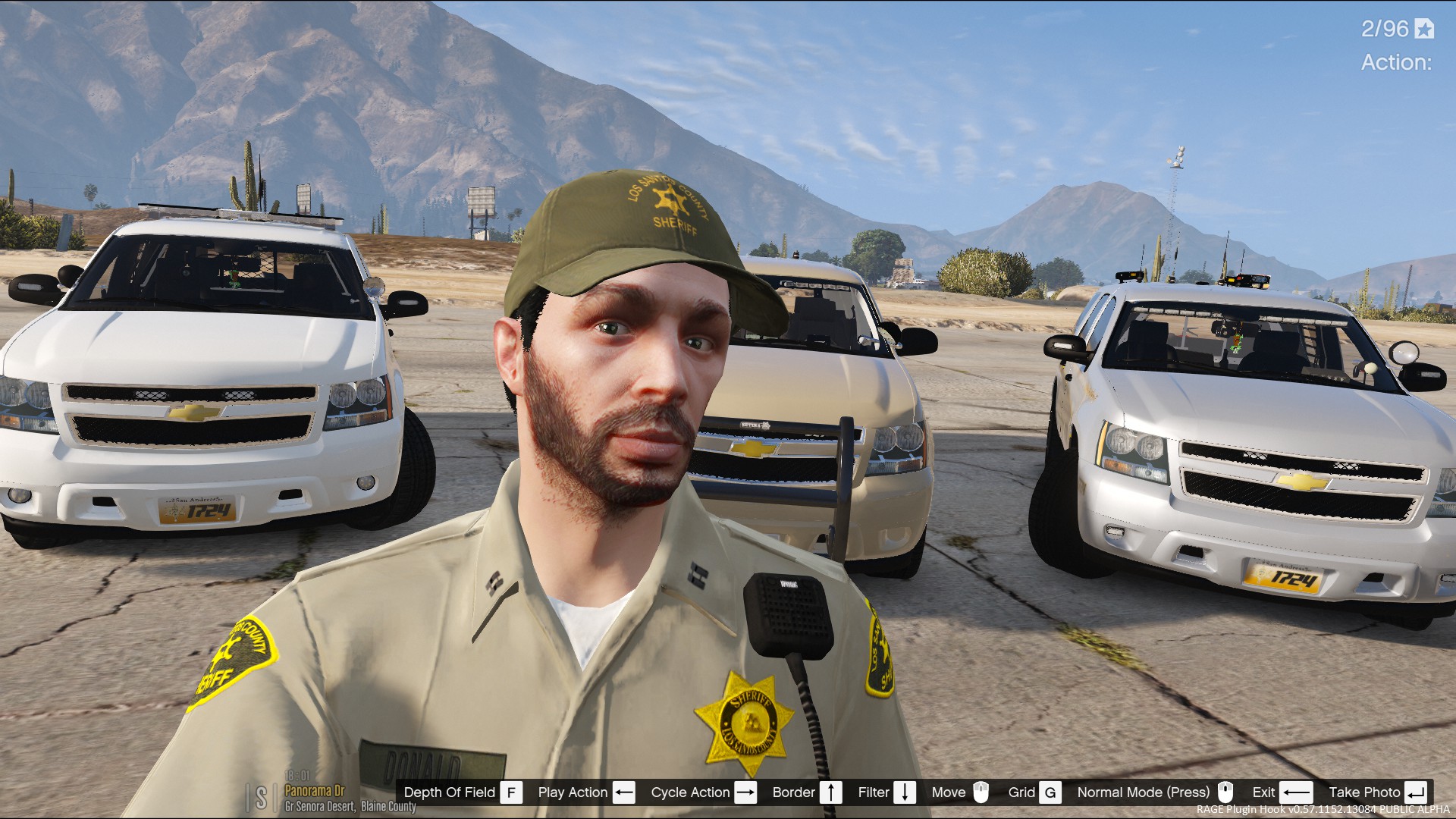
ALWAYS MAKE BACKUPS!!! DESCRIPTION: This is the loading screen rpf file that I have modified. What it changes are the 25 different loading screens with new ones created by myself with R* editor and also it removes the foreground photos ( the chicks and the main characters that "float" in front of the background pics ). The screenshots include LAPD squad cars together with JJ Dawkins' sheriff cars. INSTALLATION: (mods) - update - update.rpf - x64 - data - cdimages - replace the scalefrom_platform_pc.rpf with mine Then go inside the rpf file and check out the images by clicking each one individually. If you have any issues comment and I will help you out! LAPD cars that are in the pics are from twistedscopes lapd pack ( that he deleted ) sheriff cars are from JJdawkins sheriff megapack ( that is also deleted lol ) Also i reccommend turning off the ragehook custom loading screen so you don't have anything blocking the loading images :P
- 2 comments
- 1 review
-
-
-
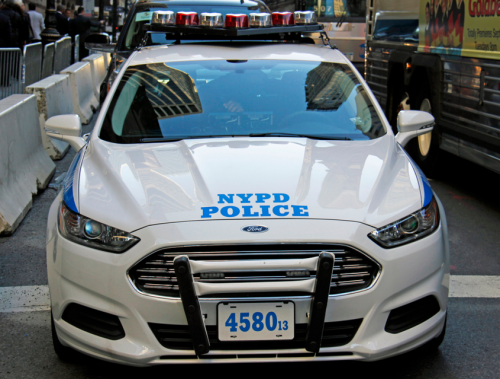 I believe that is the scene from those two officers that were murdered inside their squad car a few years back
- 11 comments
- 3 reviews
-