




D.Johnson
Members
-
Joined
-
Last visited
Everything posted by D.Johnson
-
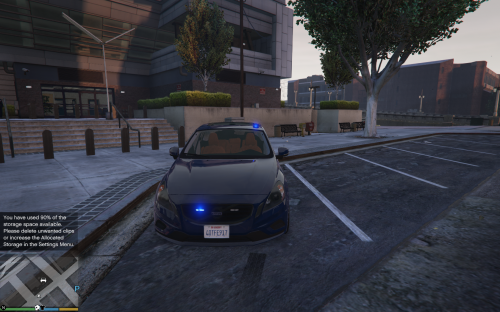 Great car and as been said all ready just needs a few more leds :) i would also like to see a diffrent car but the same without the top like on the car to make it more of an undercover car if you know what i mean but great work!
- 4 comments
- 5 reviews
-
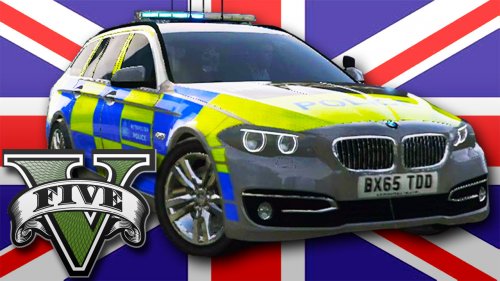 This car model is amazing and i want to give a big well done to Dave for making this happen!
- 22 comments
- 20 reviews
-
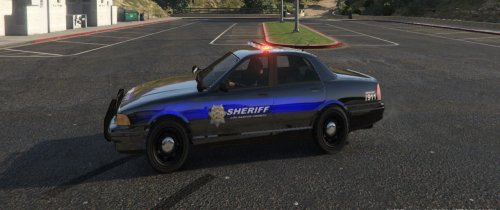 Looks really good with and without light bars and also the texture skin is just great anyway. Keep making skins like this :) (One thing on the back of the car you have the badge on the bottom left and i think it would look better if you take the blue away from it) But still just a great Car!

