

restsite
Members
-
Joined
-
Last visited
Everything posted by restsite
-
 This is my first texture ever. its made really simple. hope you like it, if so there hopefully will be more.this is for bxbugs 123 newer cvpi"s using vicz_sign. sorry for the pictures had to do it with phone.
 -
never tried and looked up videos on how but don't have the programs. but was wondering if someone would be able to take these and make a lspd version using bxbugs123 newer cvpi's. if it would help i would pay-pal for the time you would put into the textures. just needs to work with vicz_sign. thanks
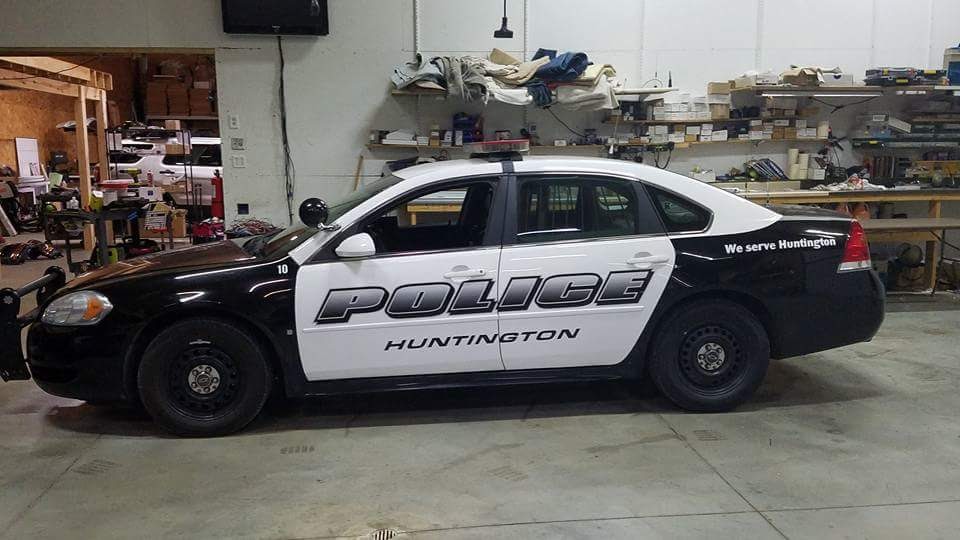
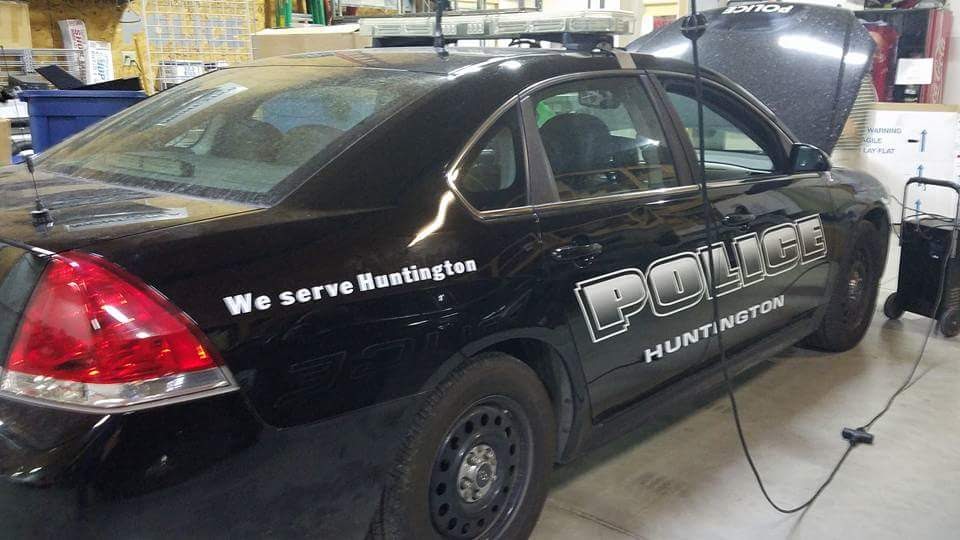
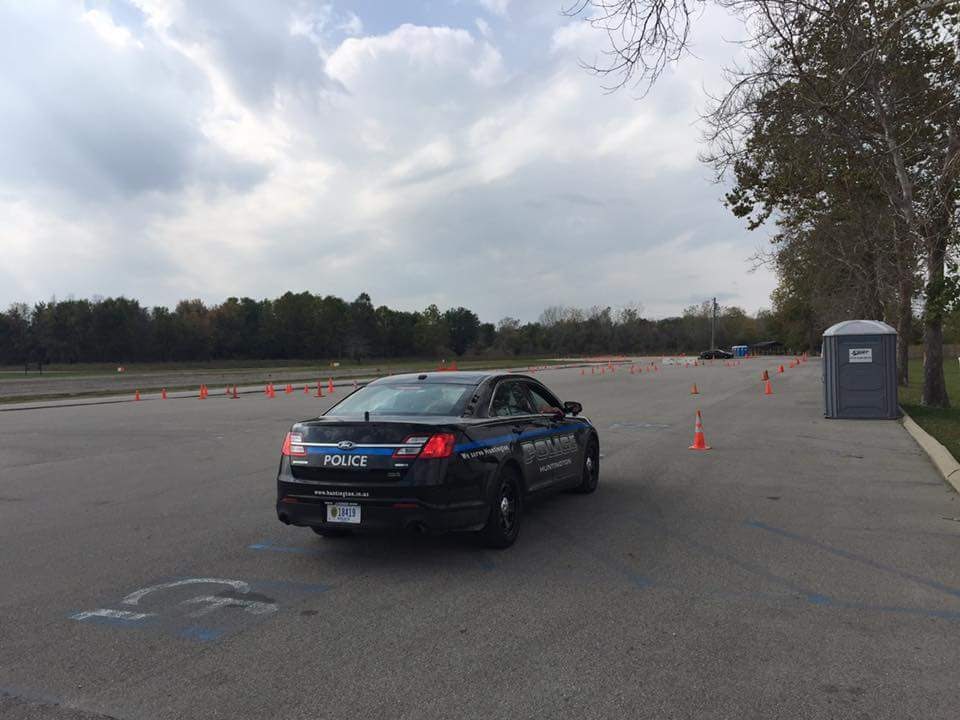
-
-