




Alex_Ashfold
Insiders
-
Joined
-
Last visited
Everything posted by Alex_Ashfold
-
 yes it's already setup to do so, either a random or you can call them yourself in the LSPDFR backup menu
- 73 comments
- 1 review
-
-

- 1
-
-
Features These files will allow to use some of the EUP Outifts for your character but also for NPCs (ambient spawns and backup) This the Ultimate Edition of EUPFR These configs includes the following additions to the main pack: Rockford Hills Police (RHPD); Del Perro Police (DPPD); Port Police (LSPP); Airport Police (LSIA); Blaine County Sheriff's Office (BCSO) FIB Police (FIBP) How to install: Drag and frop the folder ''custom into: Grand Theft Auto V\lspdfr\data Requirements This mod is optimized to work with these vehicles pack. Since EUP doesn't have it's own car pack to go with the uniforms yet, these files relies on different car pack made by the modding community, if you don't want to use these car slots and prefer either vanilla or custom setup, get the file without the addon vehicles. If you are car modder and you are interested in collaborating with other creators to make a Lore-friendly Car park tailored for EUP. Contact me on Discord. 1. 11John11's LSPD Pack: 2. 11John11's LSSD Pack: 2. Jacobmaate's SAHP Pack: 3. Jacobmaate's NOOSE Pack 4. Jacobmaate's FIB Police Pack 5. Dusty Flop's USAF Pack 6. Ilayyarye's RHPD Pack 7. Ilayyarye's DPPD Pack 8. Dusty Flop's LSIA Police Pack 9. Dusty Flop's LSPP Police Pack 7. Monkey police188's LSFD Pack 8. Monkey police188's LSFD Pack 9. AllenKennedy's BCFD Pack 10. Bravo-One-Charlie' SASP Pack: 11. Bozza's BCSO Pack: 12. Introvert's BCSO Retro pack: 13. The Fent0n's Bolingbroke Penitentiary Vehicles Pack 14. The Fent0n's Improved Park Ranger 14. @Lt.Caine EMS Vehicle Pack For General discussions, beta registration, support, image contests and more follow this link to our Discord:
- 73 comments
- 1 review
-
-
-

-

- 19
-
-
 You need to go on duty as the desired agency first
 -
This file adds over 15 prop bagdes from EUP to use with the LSPDFR feature ''Flash Badge'' introduced in 0.4.2. How to install: Use the OpenIV package manager to install the OIV in your mods folder. In order to work, you'll need to edit your LSPDFR Agency data and assign the badge to an Agency of your choice. Make sure the Agency has the following badge of your choice: <BadgeModel>prop_lspd_badge</BadgeModel> <BadgeModel>prop_lssd_badge</BadgeModel> <BadgeModel>prop_bcso_badge</BadgeModel> <BadgeModel>prop_sahp_badge</BadgeModel> <BadgeModel>prop_sasp_badge</BadgeModel> <BadgeModel>prop_rhpd_badge</BadgeModel> <BadgeModel>prop_dppd_badge</BadgeModel> <BadgeModel>prop_lsia_badge</BadgeModel> <BadgeModel>prop_lspp_badge</BadgeModel> <BadgeModel>prop_fibb_badge</BadgeModel> <BadgeModel>prop_doa_badge</BadgeModel> <BadgeModel>prop_pia_badge</BadgeModel> <BadgeModel>prop_iaa_badge</BadgeModel> <BadgeModel>prop_nysp_badge</BadgeModel> <BadgeModel>prop_saspa_badge</BadgeModel> Note that these changes are included in the following data files for all the basic agencies.
-
-
 Read the mod description, those are basics configs, RHPD, BCSO and extra agencies that requires vehicles packs and other dependencies will be released in a different version than this one.
- 263 comments
- 20 reviews
-
-
- 1
-
-
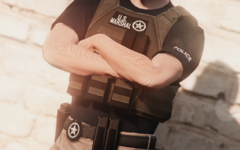
From the album: Emergency Uniforms Pack WIPs
EUP Beta now available on: https://www.patreon.com/alex_ashfold Discord https://discord.gg/ymSg88 -
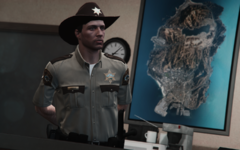
From the album: Emergency Uniforms Pack WIPs
-
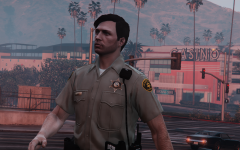
From the album: Emergency Uniforms Pack WIPs
-
 just put this in Grand Theft Auto V\lspdfr\data\custom outfits_bcso_eup.xml
- 2,349 comments
- 238 reviews
-
Install the latest configs files for LSPDFR and make sure to presetoutfits.ini in plugins/eup
- 2,349 comments
- 238 reviews
-
-
- 1
-
-
-
-
-
This is not an ''issue'' the reason why you get that is due to a wrong installation weither you are ready to admit it or not. As @Thebomber said contact eup support on Discord for more assistance
- 2,349 comments
- 238 reviews
-
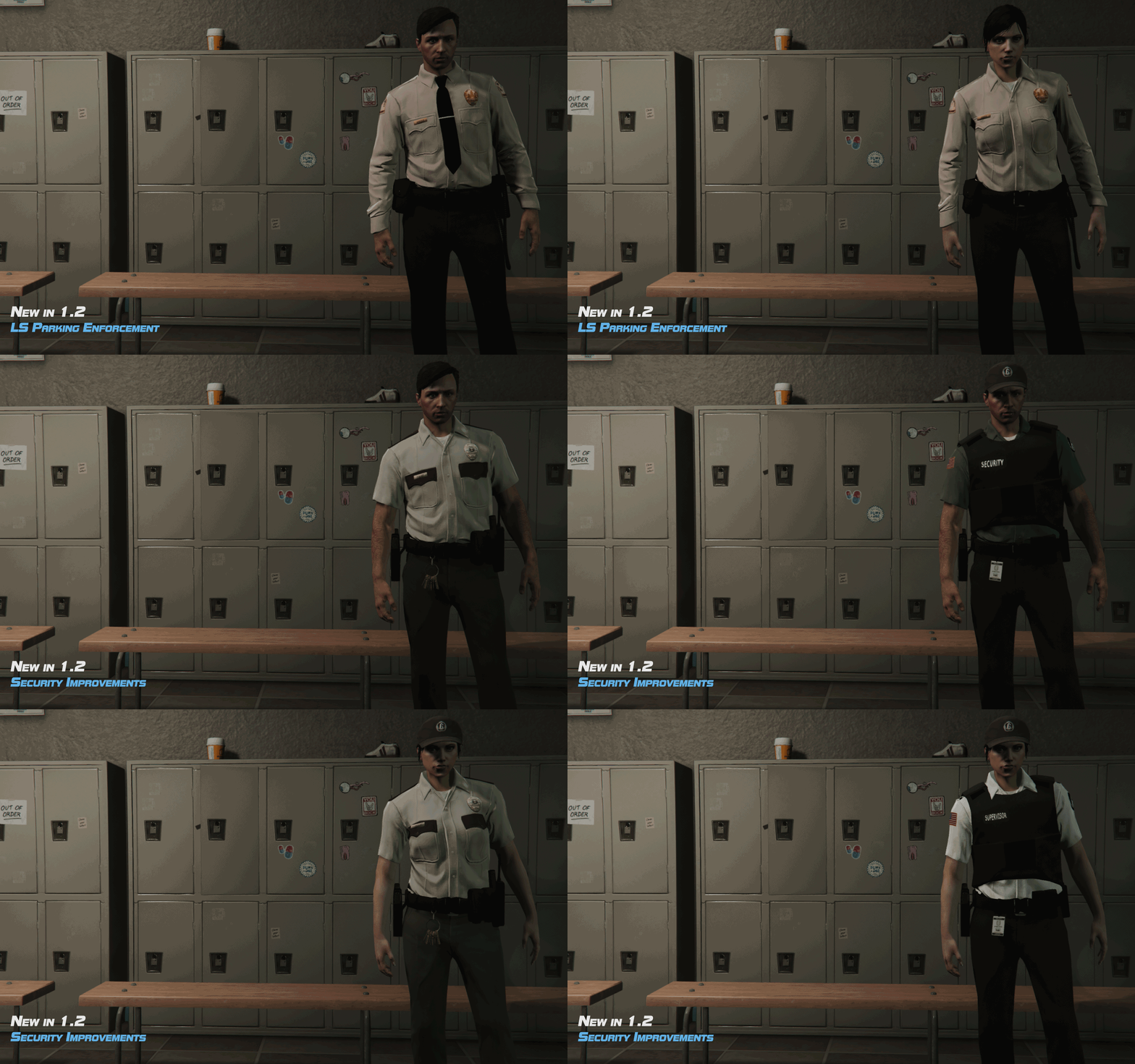 cut-content
 -
You missed the part where it says: Need help? Is something went wrong? Not sure how to proceed? Refrain from asking for help in the comments. For General discussions, beta registration, support, images contest and more follow this link to our Discord Server: https://discord.gg/aTQfepT
- 2,349 comments
- 238 reviews
-
I'll look into the SAHP inventory issue, it's plausible I might typed in the wrong thing.
- 263 comments
- 20 reviews
-
I don't know what ultimate backup do and how it works, I would deseativate it and see if the issue persists
- 2,349 comments
- 238 reviews
-
-
-
Like I said in the description, it's initial release I have more updates and plans for future. I didn't want wait more to release 8.0 because of these files. BCSO, LSIA, PAP outfits are in the files they are just not setup within the agency Xml and backup.
- 263 comments
- 20 reviews
-
-
- 1
-
-
-
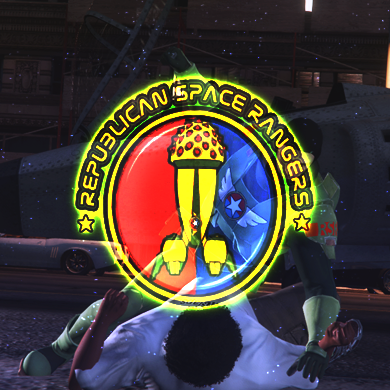 It's lore shut it. Made this for fun to relax after spending the last month working tirelessly on EUP. These configs will replace every agencies in game with Republican Space Rangers. It has transport units, air unit, swat and patrol with their own inventory and vehicles.
- 6 comments
- 1 review
-
-
- 8
-
-



