
TuckerTV
Members
-
Joined
-
Last visited
Everything posted by TuckerTV
-
Found out how to do it. This topic can be closed. Thanks
-
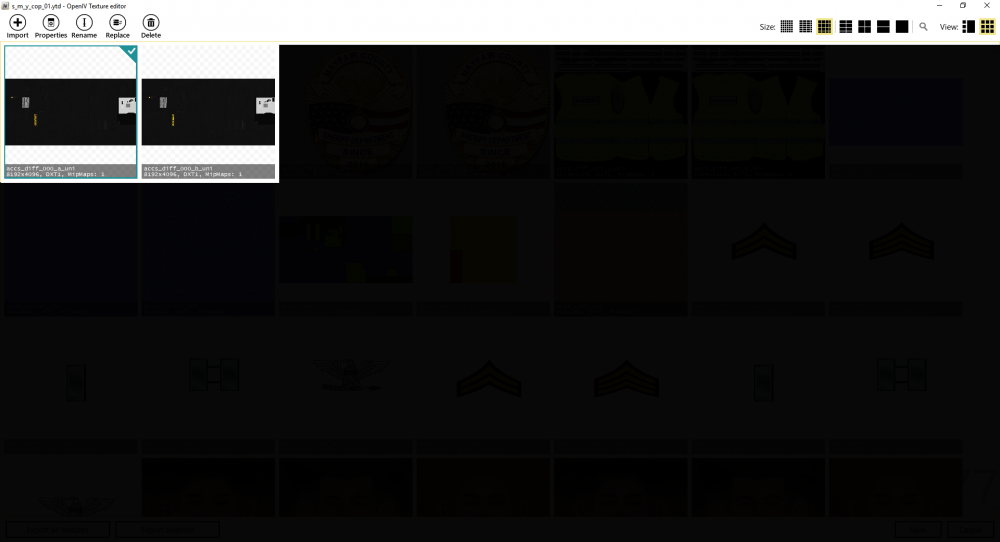
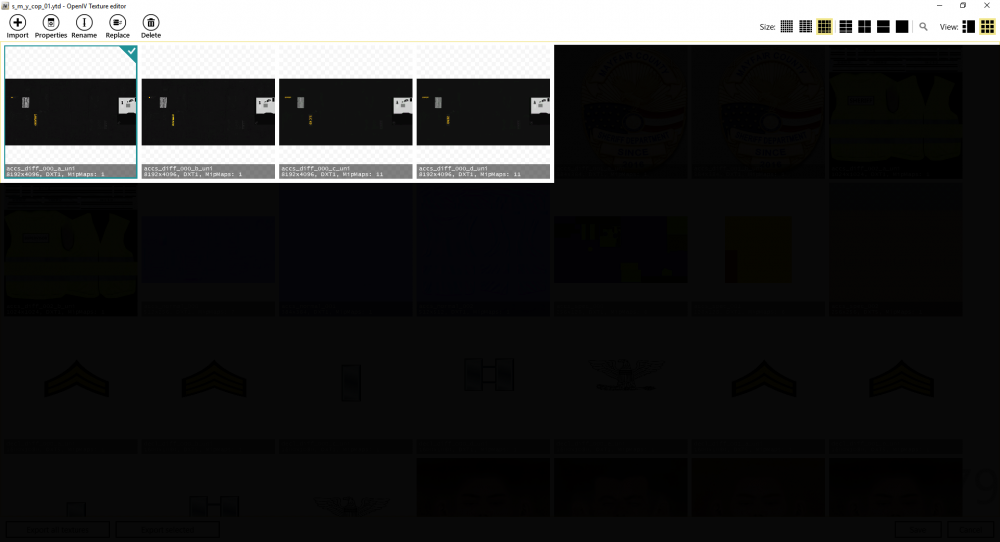
Making a few skins with the [WIP] Enhanced Police Pack by ReKraM and I have come across a little query. Now this may be a little difficult to explain so I will add a few screenshots. My query is: Is it possible to have more textures than is already there? Example, this file has 2 vests by default ( Appendix A ) however I want it to have 4 with out splitting it and making it a different slot. In its current state, the game doesn't recognise the added files ( Appendix B ) How would I go about making the game recognise theses added files. Thank you for taking the time to read and I hope to hear back from some soon, Tucker I do apologize if there is already a topic out there explaining how to do this. If there is, it would be great if you could link it.