Pumpk1in
Members
-
Joined
-
Last visited
Files posted by Pumpk1in
-
Happy to relase my Paleto Bay PD textures pack with 2 variations !
You have the choice to ride a fresh summer-inspired yellow/light blue/pink police car or classic blue/red one 😜
This pack is made for the magnificent SCPDUnit23 bcso vehicle pack.
Preview (1.0.1) :
I really hope you'll enjoy that pack !
Pumpk1in
- 69 Downloads
- 1 Comments
Updated -
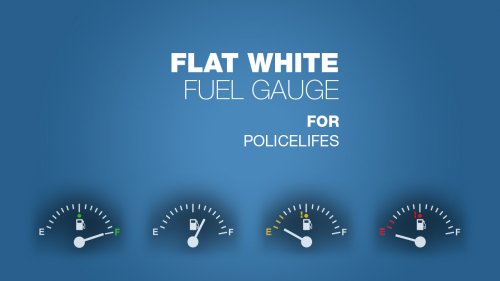
A small modification for the gauges of the excellent MOD PoliceLifeS !
I wanted a smaller gauge and a more flat look.
- 497 Downloads
Submitted -
Hi !
This is my first PSD gived to the community.
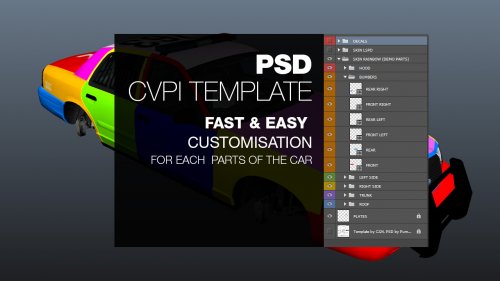
I know that the CVPI is loved by many of us, so I wanted to do a PSD to make livery customisation easy for everyone.
This PSD is provided with some folders and one vector layer for each part of the car, allowing you to change each color the easy way withat having to draw any shape.
It also comes with a folder using a layer mask allowing you to draw/put stickers/decals on the car without exceeding too much the car template and have a clean looking texture. For me, its important when you share your work with people. (You also can enable the standard CJ24 template in background to work accurately and have a good idea of where your logos/unit numbers will be on the car.)
The purpose of my work is only to make you gain some time while making lot of liveries. No more time spent checking if your color fits the corrects polygons.
The PSD comes with a LSPD, Blaine County Sheriff and Taxi example.
Look at the video to see it in action... but don't pay attention to my shitty english please :p
Bye ! :)
CVPI_tpl.zip
-
I worked on this modification because I vomited through my eyes when I saw the original texture ingame.
Its not perfect, it may needs some work to clean that a bit but I hope its a lot better now. I used a molle tactical vest and pouches in theses textures.
Let me know what do you think
Video
https://www.youtube.com/watch?v=8SaSd6Rbk2Y
INSTALL NOTE :
You'll have to edit the .ytd and replace the PNGs inside. I provide my modification like that to avoid overwriting other modifications.
Open the Readme for more informations.
- 1,706 Downloads
- 17 Comments
Updated -
Just another little texture MOD for the police cars that replace the radio logos with Motorola or Uniden logos for more realism. Also changed the screen and buttons to green for Motorola and Orange for the Uniden one.
It also replace some parts of the upper dashboard to integrate a Federal Signal Smart Siren SS2000 control head ;) For those who use this siren in GTAV and the first person driving, this is the kind of detail that makes it better
--------
Note : I can't change the front of the radio to fit a real motorola /uniden radio because the 3D model include fixed 3D buttons.
- 2,438 Downloads
- 2 Comments
Updated -
THE MOD IS NOW INCLUDED WITH POLICE RADIO. YOU DON'T NEED IT ANYMORE. Thanks to FinKone.
------
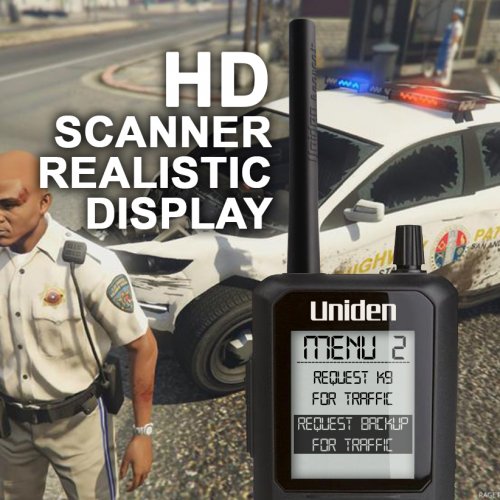
Replace the PNG from the Police Radio plugin to have a better deep-etch & quality of the scanner and realistic display.
The little things make the biggest differences
Only for FinKone's Police Radio 0.22
- 11,912 Downloads
- 14 Comments
Updated