


RangerRick302
Members
-
Joined
-
Last visited
Everything posted by RangerRick302
-
I put a Dodge Charger in the sheriff2 slot, and since sheriff2 was originally an SUV, I went into vehicles.meta and set the sheriff2's handling ID to "police2," so it would actually handle like a Charger -- however, it still handles sloppily, where there's very little traction on the front wheels, etc. I can't figure out why I'm having this issue. I never used to have issues editing or changing handling lines. Anybody got any ideas or suggestions?
-
 I need help. I reinstalled my game, then RageHook, LSPDFR, and now ELS, but ELS will not work. I installed an ELS police car I used to use with ELS, but it still won't work. I've run Albo's troubleshooter, and it found no errors. Edit: Nevermind -- I had RageHook, but forgot to reinstall scripthook.
- 2,705 comments
- 241 reviews
-
 So the radio is working beautifully for me, except when I try to use pretty much any linked function (other than Plate Check, Ped Check, or Panic). It gives that same error message other folks here have posted they've been seeing: "No action has (yet) been assigned to (ex.) parkstools/pursuit_local. No plugin has assigned itself to the button, or you may have gone on duty twice - make sure only go on duty once." How do you assign these "actions?" See the spoiler for my InVehicle.xml file, just to verify everything's done properly.
- 1,196 comments
- 127 reviews
-
I downloaded and installed the latest versions of those files. What I've done (for the time being, anyway) is removed the ... "<Button> <Plugin>PoliceSmartRadio</Plugin> <Name>endcall</Name> <Enabled>True</Enabled> </Button>" ... type code for the new buttons, but left the default ones in; now LSPDFR runs fine. Hopefully I can get this figured out and have the other features plugged into the radio soon.
- 1,196 comments
- 127 reviews
-
I only had LP Callouts outdated, but it's updated now. Went back in-game, but it did the same thing. @Albo1125, here's the latest log file, if you wouldn't mind taking a look: RagePluginHook.log
- 1,196 comments
- 127 reviews
-
-
I looked in the Rage log, but I didn't find anything that helped me. Here's the log: RagePluginHook.log
- 1,196 comments
- 127 reviews
-
Albo, I added new buttons to the radio, but when I get in-game and the box pops up saying "Do you want to add the new buttons (1 for Enable; 2 for Disable, etc.)," whether I click 1 or 2, LSPDFR crashes. I can reload the plugins and force duty, but it does the same thing again. What do I need to do to get it to accept the new buttons?
- 1,196 comments
- 127 reviews
-
-

- 1
-
-
I know it's been a couple years since this questions was posted, but I had a similar problem trying to find where I downloaded the car pack, so I'll post the link here in case others come looking for it too. http://www.mediafire.com/download/b0songjc0t98ynq/Gostown_Sheriff_Vehicles.zip
-
Every time I installed a Ford Police Interceptor Sedan (Taurus) in the Police2 slot (regardless of the handling line; I even cranked the brakes up to .99), these cars have extremely weak/poor braking. I've searched this site a bunch, and Google, to no avail. Then I decided to try and swap my police and police2 cars, and see what happens; I put my police CVPI in the police 2 slot, and Taurus in the police slot (and swapped handling lines, ELS, etc.), but the Taurus still has nearly no brakes, and the CVPI in police2 slot brakes fine. I even went as far as to copy pretty much the entire vehicles.ide line from police to police2, but nothing. Here's the handling line I made up for my Tauruceptor: 1590.0 4.0 85 0.0 0.0 -0.48 0.45 6 0.26 1.0 233.0 0.99 0.57 0.7 43.0 1.35 1.10 15.0 0.15 0.57 1.5 0.8 0.8 0.14 -0.17 0.0 0.5 1.0 1.0 0.8 1.5 0.0 25000 440040 1 0 Here's the latest Taurus I've used: http://www.lcpdfr.com/files/file/3046-2013-ford-police-interceptor-liberty-city-police-department-els7/?tab=comments Here's the previous Taurus I've used: http://www. .com/gta-4/cars/29330-ford-taurus-police-interceptor-2013-lcpd-els.html Also, anybody know which one of those handling line values switches between standard brakes and ABS? I've read different things online which claim different parts of the handling line, and nothing I've tried has worked so far.
-
I know you made this based on an actual car, but I LOVE the simplicity of the lights! Everybody else has been cranking out cars full of ridiculous amounts of lights, but this is a breath of fresh air!
- 4 comments
- 1 review
-
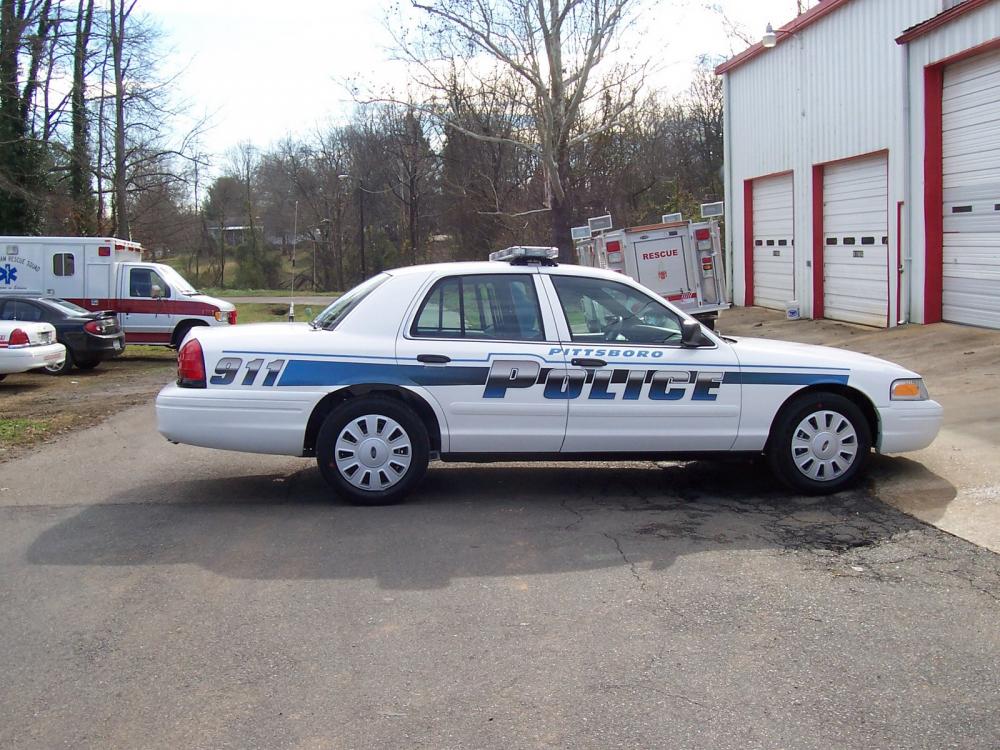
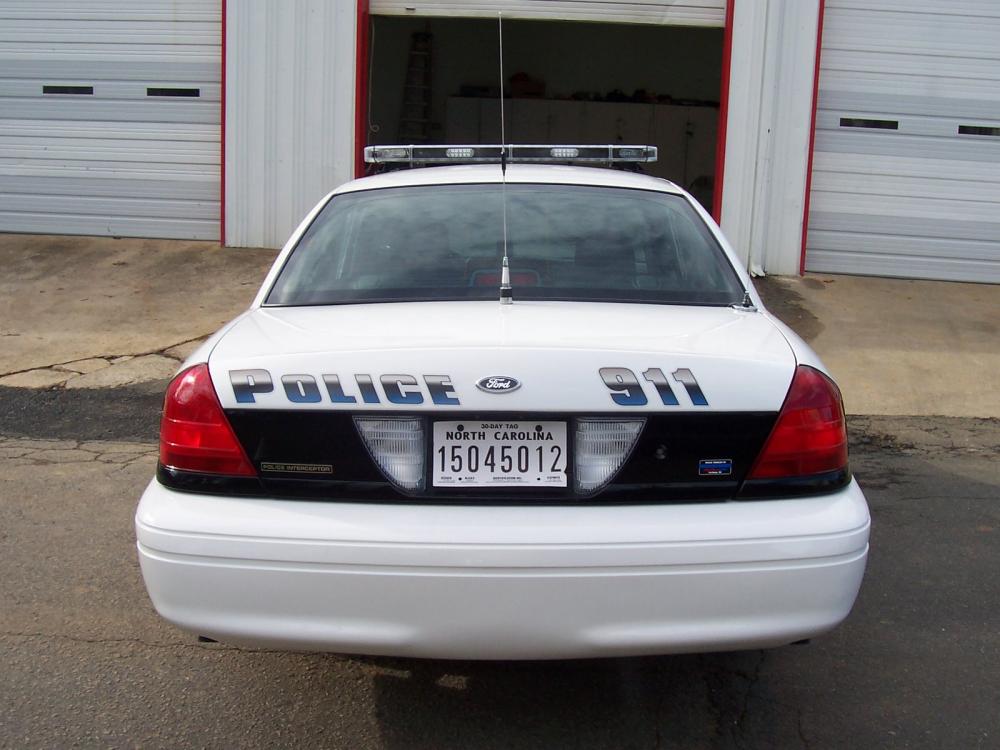
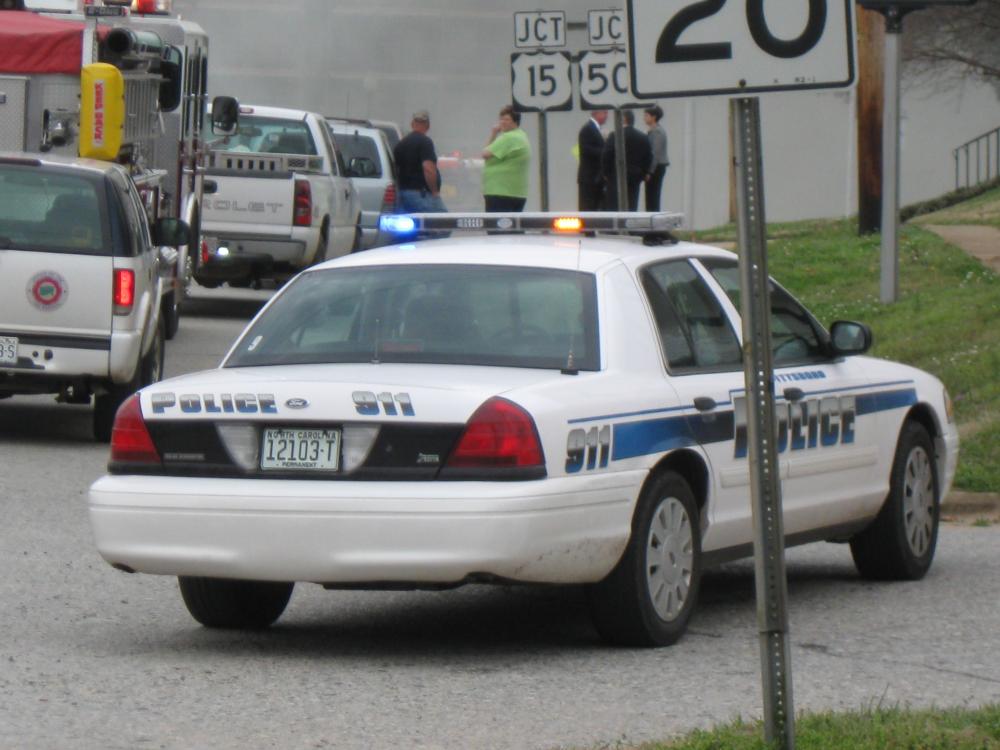
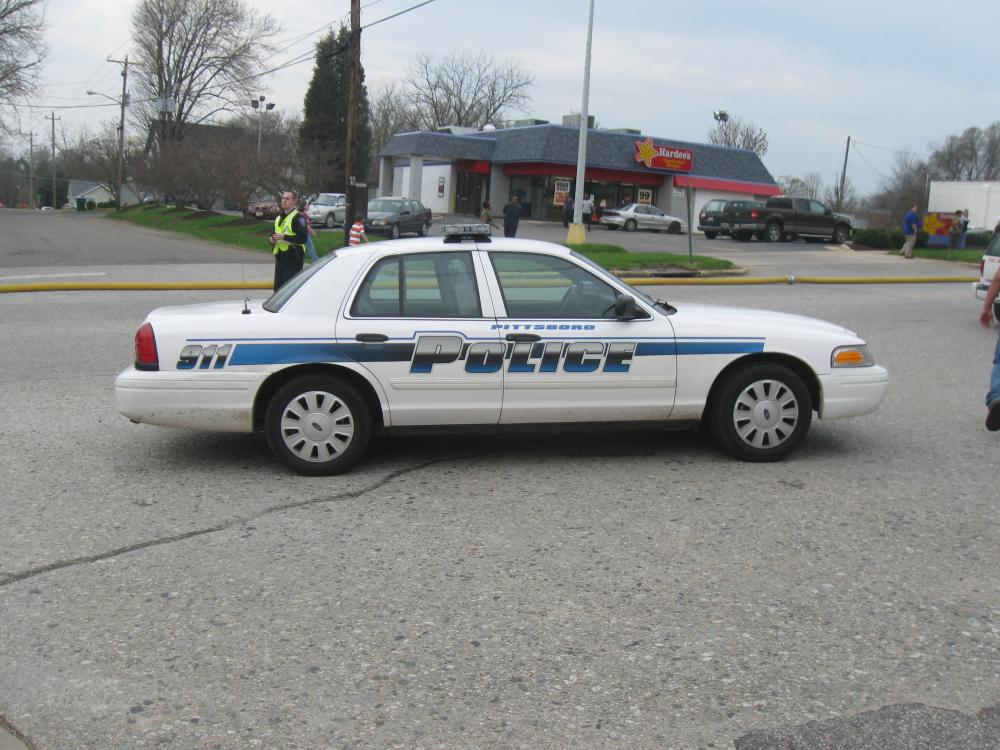
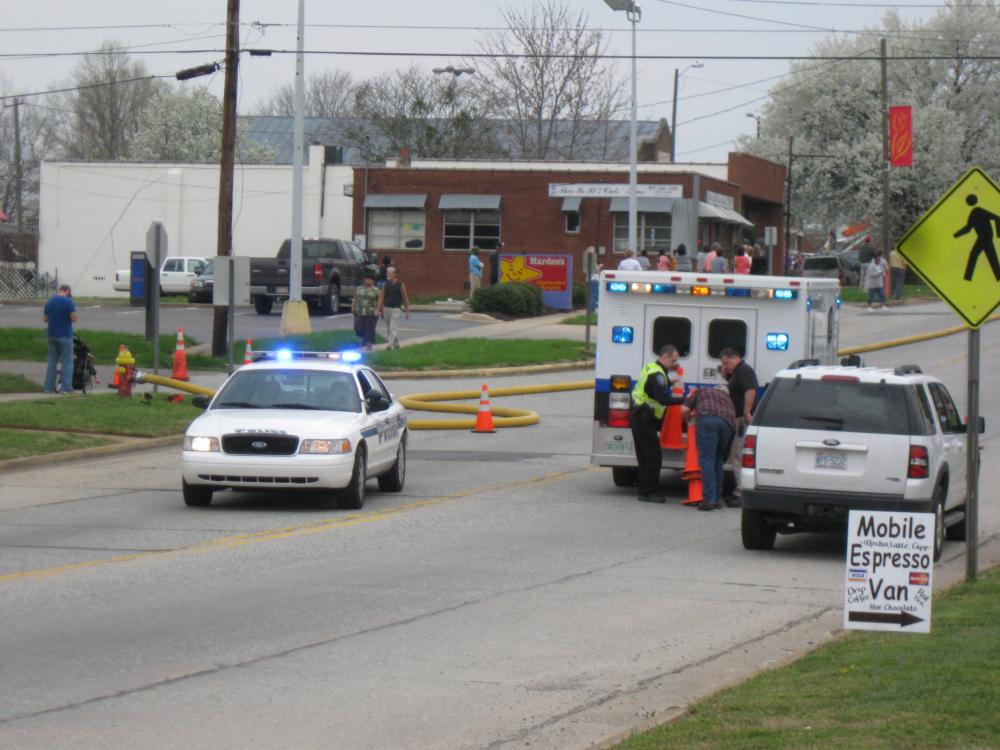
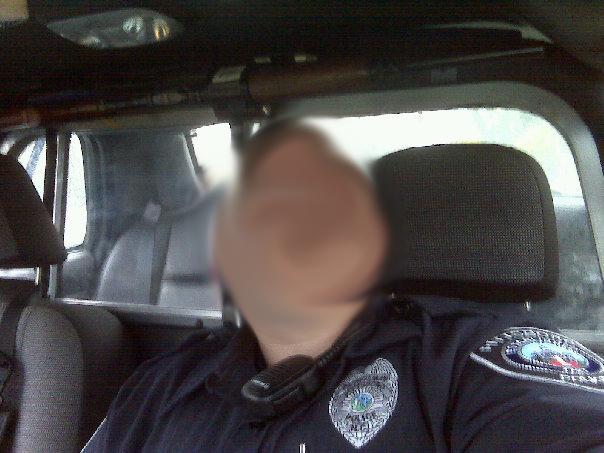
Hey, all. I'd like to request a new model be made of a Pittsboro, NC 2006+ Ford CVPI with a Whelen Liberty lightbar; I know they're everywhere on this site, but what I haven't seen is one that's lightbar isn't fully populated. I would like the Liberty to have the usual takedowns, alley lights, four corner LED lightheads (blue), but only one pair of rear LEDs (amber), and one pair of front LEDs (blue), as Pittsboro, NC's cars have. The only emergency lights I want the car to have are the lightbar, wig-wagging headlights, and hide-away strobes in the front corner parking lights and reverse lights. I'd like the CVPI itself to have full-size wheel covers, driver's side only spotlight, no pushbar, a shorter UHF antenna on the passenger's side -- or front-center -- of the trunk, radar, MDT, partition, equipment console, shotgun mounted at the top of the partition, and dash cam. Thanks in advance!
-
Looks good, but it could use a VHF-sized radio antenna on a bracket between the trunk lid and the body; also, NCSHP cars don't have cages in them. http://i31.photobucket.com/albums/c385/rangerrick302/Police Vehicles/IMG_2204.jpg
- 16 comments
- 13 reviews
-
I can't seem to change liveries with this vehicle -- has anybody else had this problem, or have a solution?
- 6 comments
- 2 reviews
-
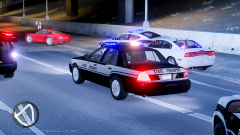 Are these NCSHP cars available for download anywhere?


