Tswear
Members
-
Joined
-
Last visited
Everything posted by Tswear
-
so this bug you speak of , what is it exactly? i will wait for a new version update fixing it, thanks!
-
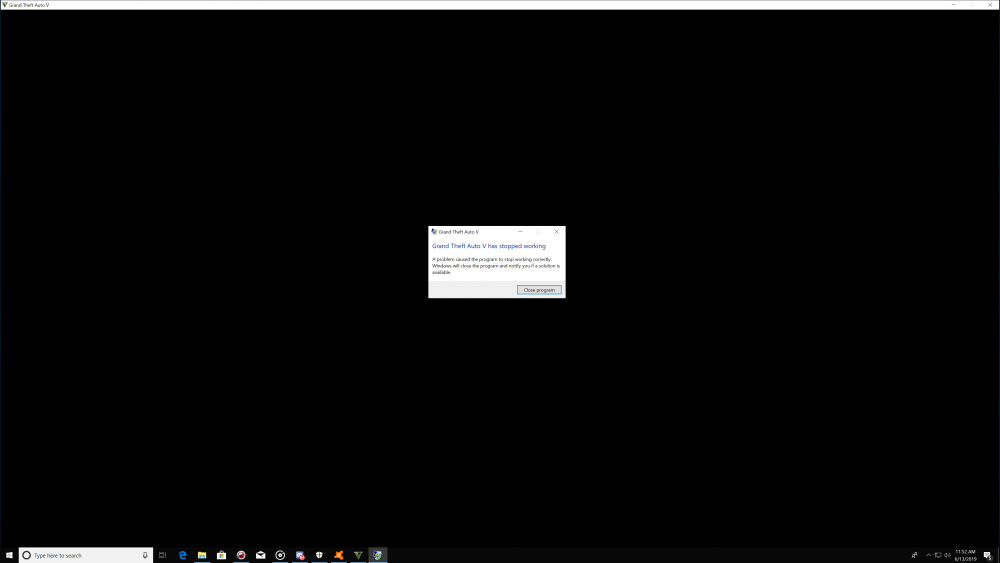
Thanks! seems the countermeasure is faulty. thanks for the quick response! Spoke too soon, it seems the game crashed after loading lspdfr, new log: RagePluginHook.log
-
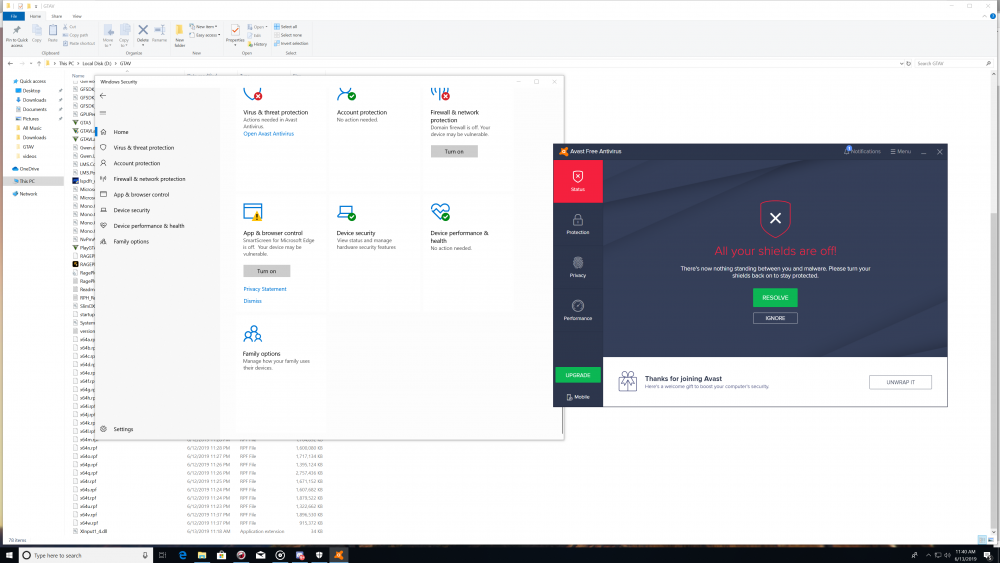
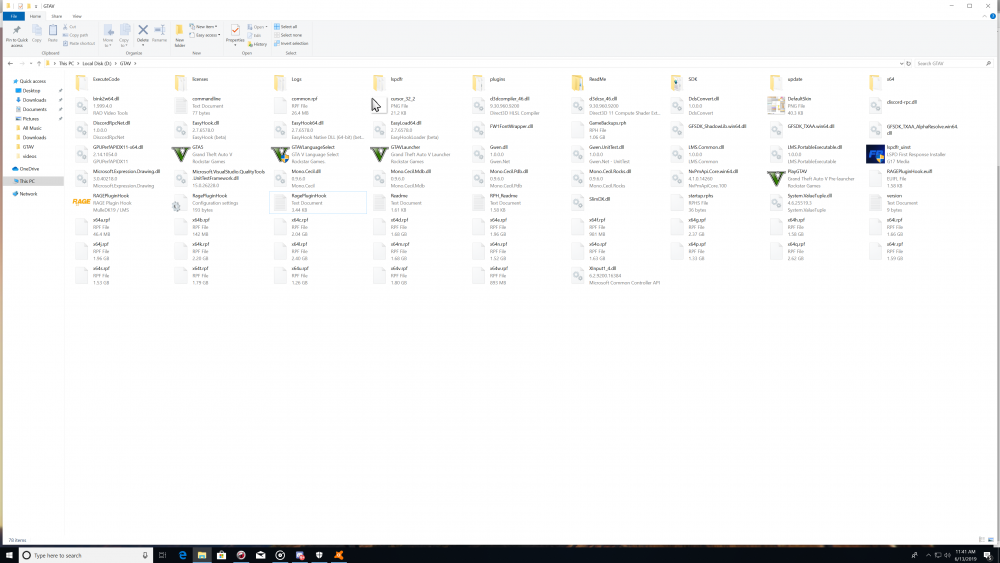
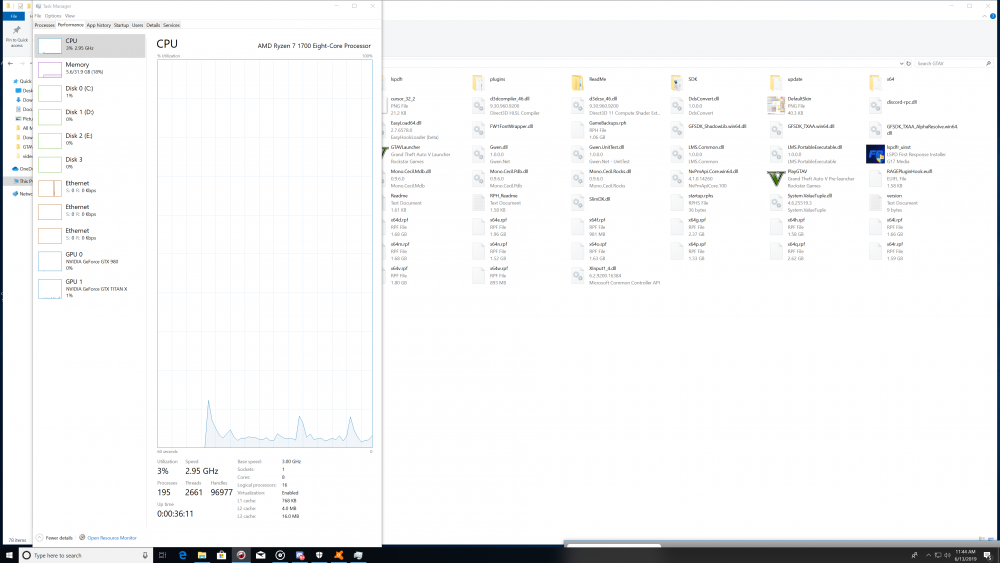
I have just installed LSPDFR fresh, i am getting the same issues as another topic, last line is checking game version, only difference is that i'm not using Win10 home. i am using Enterprise Edition x64. Logs are posted below, I don't understand why the game will refuse to run with the plugin hook, but clicking on the normal exe will launch no problem. any ideas? I believe the system meets minimum requirements to run GTAV on ultra settings, so it should not be a hardware issue. Thanks, Tyler RagePluginHook.log