



Ddogb
Members
-
Joined
-
Last visited
Everything posted by Ddogb
-
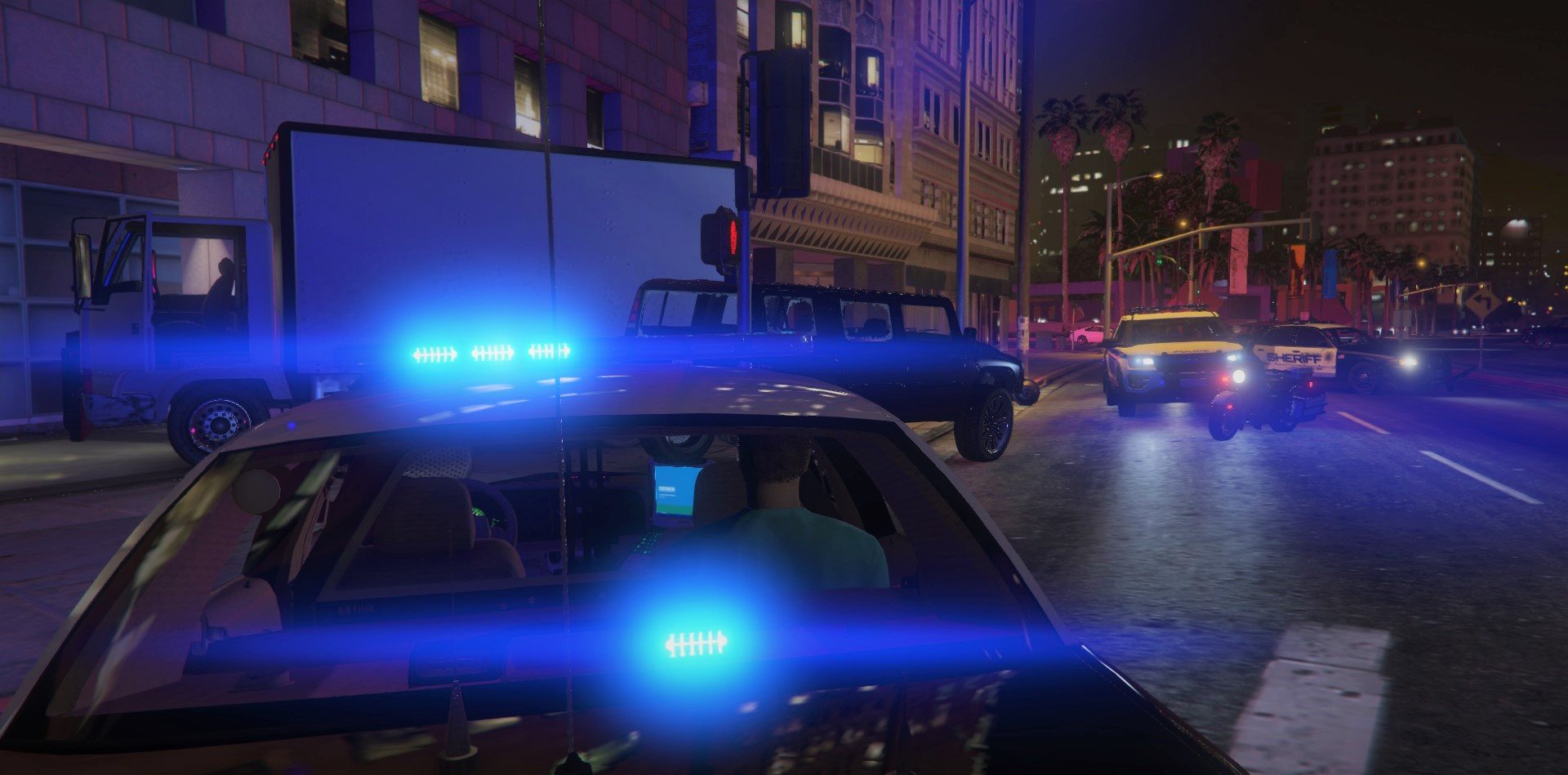
 One of if not the best pack out there, incorporates all departments (LSPD, LSSD, SAHP/SP, PBPD, SSPD & SASP) with superb looking cars & light setups. This will be in my game for a long time & can't wait to see how well this pack will improve with he coming phases! Def a must have imo Thanks for shearing! JT
- 215 comments
- 38 reviews
-
-

- 1
-
-
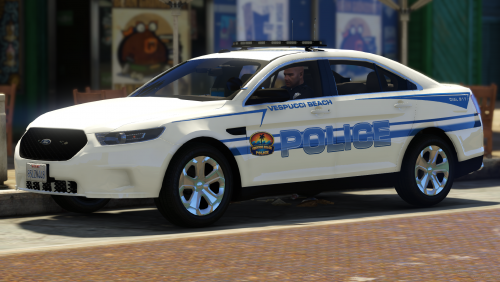 Love these two cars nice to see a different style lightbar, I really like it as well as the skins. great job!
- 8 comments
- 4 reviews
-
-
- 1
-
-
-
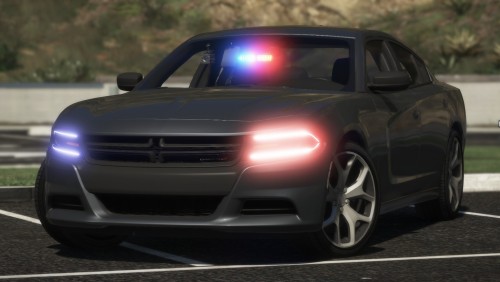 5 stars 🤔 NO.... make that 5000 Stars. if you ant got this in your game GET IT NOW!!!!!! Great job @BlueGhost I'm a big Dodge Charger fan and these two are a must have for me now, BIG Thanks for taking the time to make and share your them
- 43 comments
- 14 reviews
-
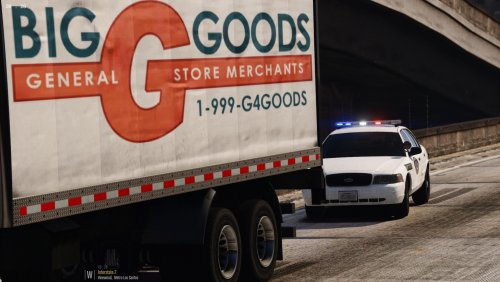 Been a fan of this pack for a long time but never got around to leaving a review, Sorry! But this is my favourite pack out of all I've tried and I've used a lot of different packs but always end up back with this one, Really good job on these cars!!!!!!!
- 26 comments
- 8 reviews
-
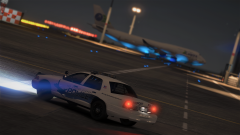
From the album: DdogB's Screens - Policing S.A
-
-
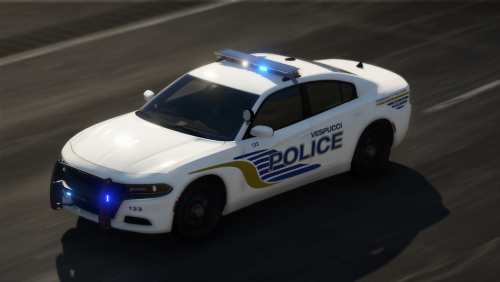 This Charger is AMAZING!!!!!!! Definitely my new fav car to drive and the light set up it just super, 100% never remove this car from my game.
- 25 comments
- 15 reviews
-
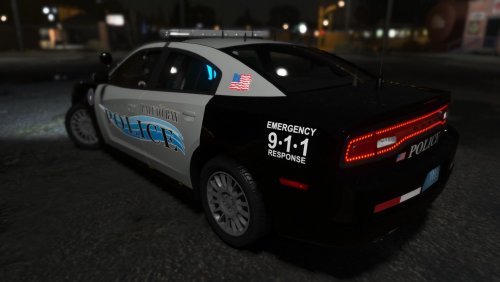 I love this pack, simple lights and livery fits well for the PBPD and can't find any fault with them! 5 stars all round!
- 20 comments
- 12 reviews
-
-
- 1
-
-
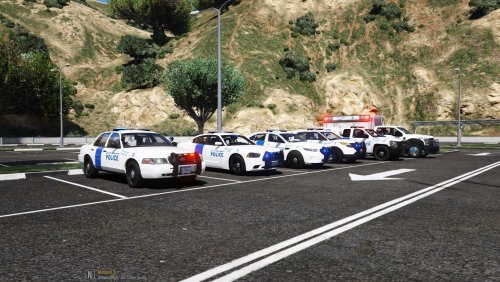 Great job on these, there are some minor imperfections but overall good job!
- 12 comments
- 3 reviews
-
-
- 1
-
-
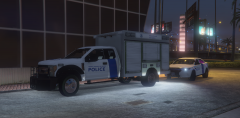
From the album: DdogB's Screens - Policing S.A
Working with the Homeland Security today, working to stop drugs and other contraband passing through LSIA -
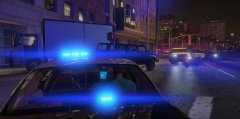
From the album: DdogB's Screens - Policing S.A
After a long chase involving the BCSO, SAHP, PBPD & LSPD from the North all the way down to LS two in custody one for the attempted murder of a police officer, the other for being an illegal immigrant who was working as a farmer up in Sandy. -
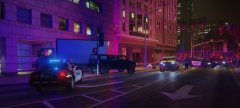
From the album: DdogB's Screens - Policing S.A
After a long chase involving the BCSO, SAHP, PBPD & LSPD from the North all the way down to LS two in custody one for the attempted murder of a police officer, the other for being an illegal immigrant who was working as a farmer up in Sandy.


