MDMike1982
Members
-
Joined
-
Last visited
Everything posted by MDMike1982
-
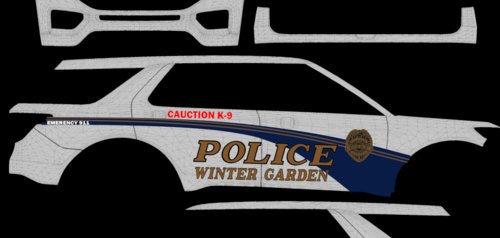 You spelled CAUTION wrong. Just saying.
 -
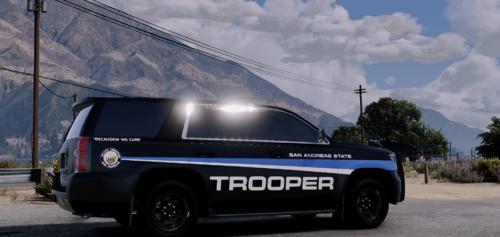 There is a "W" at the end of "BECAUSE" that shouldn't be there. Cheers.
 -
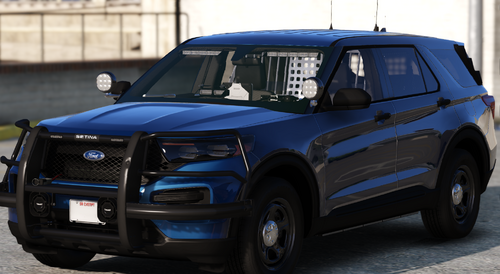 Awesome! Nice to finally get an ELS 2020+ FPIU K9 on here. Thank you!
 -
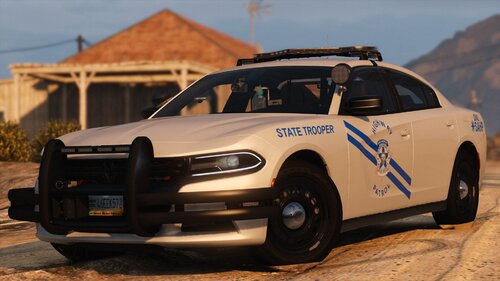 you are missing an all blue version of the mpower_emis for the new fpiu. i made my own corrected texture, but that texture is still red/blue in your files. cheers.
- 179 comments
- 19 reviews
-
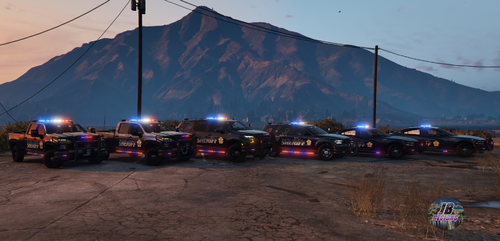 Anyone else have the 2020 FPIU wheels spawning blue? Any fixes for this? Great pack otherwise!
- 266 comments
- 15 reviews
-
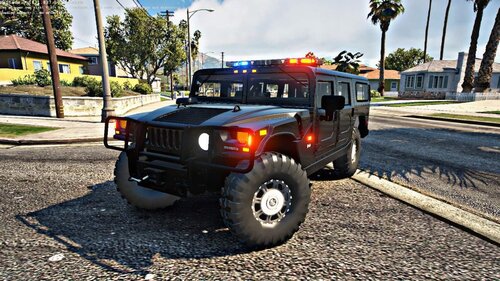 bearcat does not have a working livery. Whole thing is white and pink.
 -