Detective Benny
Members
-
Joined
-
Last visited
Everything posted by Detective Benny
-
 It looks amazing, but the back-side antenna is a real turn off tho. Is there a way of taking it out?
- 159 comments
- 53 reviews
-
It looks great! If only it didn't have a big antenna it could be used for an undercover vehicle.
- 159 comments
- 53 reviews
-
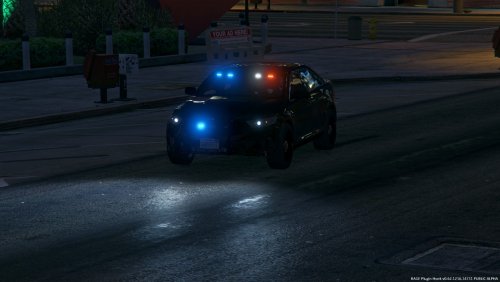 These look amazing. When you do the unmarked 2016 Charger do a low profile one. It would be very nice since most are packed with police equipment.
- 80 comments
- 28 reviews
-
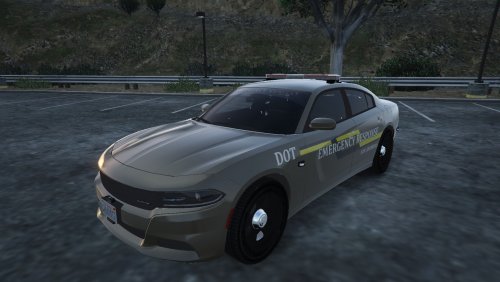 This looks amazing but a slicktop/unmarked version would be awesome since this car is so clean! ;)
- 3 comments
- 4 reviews
-
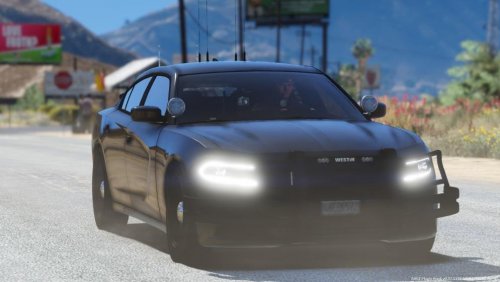 Is it possible to have a version without any police equipment but lights and onboard pc? Or put the ALPR and push bars as extras...
- 21 comments
- 12 reviews
-
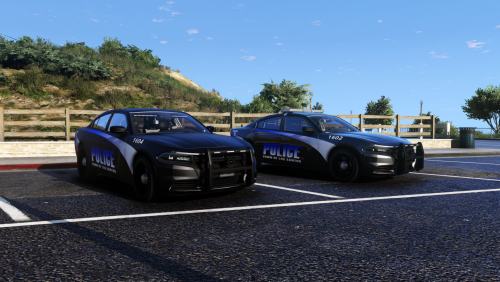 Love the charger. Can you please let me know if the push bar is an extra? If not can it be an option? I love the slicktop charger and I was searching for an undercover vehicle with minimal equipment that unless you know it beforehand you don't know it is a police car. This one is a good candidate if the push bar is an extra. Thanks in advance.
- 26 comments
- 8 reviews
-
 Does this file needs a specific version of ZModeler? My ZModeler crashes automatically.
 -
Hi, i'm starting playing on Multiplayer and i have some questions: 1- Is it possible? 2- What bugs should I expect? 3- How can I play? 4- I just press ALT+P and the others do it too or just host does? 5- There is a way of reciving the same callouts? Or a script that help police officers working together? Thanks.