Skip to content
View in the app

A better way to browse. Learn more.

LCPDFR.com

A full-screen app on your home screen with push notifications, badges and more.

To install this app on iOS and iPadOS
  1. Tap the Share icon in Safari
  2. Scroll the menu and tap Add to Home Screen.
  3. Tap Add in the top-right corner.
To install this app on Android
  1. Tap the 3-dot menu (⋮) in the top-right corner of the browser.
  2. Tap Add to Home screen or Install app.
  3. Confirm by tapping Install.

Punit166

Members
  • Joined

  • Last visited

Everything posted by Punit166

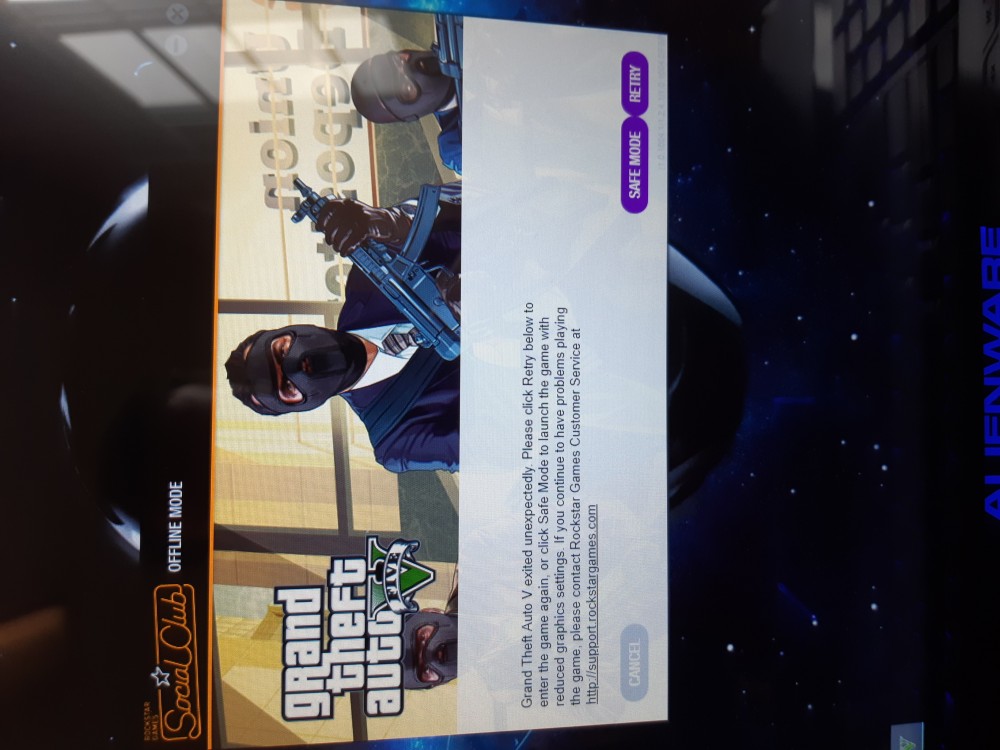
  1. Help will not load keep getting this msg. I have gta 5 on steam and using an alienware m17xr4 laptop. Why wont it work keep getti g gta 5 exited unexpectedly. Options retry or safe mode. If i retry it loads the game fine but no lsdpfr. Says the same if online or not
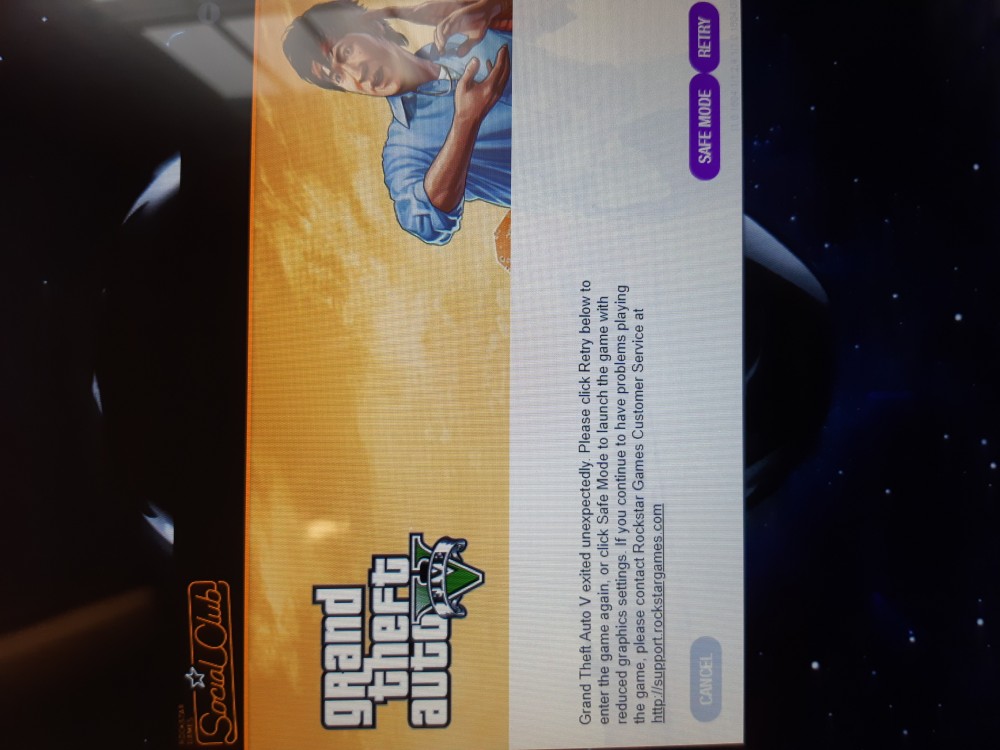
  2. I have installed lspdfr 0.4 and still getting this msg. I have steam version and also have an alienware m17x r4. So i know its not my laptop. Game loads and can play regular but no lspdfr
Account

Navigation

Search

Search

Configure browser push notifications

Chrome (Android)
  1. Tap the lock icon next to the address bar.
  2. Tap Permissions → Notifications.
  3. Adjust your preference.
Chrome (Desktop)
  1. Click the padlock icon in the address bar.
  2. Select Site settings.
  3. Find Notifications and adjust your preference.